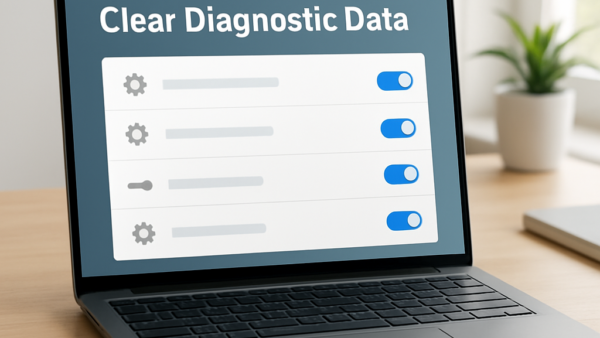
How to Clear Full Diagnostic Data History Manually in Windows 11
Diagnostic data history in Windows 11 is the stored record of what your PC shares with Microsoft about how you use your apps and hardware. Clearing it erases the logs…
Updated Oct 2026
Read more →