Skip to content
🐧

Ubuntu Linux

262 tutorials · page 12

Ubuntu Linux 4 min read
How to Safely Eject External Drives in Ubuntu

The content provides steps on how to safely eject external storage devices from Ubuntu Linux. A person risks damaging or losing files when unplugging the device while an application is still using it. Using the Files system, one must locate the device in the sidebar and click the eject icon. However, if a file on the device is in use, a "Volume is busy" prompt will appear. Thus, it is crucial to close all open files on the device before ejecting.

Updated Oct 2026 Read more →

Ubuntu Linux 4 min read
Easy Printer Setup in Ubuntu Linux: A Step-by-Step Guide

Setting up a printer on Ubuntu Linux requires connecting the printer to the computer via USB or Wi-Fi, at which point Ubuntu will attempt to install it automatically using the best drivers. Ubuntu also facilitates the installation of network printers via an installation wizard. Should automatic installation fail, users can install the printer manually through Ubuntu's System Settings panel and, if necessary, download additional drivers from the manufacturer's website.

Updated Oct 2026 Read more →
Ubuntu Linux 4 min read
How to Change Default Apps in Ubuntu

The post details how to change the default application for opening a file type in Ubuntu Linux. Users can alter this through the System Settings -> Default Applications setting panel, choosing the desired default application for file types. Alternatively, it can be adjusted by right-clicking the file, selecting 'Properties', then 'Open With', and setting the new default program.

Updated Oct 2026 Read more →
Ubuntu Linux 7 min read
How to Uninstall Software in Ubuntu Linux

The post guides users on how to remove or uninstall software packages in Ubuntu Linux using either the Ubuntu Software, Synaptic, or the command line. It provides detailed step-by-step instructions on how to use these tools to list, select, and uninstall desired software or applications. It also points out implications of removing applications that are dependent on others.

Updated Oct 2026 Read more →
Advertisement
Ubuntu Linux 4 min read
Using File Manager (Nautilus) in Ubuntu Linux

The post explains how to use File Manager (Nautilus), a GNOME package in Ubuntu Linux for managing files on your computer and network resources. It provides multiple ways to open File Manager, such as the Folder icon on the Dock or desktop. Once open, various tasks can be performed including document creation, file searching, and sharing folders.

Updated Oct 2026 Read more →
Ubuntu Linux 5 min read
Enable Personal File Sharing in Ubuntu Linux

The post provides detailed instructions to enable or disable Personal File Sharing in Ubuntu Linux using the gnome-user-share package. Once enabled, users can access the Public folder in your Home directory from any device on the same network. Further security measures include requiring a password for accessing the shared folder.

Updated Oct 2026 Read more →
Ubuntu Linux 4 min read
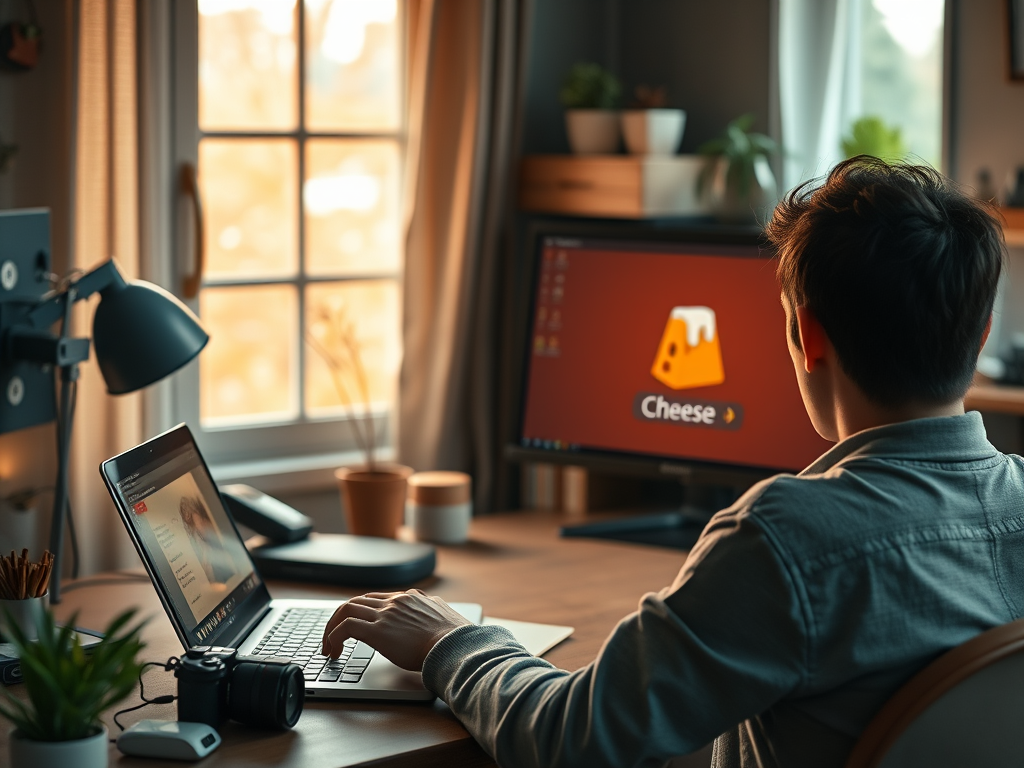
How to Record Videos on Ubuntu with Cheese

This post provides instructions for recording videos using the built-in or external camera on an Ubuntu Linux machine. The Cheese application is the default webcam and camera tool for this OS, which can capture still photos and videos. The videos, saved in the WebM format, are automatically stored in the Videos/Webcam folder in the user's home directory.

Updated Oct 2026 Read more →
Ubuntu Linux 3 min read
Capture Photos with Cheese on Ubuntu Linux

The post provides a tutorial on using the Cheese webcam application in Ubuntu Linux to take photos. Cheese, the default camera application in Ubuntu Linux, facilitates taking pictures, applying effects, and sharing content. Photos taken are stored in the Pictures/Webcam folder, saved in JPEG format. To use Cheese, navigate its photo mode and take a photo via the respective button or space key.

Updated Oct 2026 Read more →
Advertisement
Ubuntu Linux 4 min read
How to Enable Media Sharing in Ubuntu Linux

The post details the process of enabling or disabling Media Sharing in Ubuntu Linux. Media Sharing, once activated, allows access to music, photos, and videos via UPnP or DLNA-enabled devices on a shared network. The process involves toggling over a Media Sharing switch found under System Settings.

Updated Oct 2026 Read more →
Ubuntu Linux 4 min read
Enable Cursor Blinking in Ubuntu for Better Accessibility

The article provides steps to enable or disable keyboard cursor blinking on Ubuntu Linux for users with poor vision or trouble locating cursors on screens. These steps involve accessing and configuring the Accessibility panel in system settings. Additionally, cursor blinking speed can be adjusted. Various other accessibility features in Ubuntu Linux are also outlined in the text.

Updated Oct 2026 Read more →
Ubuntu Linux 4 min read
Enable High Contrast in Ubuntu: A Guide

The post provides instructions on using the High Contrast feature in Ubuntu Linux, designed for users with low vision and light sensitivity. The feature adjusts the contrast of windows and buttons, altering the color palette of screen objects for enhanced visibility. Users can enable or disable the feature through the System Settings -> Accessibility panel, or use the accessibility icon on the login screen.

Updated Oct 2026 Read more →
Ubuntu Linux 3 min read
How to Disable or Enable Repeat Keys in Ubuntu

The post outlines how to enable or disable Repeat Keys in Ubuntu Linux. This feature allows repeated characters when a key is held down. To adjust or disable it, users can navigate to the System Settings and select the 'Accessibility' panel. Under 'Typing', the Repeat Keys option can be toggled on or off, or adjusted for delay and speed.

Updated Oct 2026 Read more →
Advertisement
Ubuntu Linux 3 min read
Enable Slow Keys in Ubuntu: A Step-by-Step Guide

The article provides a guide on how to enable or disable the 'Slow Keys' feature in Ubuntu Linux, beneficial for individuals with typing difficulties, particularly those who inadvertently press multiple keys. The feature disregards keys not held down for a specific period. This setup, which can be toggled on or off, is located within the 'System Settings' under the 'Accessibility' panel.

Updated Oct 2026 Read more →
Ubuntu Linux 4 min read
How to Enable/Disable Bounce Keys in Ubuntu

The post provides a guide on how to enable or disable bounce keys in Ubuntu Linux. Bounce keys prevent unintended double strokes or similar errors, especially useful for individuals with typing difficulties, such as hand tremors. The feature can be adjusted to define how long the system waits before registering another keystroke after the initial key press.

Updated Oct 2026 Read more →
Ubuntu Linux 4 min read
Adjust Mouse and Touchpad Speed In Ubuntu Linux

This is a guide on how to adjust the speed of a mouse or touchpad in Ubuntu Linux. It explains that these speed settings control the distance and pace the cursor moves across the screen. The process involves accessing the System Settings panel, selecting 'Mouse & Touchpad', and adjusting the 'Speed' slider until the pointer movement feels comfortable.

Updated Oct 2026 Read more →