Microsoft Edge clipboard suggestions show text and links you recently copied right inside the address bar when you type, speeding up your web searches on Windows 10 and Windows 11…
Browsers
214 tutorials · page 2
Microsoft Copilot model training is a background process that uses your personal chat data from Windows 11 and 10 to teach its AI assistant and make answers smarter for everyone.…
The Copilot button in Microsoft Edge is a shortcut to the built-in AI assistant. It sits on the browser toolbar and helps you write text and summarize web pages. Microsoft…
This setting controls whether third-party sign-in options, such as Google or Apple, are offered when someone signs in to Microsoft Edge. It applies starting with Microsoft Edge version 150. It…
Gemini Nano is a built-in AI system in Google Chrome that runs writing help and page summaries locally on your Windows 11 PC, taking up about 4GB of storage space…
AI-powered autofill suggestions in Microsoft Edge version 120 and newer are smart predictions that fill out online forms faster by matching webpage boxes with your saved names, addresses, and personal…
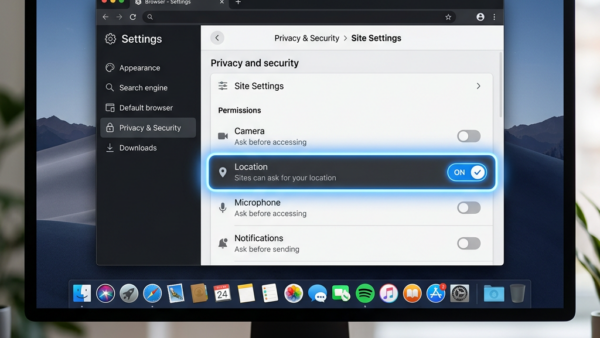
Microsoft Edge is the default web browser in Windows 10 and Windows 11 that lets sites request your physical whereabouts to display local content. Blocking Microsoft Edge from sharing your…
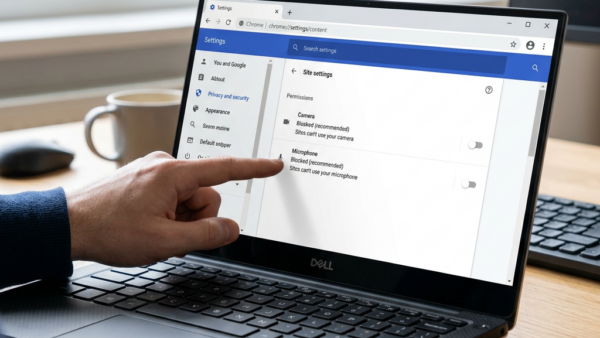
Camera and microphone permissions in Microsoft Edge stop websites from recording audio and video without your consent. Version 120 and later of the browser lets you block hardware access for…
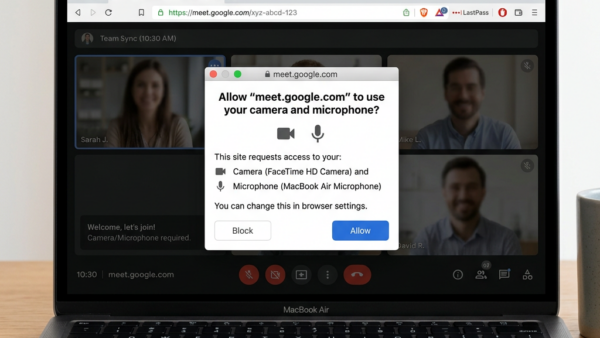
Microsoft Edge blocks websites from using your microphone and camera by default to protect your privacy across the web. You can change these permissions in your browser settings to give…
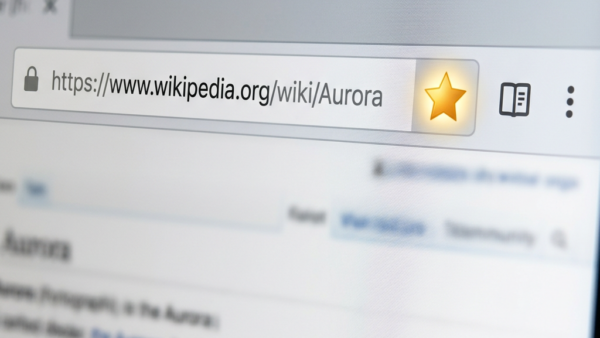
Adding a site to your favorites in Microsoft Edge saves a web page so you can open it again with one click instead of typing the address. Favorites act like…
Personalized advertising in Microsoft Edge uses your web searches and browsing history to show you ads based on your interests. According to the original guidance, Microsoft shares this data with…
Device-based authentication in Microsoft Edge links your saved browser passwords to your Windows sign-in. You no longer need a separate password for the browser. Microsoft requires this security update, with…
Sorting your favorites alphabetically in Microsoft Edge puts your saved websites in A to Z order with a single click. Edge is a web browser (an app used to view…
Energy Saver in Microsoft Edge is a built-in power feature. When your laptop battery drops to 15 percent, Edge starts putting idle tabs to sleep. Sleeping stops background activity on…
Energy saver in Microsoft Edge is a built-in setting that puts background tabs to sleep and trims other background activity. It lowers your computer’s power use, and it can keep…