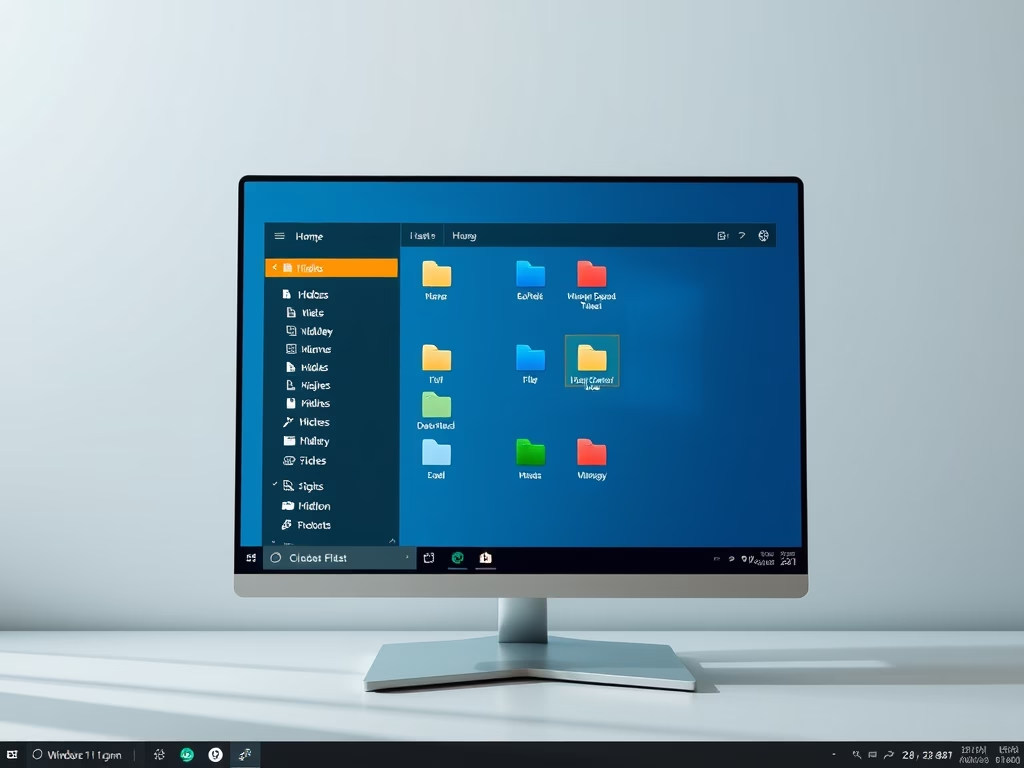
How to Show Hidden Files, Folders, and Drives in Windows 11
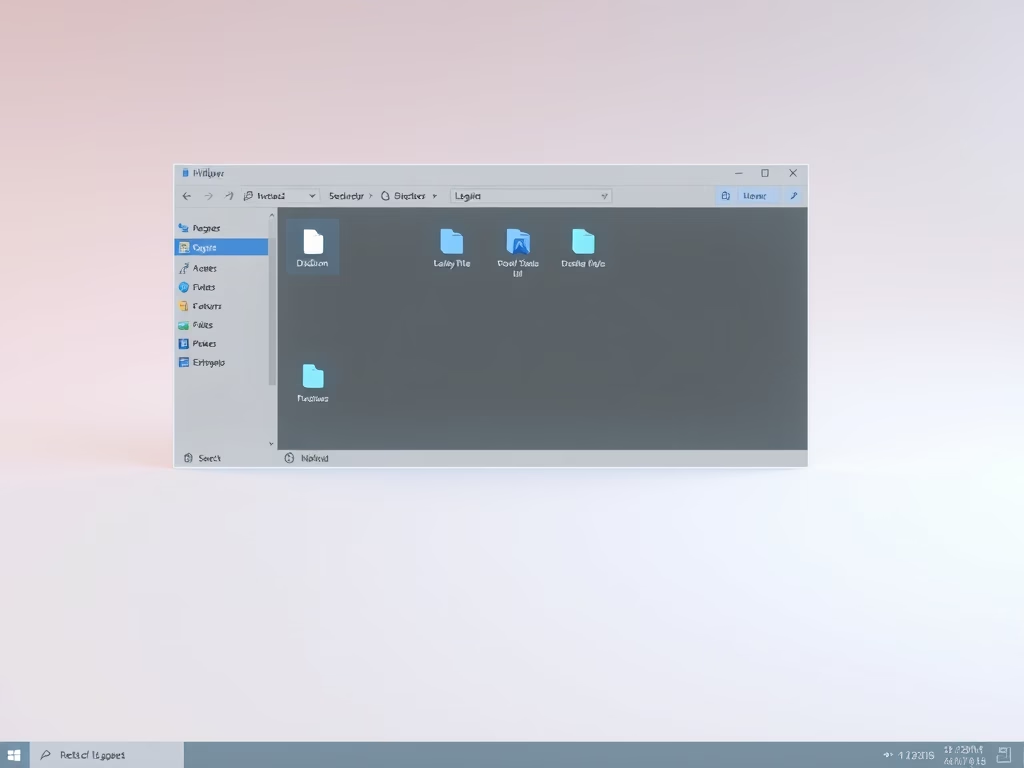
Windows 11 hides some files, folders, and drives by default, such as parts of C:\Windows\System32. This protects important system data from accidental deletion or changes. File Explorer can show these…
Updated Oct 2026
Read more →