High contrast themes in Windows 11 change the system colors so text, links and buttons stand out sharply from the background. They help with eye strain, glare and low vision,…
Every guide we’ve published, newest first. Filter by topic, or use search if you already know what broke.
3,351 tutorials · page 99 of 280
High contrast themes in Windows 11 change the system colors so text, links and buttons stand out sharply from the background. They help with eye strain, glare and low vision,…
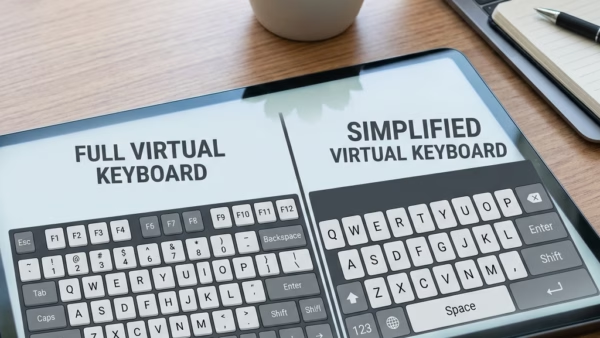
To change the on-screen keyboard’s screen layout in Windows 11, click the Nav or General key on the keyboard itself. You don’t need to open any settings, and the change…
The on-screen keyboard in Windows 11 is a built-in virtual keyboard on screen. Press Win+Ctrl+O to open it, or turn it on in Settings › Accessibility › Keyboard. You type…
Windows search indexing builds a hidden map of your computer in the background so you can find documents, photos, and apps almost instantly. When you type in the taskbar search…
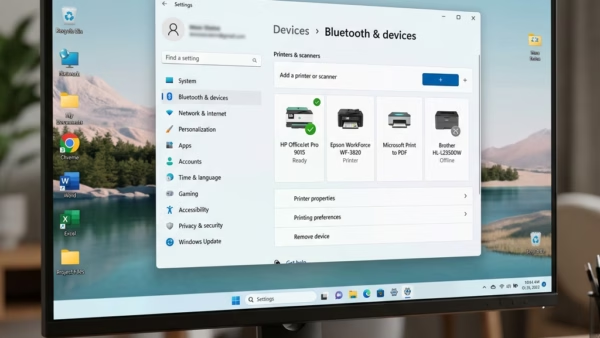
You’ll find the Windows Ready Print switch in Settings › Bluetooth & devices › Printers & scanners, under Printer preferences. Turn Default install printers using Windows Ready Print on or…
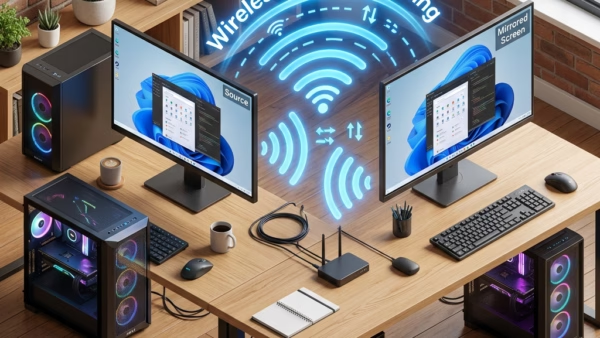
Wireless casting on Windows 11 mirrors your main computer’s display onto another nearby PC over Wi-Fi. The second laptop or desktop then works as an extra monitor. The feature uses…
Casting your Windows 11 desktop to an external display lets you mirror your screen on a larger TV, projector, or monitor without cables. The wireless link uses Miracast, a standard…
Removing the Copilot app (an AI digital assistant built into Windows 11) stops it from taking up space on your taskbar and running in the background. Microsoft installs this tool…
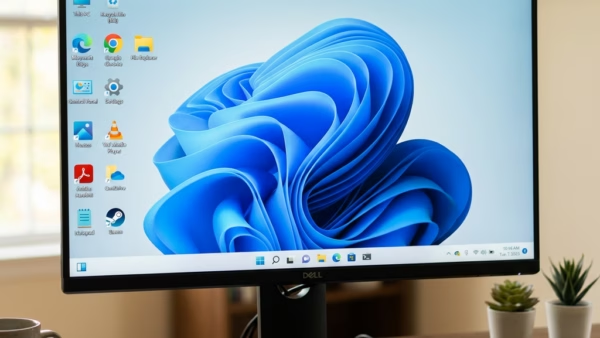
The default desktop icons in Windows 11 are built-in shortcuts to core system tools: This PC, the Recycle Bin, Control Panel, your user files folder, and Network. A fresh install…
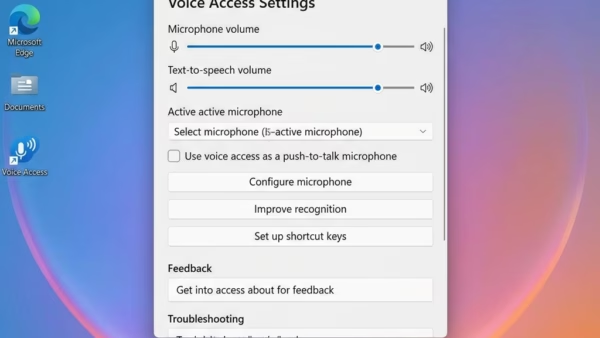
Voice Access filtering options in Windows 11 control how your microphone handles background noise while Voice Access is listening. Voice Access is a built-in feature that lets you control your…
Voice Isolation in Voice Access on Windows 11 filters out other speakers and background noise so your computer hears your spoken commands clearly. Voice Access is the built-in tool that…
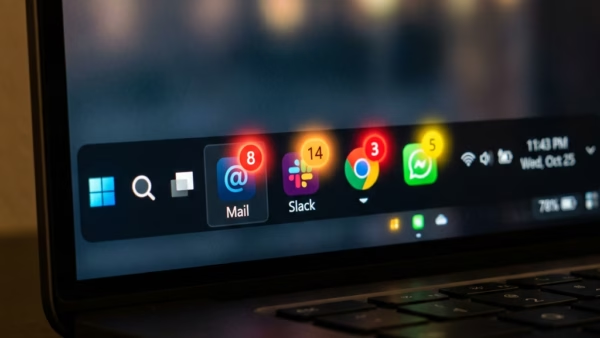
Widgets notifications in Windows 11 show live weather updates, news alerts, and calendar reminders on the Widgets icon on your taskbar. Red or blue badges and short banners let you…
One email when we publish a guide worth your time — new Windows features, the fixes that actually work, and a heads-up when Microsoft breaks something. Unsubscribe in one click.