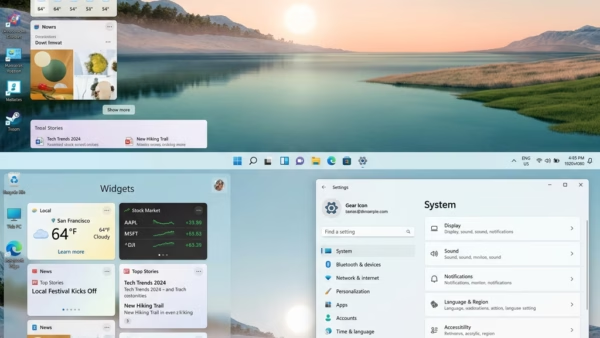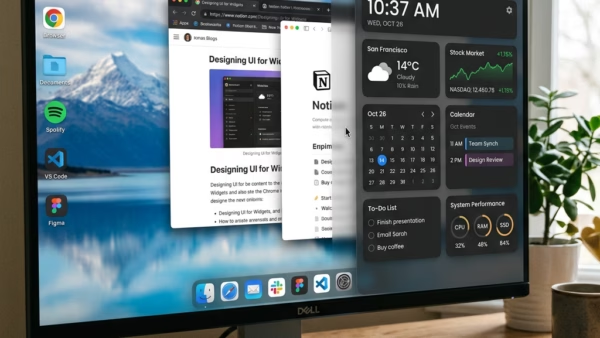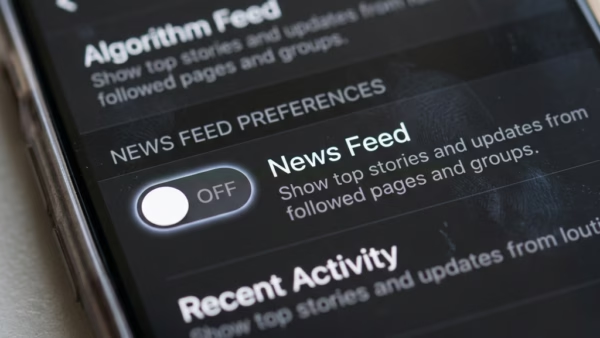
The Widgets panel in Windows 11 is a side screen that shows weather, calendar events, news and other small tools. It also has a built-in news feed from Microsoft Start.…
Every guide we’ve published, newest first. Filter by topic, or use search if you already know what broke.
3,350 tutorials · page 100 of 280
The Widgets panel in Windows 11 is a side screen that shows weather, calendar events, news and other small tools. It also has a built-in news feed from Microsoft Start.…
Widgets language and region settings in Windows 11 control the news, weather, and local stories that appear on your taskbar panel. The widgets board is the slide-out screen you open…
Signing in and out of widgets on Windows 11 controls which Microsoft account is tied to your Widgets board and the personalized feed on it. Widgets are small panels that…
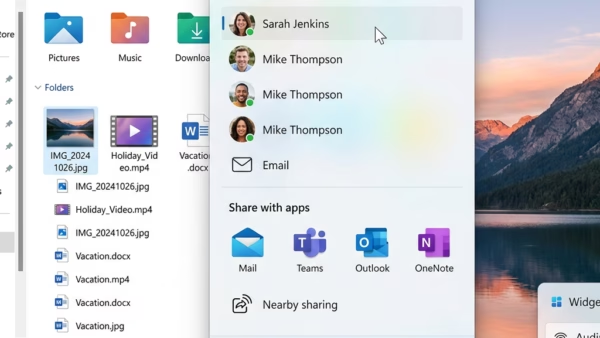
Sharing files with an app in Windows 11 sends documents, photos, and links straight to installed programs from the main share panel. You don’t have to save or upload them…
File Explorer (the app you use to browse files and folders on your PC) has a built-in share feature. It lets you send documents, photos, and videos through your email…
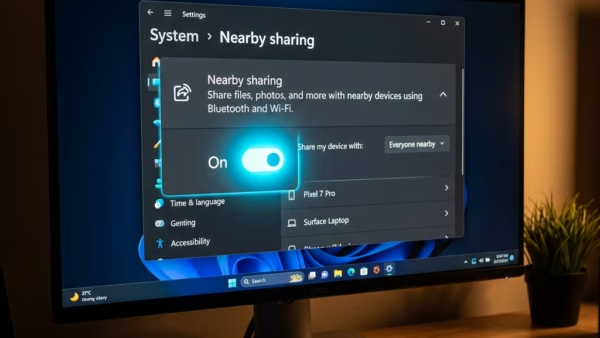
Nearby Sharing in Windows 11 lets you send photos, documents, and links to computers around you without using email or USB drives. The feature connects two PCs directly using Bluetooth…
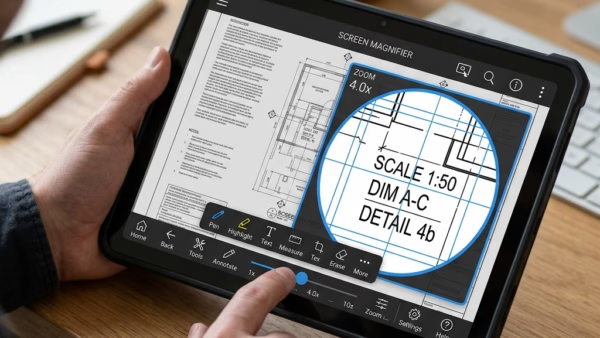
Magnifier bars are on-screen control buttons that appear on touchscreen PCs when you use the built-in Magnifier tool. They let you move around the magnified area and change the zoom…
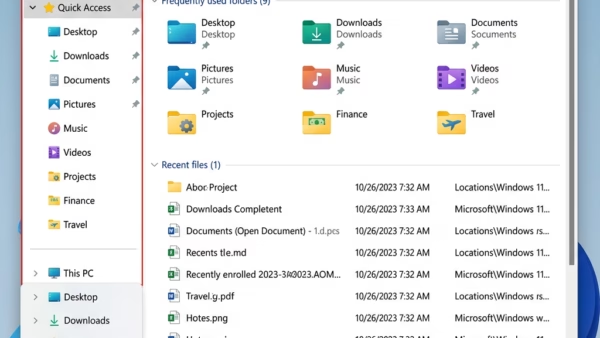
Quick Access folders in Windows 11 are the shortcuts in the File Explorer sidebar that take you straight to places like Downloads, Documents, and Pictures. A Windows update or a…
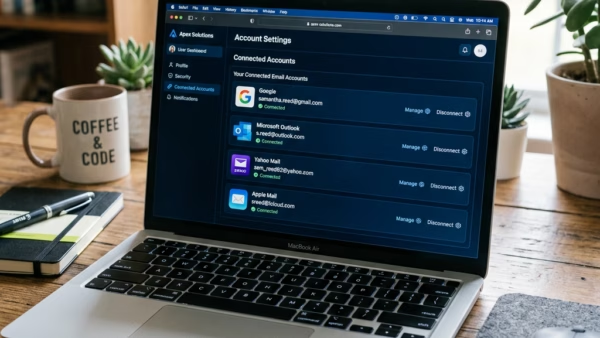
Linking your Google account to a Microsoft account lets you sign in to Microsoft services with your Gmail address. The link works by adding your Gmail address to your Microsoft…
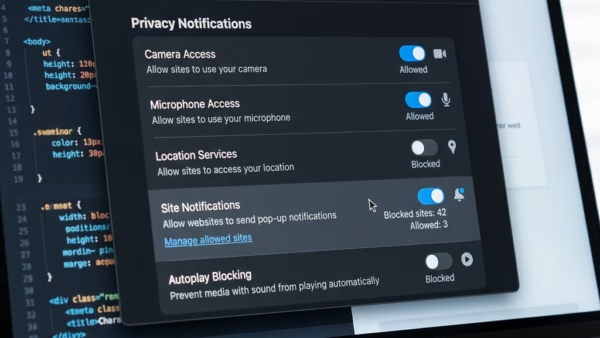
Website notifications in Microsoft Edge are pop-up alerts that send news and updates from sites straight to your screen. They can arrive even when the browser is closed, as long…
To check history on Microsoft Edge, click the Settings and more button and choose History, or press Ctrl+H. To delete it, open Settings and use the clear browsing data tool…
Temporarily allowing cookies in Microsoft Edge lets a specific website save small data files on your computer so its pages load correctly, without lowering your main privacy settings. Microsoft Edge…
One email when we publish a guide worth your time — new Windows features, the fixes that actually work, and a heads-up when Microsoft breaks something. Unsubscribe in one click.