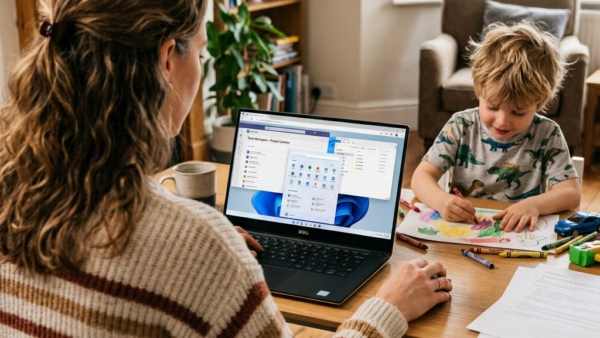
Adding your child’s Microsoft account to Windows 11 lets you manage screen time limits, block adult websites, and monitor app downloads across devices. Microsoft Family Safety handles this setup, so…
3,007 tutorials · page 98 of 251
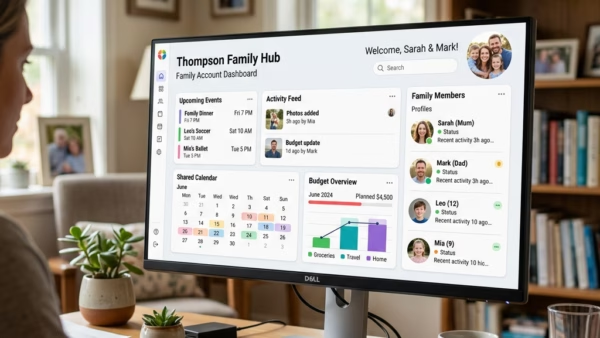
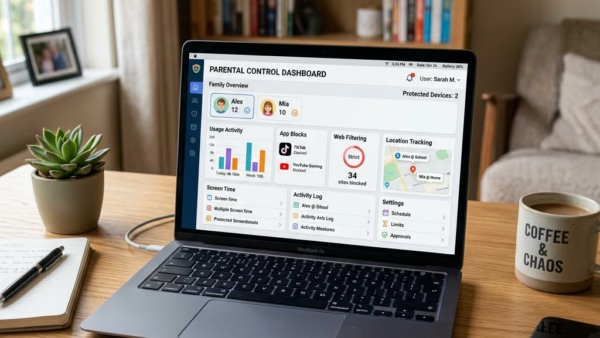
Adding your child’s Microsoft account to Windows 11 lets you manage screen time limits, block adult websites, and monitor app downloads across devices. Microsoft Family Safety handles this setup, so…
Leaving a Microsoft family group ends your sharing of Microsoft 365 subscriptions, screen time limits and safety settings with the other household members. Anyone aged 18 or older can remove…
A Microsoft Family group lets you share Microsoft 365 subscriptions, track screen time, and set web filters across Windows 11 PCs, Xbox consoles, and mobile devices. Adult organizers can invite…
Microsoft Family Safety is a free service. It lets you manage screen time, filter websites, and set spending limits for the people in your household. A family group holds up…
Password Monitor in Microsoft Edge is a built-in security tool on Windows 11. It checks your saved login details against a public list of over 500 million leaked credentials. If…
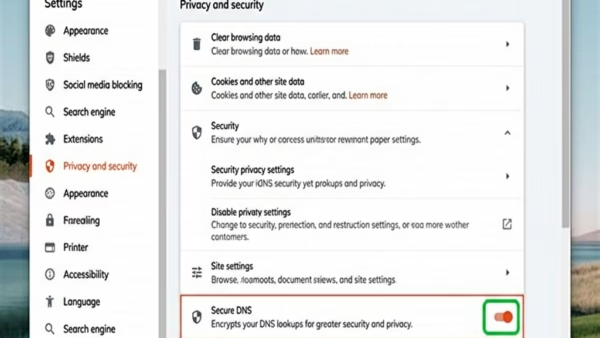
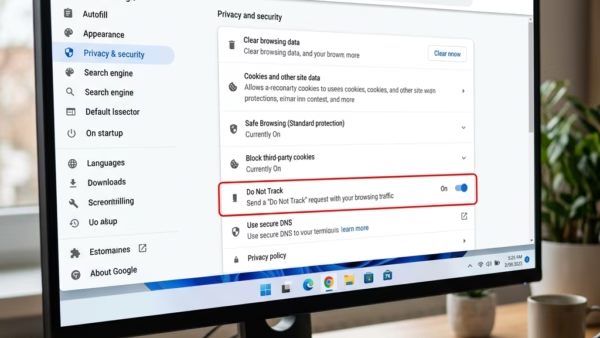
Secure DNS in Microsoft Edge encrypts your DNS lookups. These are the requests that turn a website name into a server address. With it on, other people on your Wi-Fi…
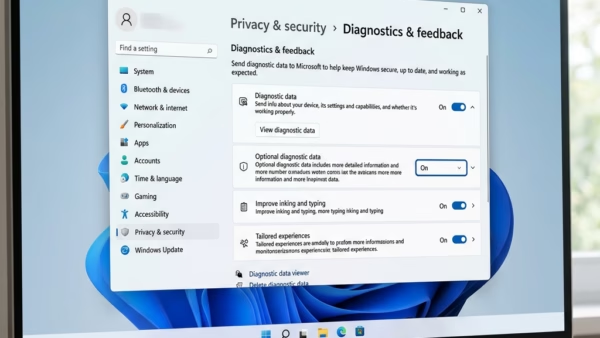
Diagnostic data in Windows 11 is background information about your PC and apps that Windows sends to Microsoft. Microsoft uses it to fix bugs and improve stability. The setting has…
Show frequent sites is a Microsoft Edge setting that puts your most visited websites in the taskbar jump list on Windows 11. A jump list is the menu that appears…
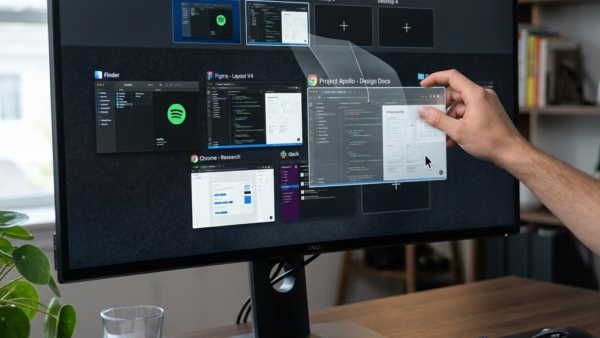
Windows 11 virtual desktops let you move any open window from one workspace to another without installing extra software. You can use Task View, the screen that shows your open…
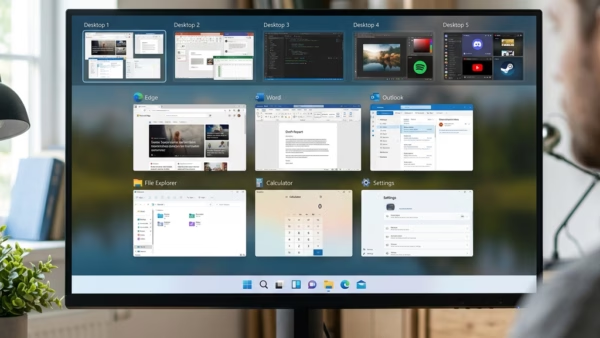
To add desktop space in Windows 11, press Win+Tab to open Task View and click + New desktop. A virtual desktop is a separate workspace on the same computer, with…
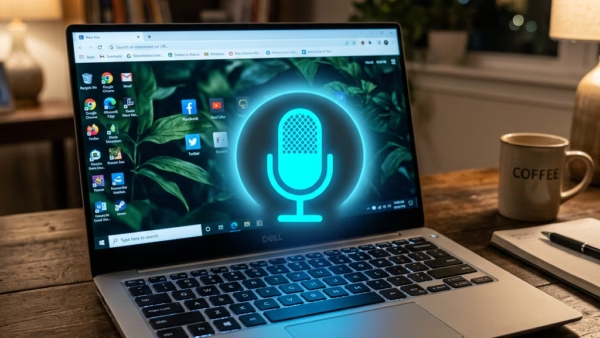
To start voice typing in Windows 11, click inside a text box and press the Win and the H key together. A small microphone bar opens near the top of…
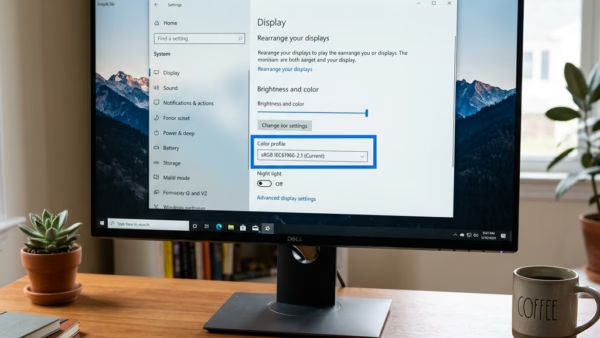
Removing a color profile in Windows 11 clears an old or incorrect display profile so the screen goes back to its default colors. A color profile is a small file…
One email when we publish a guide worth your time — new Windows features, the fixes that actually work, and a heads-up when Microsoft breaks something. Unsubscribe in one click.