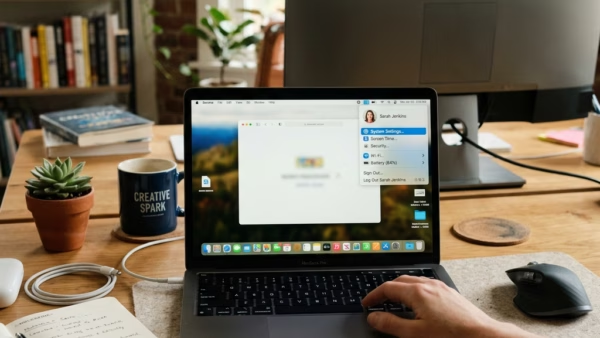
A Microsoft Edge profile is a separate space inside the browser. It keeps its own bookmarks, saved passwords, history, extensions and settings. In Microsoft Edge version 120 and later, you…
Every guide we’ve published, newest first. Filter by topic, or use search if you already know what broke.
3,351 tutorials · page 97 of 280
A Microsoft Edge profile is a separate space inside the browser. It keeps its own bookmarks, saved passwords, history, extensions and settings. In Microsoft Edge version 120 and later, you…
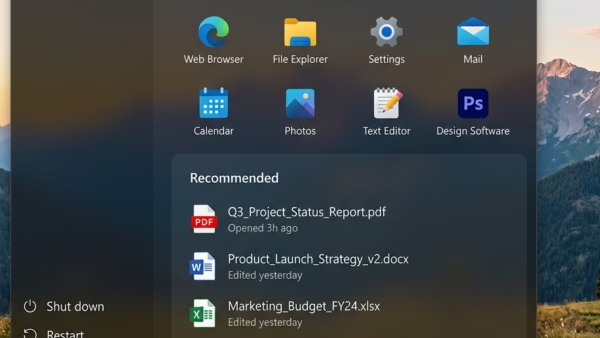
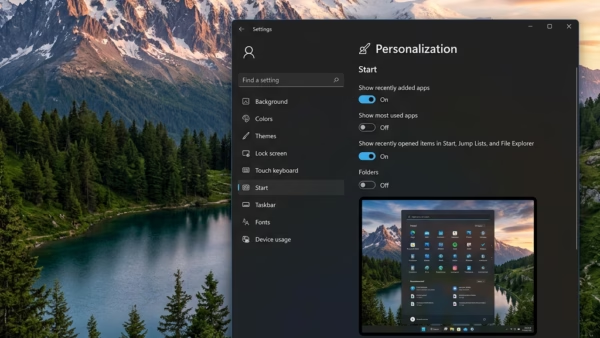
The “Recommended” section at the bottom of the Windows 11 Start menu shows your latest documents, pictures and files by default. Anyone standing behind you, or sharing your screen in…
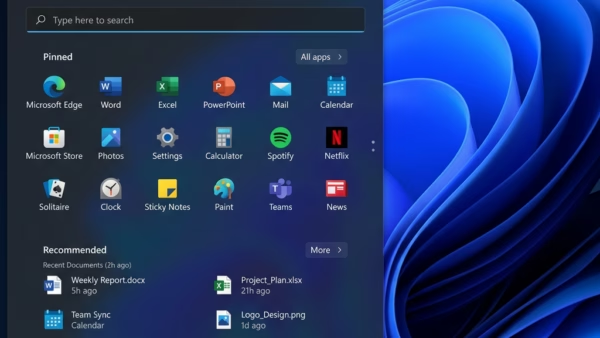
The Pinned section is the block of app icons at the top of the Windows 11 Start menu. It holds the apps you chose to keep within reach, so you…
Hiding your account name and profile picture on the Windows 11 Start menu keeps your personal details off the screen each time you open the menu. It helps when you…
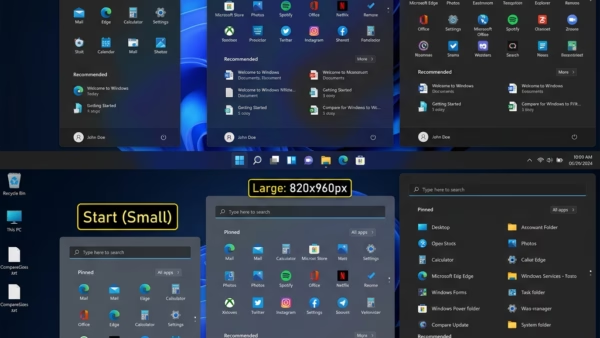
Changing the Start menu size in Windows 11 lets you fit more or fewer apps on screen at once. The Start menu is the panel that opens from the taskbar.…
Microsoft Edge has two ways to make text bigger, and they behave differently. Page zoom scales everything on the page: text, images and layout. The font size setting changes only…
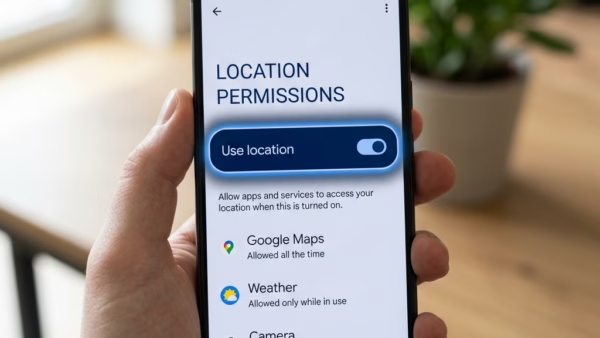
Phone Link location sharing lets a Windows 10 or 11 computer track, find, and ring your Android phone from the desktop. For this to work, the Phone Link app needs…
The “All File Access” setting in the Windows Phone Link app controls whether your PC can open photos, videos, and documents stored on your Android phone. Phone Link connects your…
Remote lock in Windows 11 lets you lock a lost or stolen computer through your Microsoft account. It keeps other people away from your personal files while you decide what…
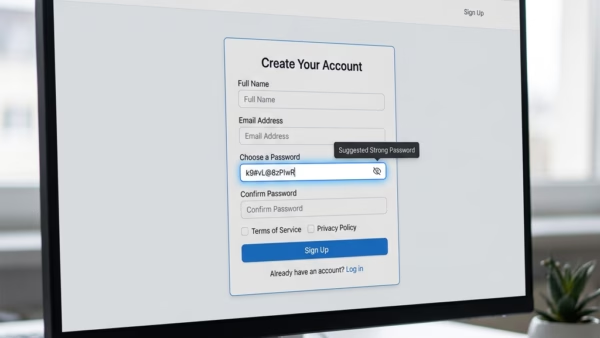
The built-in password generator in Microsoft Edge creates strong, random passwords of at least 12 characters. Each one mixes uppercase letters, lowercase letters, numbers and symbols, so you do not…
Microsoft Edge often opens by itself in Windows 11 because the operating system reopens apps that were running when you last shut down or signed out. Edge is the default…
Find My Device is a built-in Windows 11 tool that shows your lost laptop or desktop on a map, using your Microsoft account. You have to turn it on before…
One email when we publish a guide worth your time — new Windows features, the fixes that actually work, and a heads-up when Microsoft breaks something. Unsubscribe in one click.