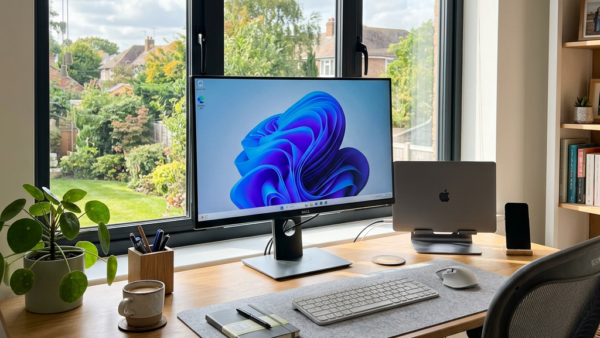
Presence sensing in Windows 11 locks your screen or turns off your display automatically the moment you walk away from your desk. This hardware feature uses a built-in sensor to…
3,007 tutorials · page 92 of 251
Presence sensing in Windows 11 locks your screen or turns off your display automatically the moment you walk away from your desk. This hardware feature uses a built-in sensor to…
To show suggested search results in Windows 11, open Settings › Privacy & security › Search and set the Microsoft Store suggestions option to On. Suggested search results are promoted…
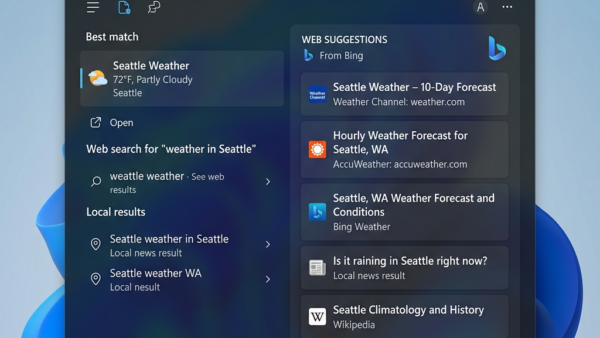
Bing Web Suggested Search Results in Windows 11 are online search tips that appear in the taskbar search box as you type. Microsoft builds the feature into all Windows 11…
Different backgrounds on each display or desktop in Windows 11 let you set a unique wallpaper on up to 10 separate monitors or virtual desktop spaces. This setup helps you…
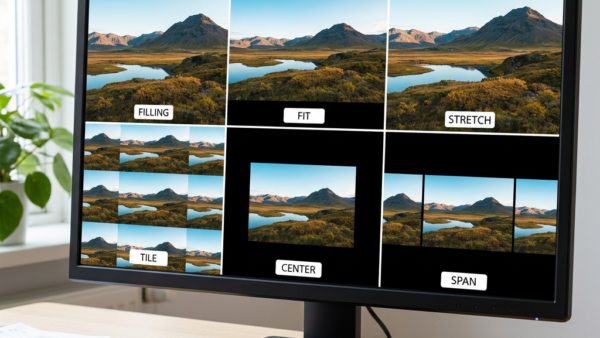
Desktop background fit settings in Windows 11 control how a picture is scaled, cropped, or repeated so it matches your monitor. There are six choices: Fill, Fit, Stretch, Tile, Center,…
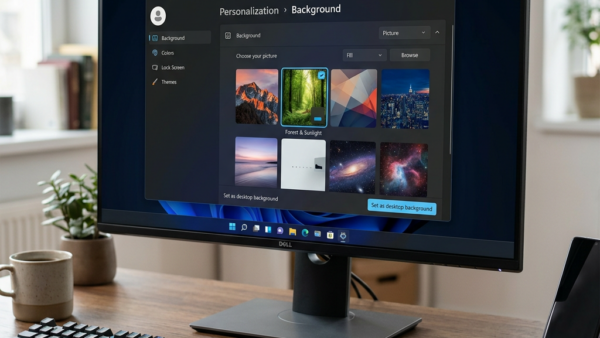
Changing your Windows 11 background lets you set a personal photo, solid color, or daily rotating picture behind your desktop icons in just a few clicks. Windows 11 gives you…
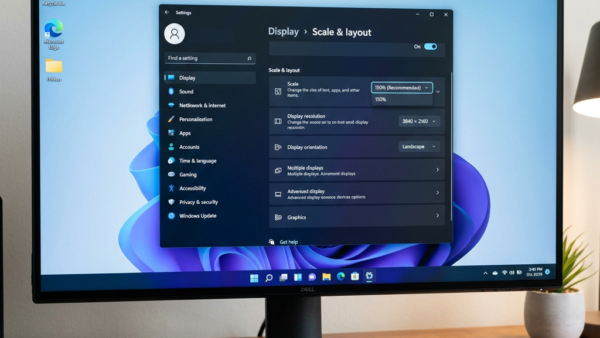
Display scaling in Windows 11 enlarges text, apps, and icons all at the same time, so everything on your screen is easier to read. Changing only the font size leaves…
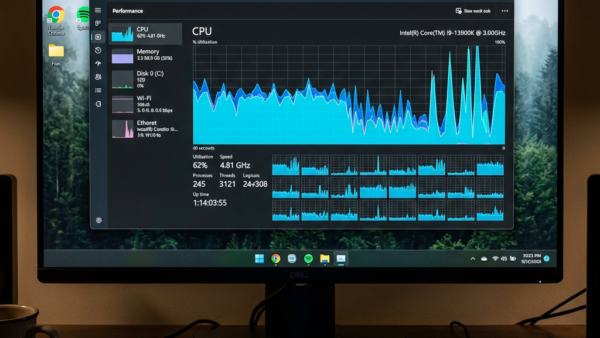
Your processor core count is the number of separate processing units inside your CPU. Each core can run its own work, so more cores let the PC run more programs…
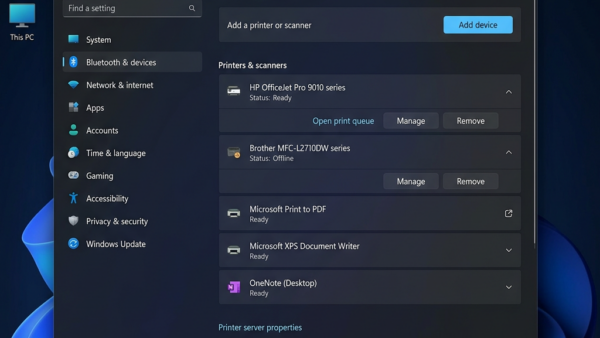
The Let Windows manage my default printer setting in Windows 11 switches your default printer to the one you used last. That helps if you move between a home office,…
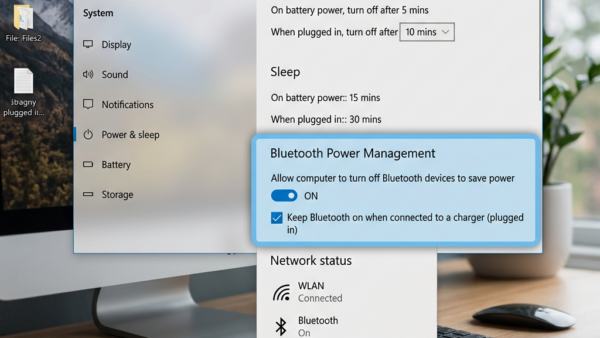
Stop Bluetooth Dropouts by Changing Power Settings Windows 11 can turn off your Bluetooth adapter to save power. When it does, connected devices such as mice, keyboards and headphones drop…
System Protection in Windows 11 saves copies of important system files and settings as restore points. If an update, driver or app breaks something, you can roll your PC back…
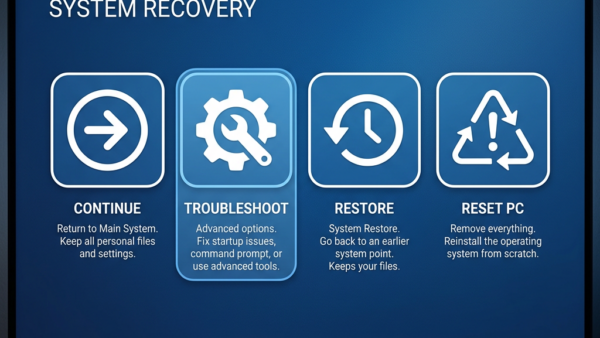
Reinstalling Windows 11 from a recovery drive fixes severe system crashes and restores a PC that won’t start normally. A recovery drive is a bootable USB stick that holds the…
One email when we publish a guide worth your time — new Windows features, the fixes that actually work, and a heads-up when Microsoft breaks something. Unsubscribe in one click.