The question “what programs are running on my computer” has a quick answer in Windows 11: press Ctrl+Shift+Esc to open Task Manager and read the Processes page. It lists every…
2,996 tutorials · page 9 of 250
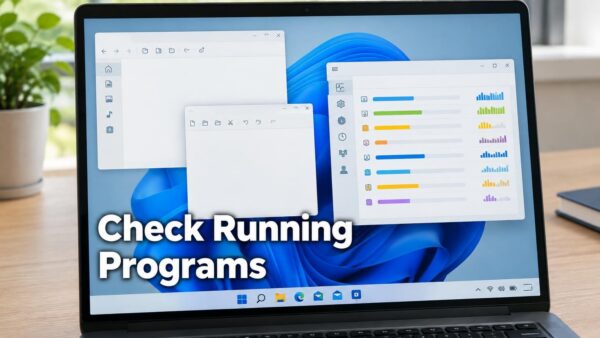
The question “what programs are running on my computer” has a quick answer in Windows 11: press Ctrl+Shift+Esc to open Task Manager and read the Processes page. It lists every…
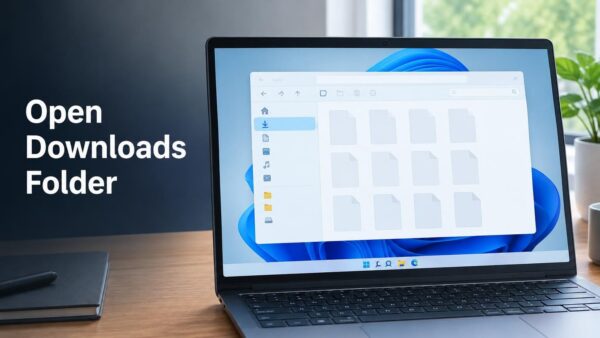
The Downloads folder in Windows 11 is the default location where browsers and apps save the files you download, and it sits in your user profile at C:\Users\USERNAME\Downloads on most…
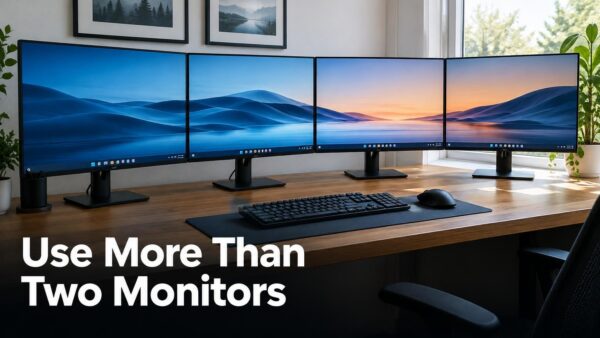
To connect more than two monitors in Windows 11, plug each display into its own video output on your PC or dock, then choose Extend these displays in Settings ›…
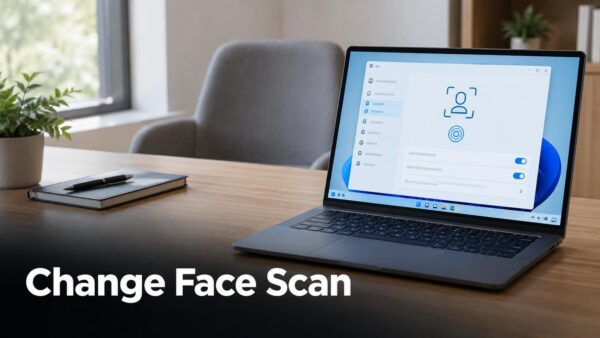
To change facial recognition to a different face on a PC running Windows 11, delete the saved face scan and create a new one. Go to Settings › Accounts ›…
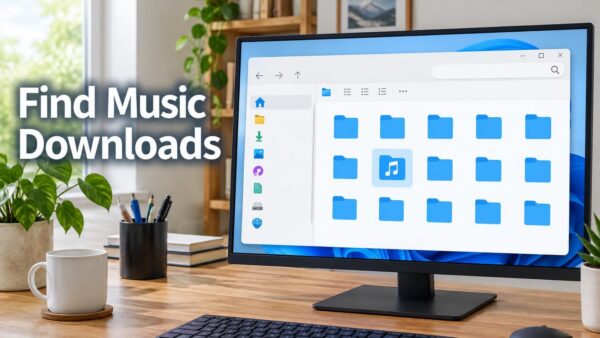
Music downloads in Windows 11 usually land in one of two folders: Music or Downloads. Both folders sit under your user profile, at C:\Users\USERNAME. Searching “find all my music downloads”…
Use one command in Command Prompt to check whether Windows Firewall is on for each network profile: netsh advfirewall show allprofiles state. Netsh (short for Network Shell, a built-in tool…
To change the cursor image in Windows 11, open Settings › Bluetooth & devices › Mouse › Additional mouse settings. Select the Pointers tab, pick a scheme or browse to…
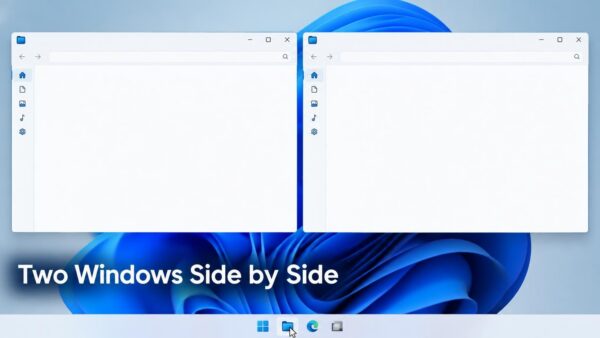
Opening two windows of the same app side by side in Windows 11 takes one Shift-click on the taskbar icon and two snap shortcuts. Snapping means locking a window to…
Force closing a window that is not responding in Windows 11 ends the frozen program without restarting your PC. The quickest method is to press Ctrl+Shift+Esc to open Task Manager…
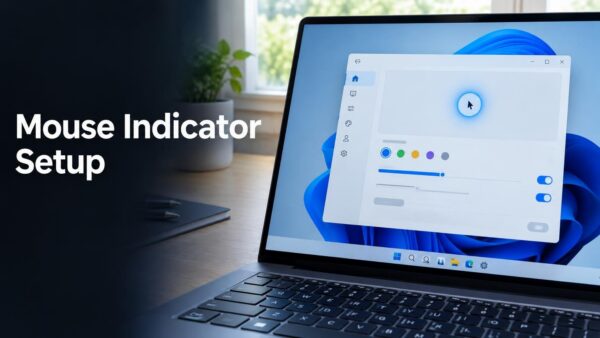
Change the key press that shows the mouse indicator in Windows 11. You can use a single Ctrl key press or a double Ctrl key press. The change applies to…
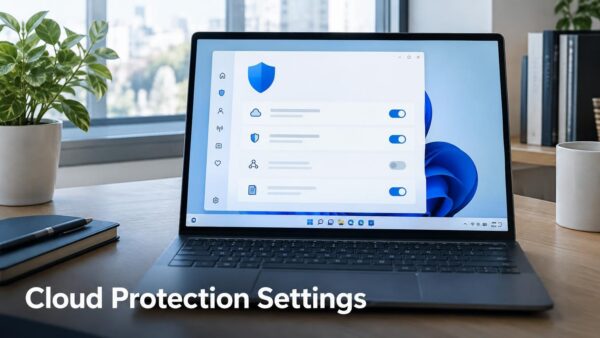
Cloud-delivered protection lets Microsoft Defender Antivirus check suspicious files against Microsoft’s cloud services. Turn cloud-delivered protection on or off in one of four ways, shown below. Microsoft Defender Antivirus is…
The Microsoft Vulnerable Driver Blocklist is on by default in Windows 10 (KB5018482) and Windows 11 (KB5018483 and KB5018496). Turn the Microsoft Vulnerable Driver Blocklist on or off for all…
One email when we publish a guide worth your time — new Windows features, the fixes that actually work, and a heads-up when Microsoft breaks something. Unsubscribe in one click.