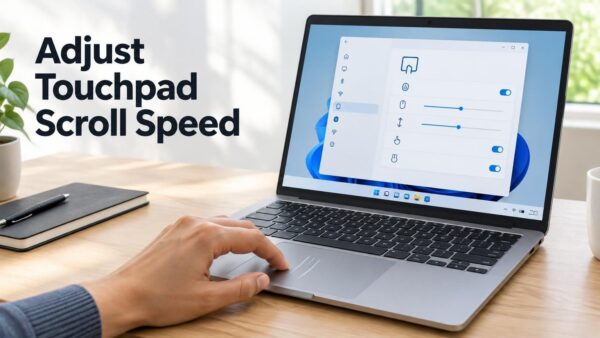
Touchpad scroll and zoom speed controls how far the screen moves when you swipe or pinch with two fingers. Accelerated scrolling makes scrolling faster the more you repeat the gesture.…
2,995 tutorials · page 8 of 250
Touchpad scroll and zoom speed controls how far the screen moves when you swipe or pinch with two fingers. Accelerated scrolling makes scrolling faster the more you repeat the gesture.…
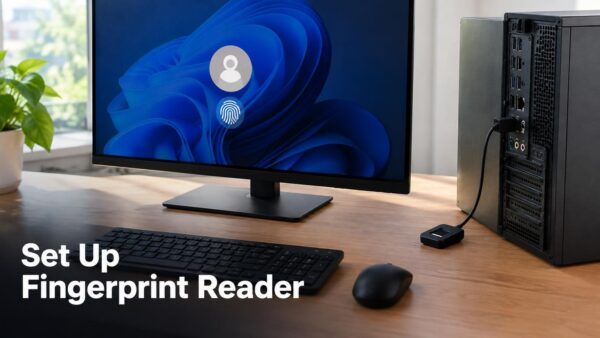
A Windows Hello external fingerprint reader works on a Windows 11 desktop once you plug it in and enroll your finger (record it) under Settings › Accounts › Sign in…
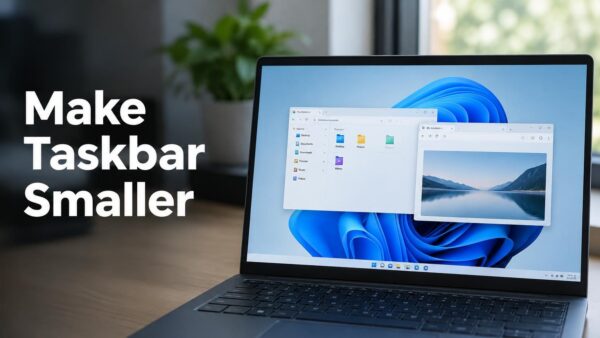
Making the taskbar smaller in Windows 11 takes one setting change: choose the Small option under Taskbar size in Settings. Microsoft documents this in update KB5120998, a numbered Windows update…
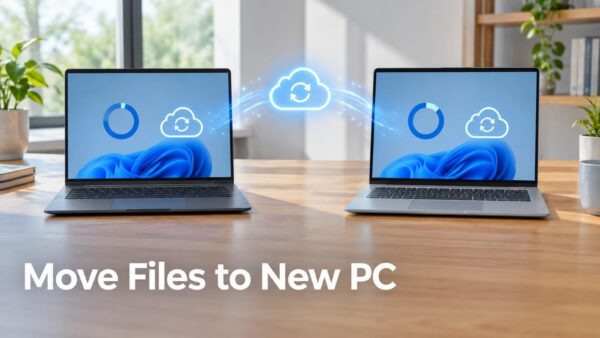
Windows Backup moves your files and settings to a new Windows 11 PC by saving them to your Microsoft account, then restoring them while you set up the new computer.…
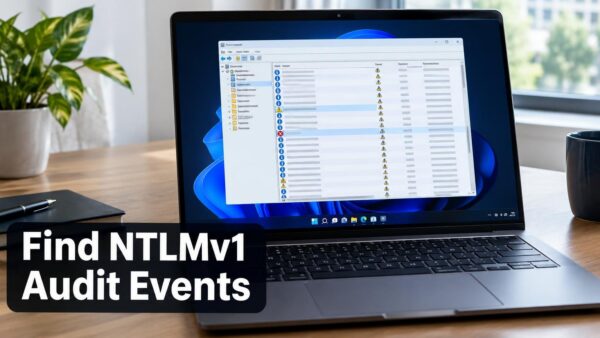
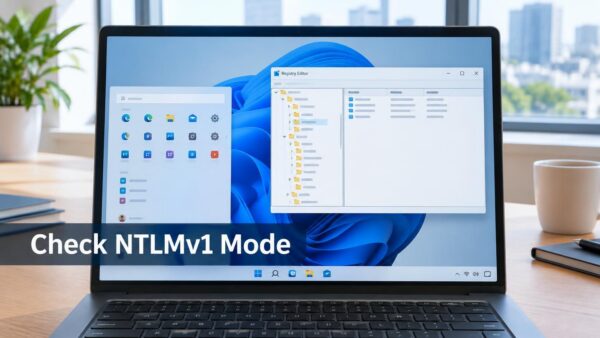
NTLMv1 audit events in Windows 11 are recorded in Event Viewer, in the Microsoft-Windows-NTLM/Operational log, as Event ID 4024 (warning) and Event ID 4025 (error). An Event ID is a…
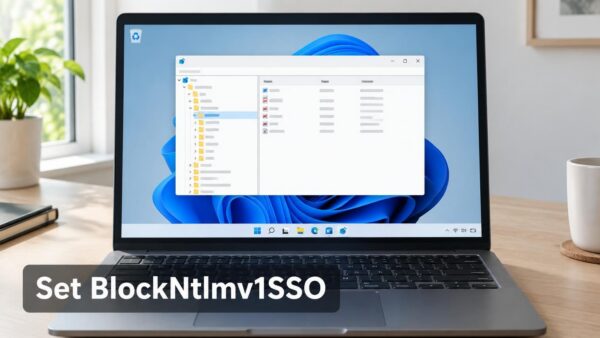
The BlockNtlmv1SSO registry value in Windows 11 controls whether Single Sign-On requests built from NTLMv1 credentials are audited or blocked. Microsoft lists it as new in the KB5066470 release notes.…
NTLMv1 Single Sign-On blocking on Windows 11 now defaults to Enforce mode (1) when the BlockNtlmv1SSO registry value is not set. Microsoft made the change in update KB5127648, and it…
Nearby sharing in Windows 11 lives at Settings › System › Nearby sharing, and turning it off stops your PC from sending files and links to nearby computers and from…
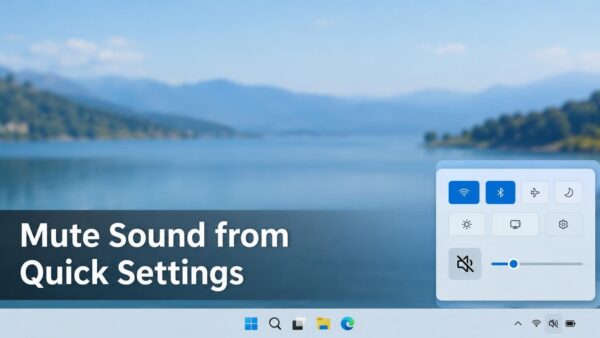
The mute button in Windows 11 Quick Settings is the speaker icon to the left of the volume slider. Click it once and all sound from your current speakers or…
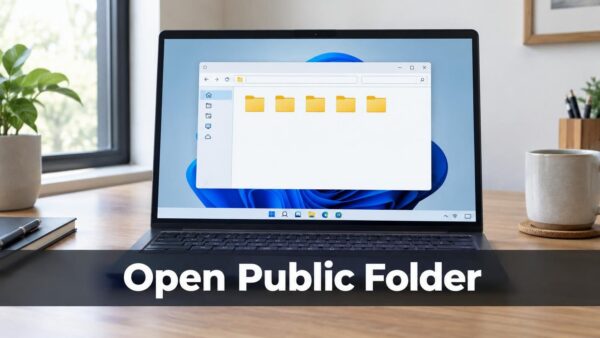
The public folder in Windows 11 is a shared location at C:\Users\Public that every account on the PC can open and change. To open it, press Win+R, type C:\Users\Public, and…
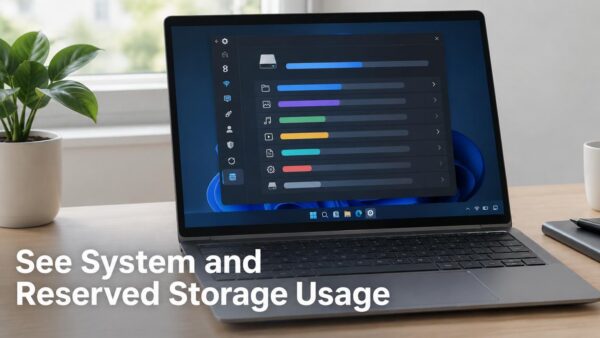
System storage on this PC in Windows 11 is listed under Settings › System › Storage. Select Show more categories, then select System & reserved, to see the total and…
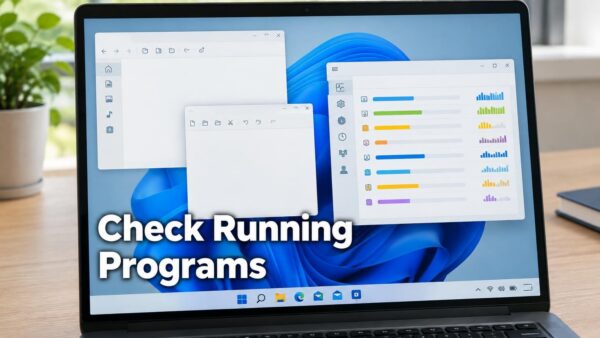
The question “what programs are running on my computer” has a quick answer in Windows 11: press Ctrl+Shift+Esc to open Task Manager and read the Processes page. It lists every…
One email when we publish a guide worth your time — new Windows features, the fixes that actually work, and a heads-up when Microsoft breaks something. Unsubscribe in one click.