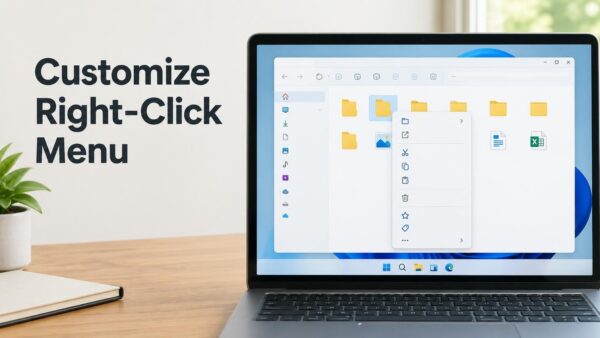
You can now choose which items appear in the File Explorer right-click menu, but only on a Beta build of Windows 11 for now. Microsoft added it in Windows Insider…
2,995 tutorials · page 7 of 250
You can now choose which items appear in the File Explorer right-click menu, but only on a Beta build of Windows 11 for now. Microsoft added it in Windows Insider…
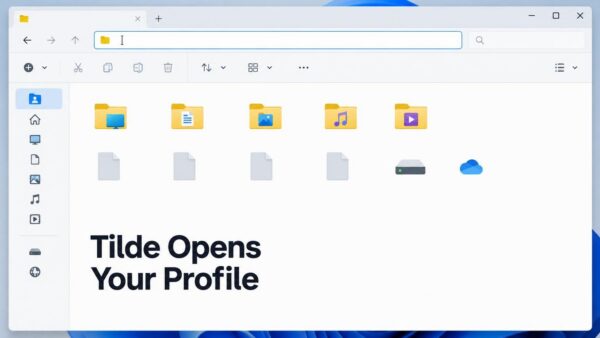
The tilde (~) in the File Explorer address bar in Windows 11 jumps straight to your user profile folder, the folder that holds Desktop, Documents, Downloads and AppData for your…
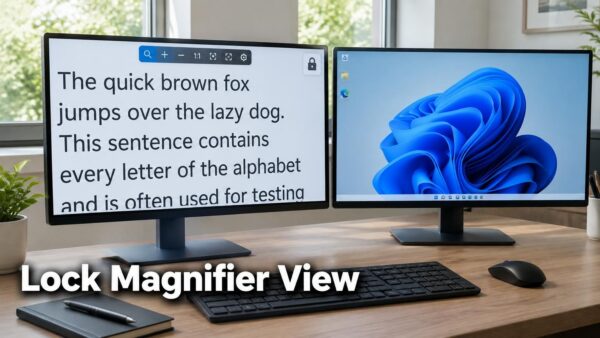
Magnifier viewport locking in Windows 11 holds the magnified view of one screen in place. To use it, put the pointer on that screen and press Ctrl + Windows key…
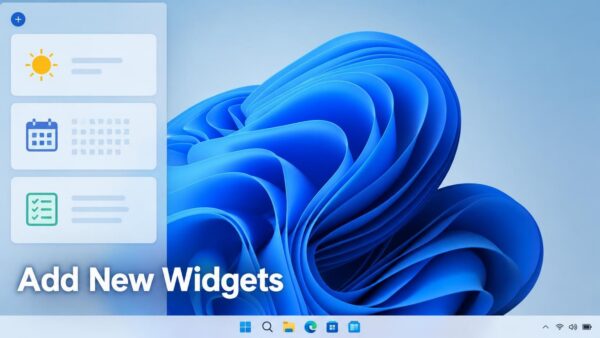
To add a widget, open the Widgets Board, select the add (+) button, and pin the widget you want. The board holds small panels such as weather, calendar, and to-do…
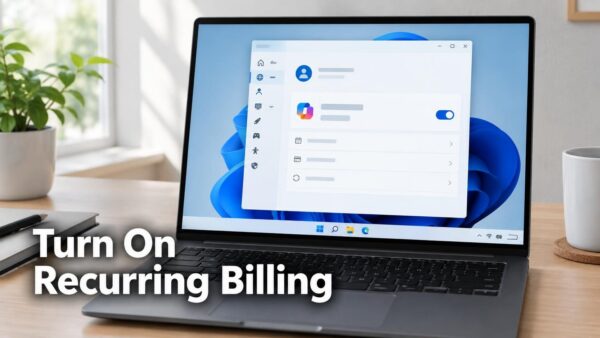
Recurring billing for Microsoft 365 can now be turned back on from inside Windows 11 Settings, without opening a webpage. The fastest route is to look for Turn on recurring…
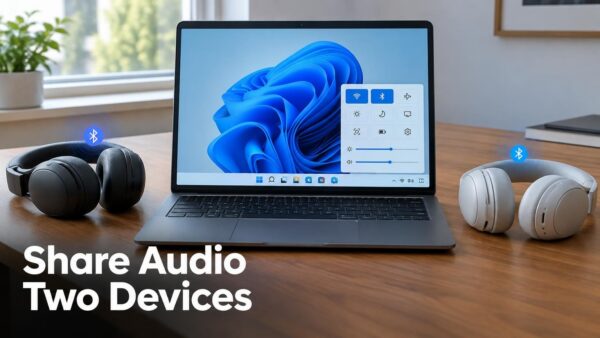
Shared Audio in Windows 11 sends the same sound from one PC to two Bluetooth devices at once. Two people can listen together using a Bluetooth broadcast feature called LE…
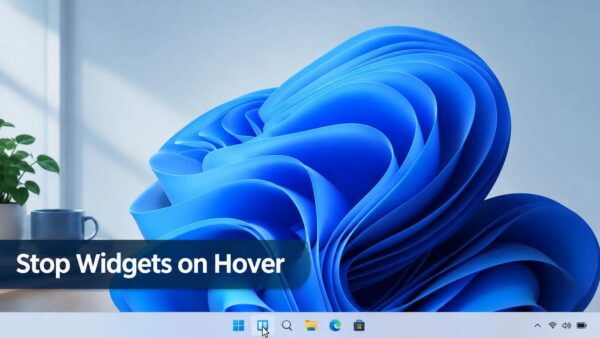
Widgets in Windows 11 no longer open when you rest the pointer over the taskbar icon once your PC has the update described in KB5095093. Widgets is the panel that…
Morocco’s time zone in Windows 11 moves to permanent UTC+00:00 on September 20, 2026. A Windows update, KB5124008, adjusts Morocco Standard Time so your PC shows the correct local time…
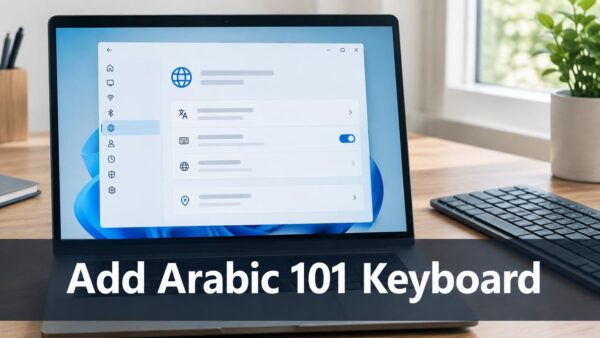
The Arabic 101 Legacy keyboard layout in Windows 11 is a version of the Arabic keyboard for people who prefer the design used before recent changes to the AltGr key.…
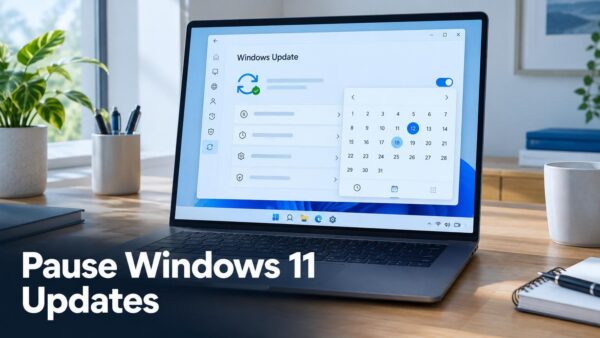
Pause Windows 11 updates for up to 35 days from the calendar in Settings › Windows Update. Pick an end date, and Windows holds back updates until that day arrives.…
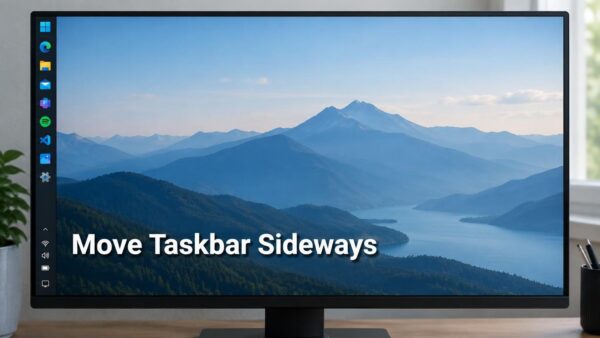
Taskbar position in Windows 11 lets you place the taskbar at the bottom, top, left, or right edge of the screen. You choose the edge in Settings › Personalization ›…
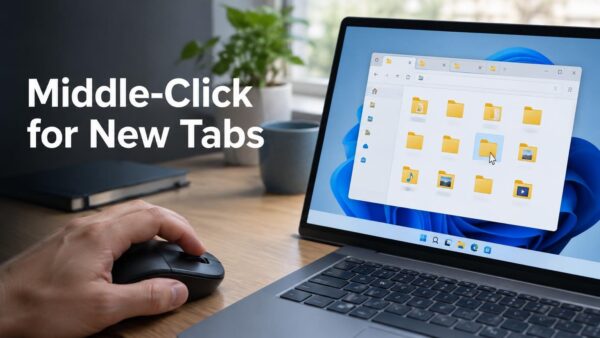
Middle-click to open a folder in a new tab in File Explorer works from the Address Bar and from the Home page in Windows 11. Middle-clicking means pressing the mouse…
One email when we publish a guide worth your time — new Windows features, the fixes that actually work, and a heads-up when Microsoft breaks something. Unsubscribe in one click.