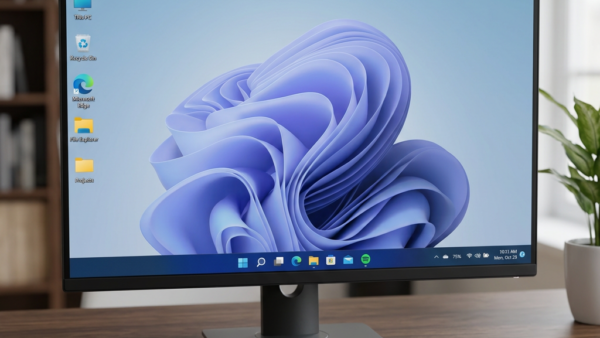
Windows 11 AI activity by apps shows you which programs use built-in artificial intelligence models for tasks like text and image creation over the last 7 days. You can open…
Every guide we’ve published, newest first. Filter by topic, or use search if you already know what broke.
3,256 tutorials · page 84 of 272
Windows 11 AI activity by apps shows you which programs use built-in artificial intelligence models for tasks like text and image creation over the last 7 days. You can open…
Smart charging on a Microsoft Surface limits your battery charge to 80 percent to stop it from wearing out too fast when plugged in for a long time. This built-in…
WMIC (Windows Management Instrumentation Command-line) is a tool that lets you check and change computer settings using text commands, though Microsoft removed it by default starting in Windows 11 version…
Wireless adapter power saving mode in Windows 11 is a built-in setting that reduces power to your WiFi card to save battery life. Windows turns on a medium power-saving level…
This tutorial shows you how to change the screen saver grace period in Windows 10 and Windows 11. You can set how many seconds you want before password protection kicks…
Fix erratic audio behavior in Windows 11 by tweaking how your computer communicates with wireless gear. This guide shows how to enable or disable Absolute Volume for all users. What…
Quick Access in the Windows 11 File Explorer sidebar lets you pin folders so you can open them with a single click from the left side of any window. Pinned…
The Recommended section in Windows 11 File Explorer Home (available in build 22000 and later) shows a list of your recent files and folders the moment you open the file…
The delete confirmation dialog in Windows 11 is a pop-up window that asks “Are you sure you want to move this file to the Recycle Bin?” every time you send…
Fullscreen optimizations in Windows 11 version 23H2 change how games run by letting your PC manage hardware resources for better frame rates. This built-in Windows feature gives games top performance…
Changing the Copilot voice language in Windows 11 lets you switch the built-in speech tool between over 20 different languages so the assistant speaks back in the right tongue. This…
Copilot tasks by SMS let you send text messages to your Windows AI assistant to get things done on the go. Linking a mobile phone number to your Microsoft account…
One email when we publish a guide worth your time — new Windows features, the fixes that actually work, and a heads-up when Microsoft breaks something. Unsubscribe in one click.