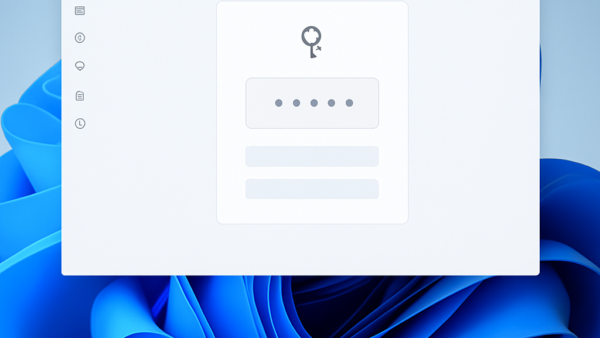
Autofill passwords and passkeys in Microsoft Edge save your login details so you do not have to type them every time you visit a website on Windows 11. Passkeys let…
Every guide we’ve published, newest first. Filter by topic, or use search if you already know what broke.
3,255 tutorials · page 80 of 272
Autofill passwords and passkeys in Microsoft Edge save your login details so you do not have to type them every time you visit a website on Windows 11. Passkeys let…
Manage guest browsing in Microsoft Edge using registry tweaks on Windows 10 and Windows 11. What is Guest Mode? Guest mode in Microsoft Edge provides a temporary, clean slate for…
Saved passwords in Microsoft Edge store your usernames and login details right inside your browser so you do not have to type them every time. Cleaning out these saved details…
Stop specific file formats from syncing to keep local folders lean and cloud space free. Why exclude files from OneDrive? Excluding heavy media projects or scratch files keeps gigabytes of…
Close OneDrive to stop cloud syncing, free up system resources, and keep your files stored locally. Why quit OneDrive? Saving battery life or fixing a syncing error provides a good…
Organize your workspace by changing OneDrive folder colors to visually categorize projects and priorities. Why change folder colors? Changing folder colors allows you to visually categorize your workspace. Instead of…
OneDrive folder backup syncing automatically saves your Desktop, Documents, and Pictures folders to the cloud so your files stay safe and ready on any Windows 11 computer. This backup tool…
OneDrive version history is a built-in feature that automatically saves up to 25 older copies of your personal files so you can recover work you overwrote or deleted by mistake.…
Changing the lid close action in Windows 11 lets you pick what your laptop does the second you shut the screen, with options to sleep, shut down, hibernate, or do…
You can add or remove the account picture menu on the Windows 11 Start menu to customize your screen layout. What is the Account Picture Menu? Your Windows 11 Start…
Fast User Switching lets multiple people stay signed in on the same Windows 11 PC at the same time so you can jump between accounts without closing open apps or…
Mouse haptic feedback intensity in Windows 11 controls the physical vibration strength you feel when you click buttons, drag windows, or resize items on your screen. You need a supported…
One email when we publish a guide worth your time — new Windows features, the fixes that actually work, and a heads-up when Microsoft breaks something. Unsubscribe in one click.