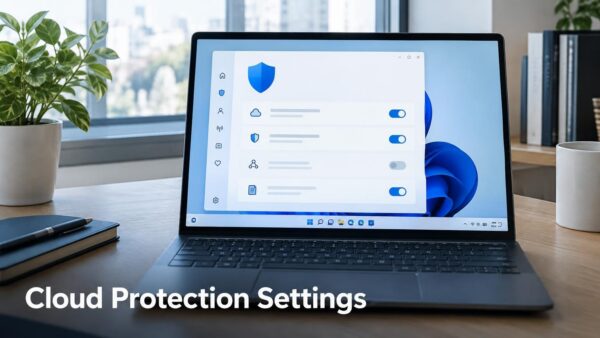
Cloud-delivered protection lets Microsoft Defender Antivirus check suspicious files against Microsoft’s cloud services. Turn cloud-delivered protection on or off in one of four ways, shown below. Microsoft Defender Antivirus is…
Every guide we’ve published, newest first. Filter by topic, or use search if you already know what broke.
3,348 tutorials · page 5 of 279
Cloud-delivered protection lets Microsoft Defender Antivirus check suspicious files against Microsoft’s cloud services. Turn cloud-delivered protection on or off in one of four ways, shown below. Microsoft Defender Antivirus is…
The Microsoft Vulnerable Driver Blocklist is on by default in Windows 10 (KB5018482) and Windows 11 (KB5018483 and KB5018496). Turn the Microsoft Vulnerable Driver Blocklist on or off for all…
Use the BitLocker cmdlets (PowerShell’s built-in commands) to check encryption status, turn BitLocker on or off, suspend protection, and handle recovery keys. Every task starts in PowerShell opened as administrator,…
Recovering files after ransomware in Windows 11 means stopping the infection, finding a clean copy of your data, and rebuilding the PC before you restore anything. Ransomware is malware that…
Pointer options in Windows 11 are the mouse settings that control pointer behavior. They set how fast the pointer moves, whether it leaves trails, and whether a circle appears around…
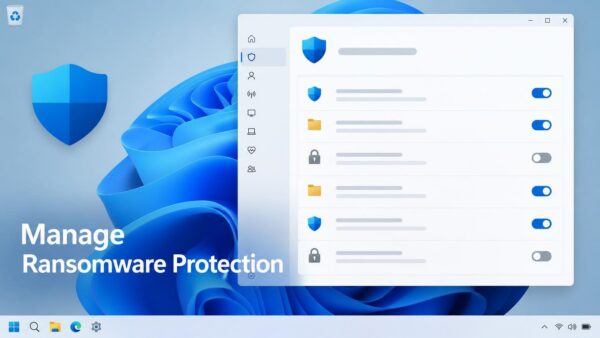
Manage ransomware protection in Windows 11 from the Windows Security app: open Virus & threat protection, then select Manage ransomware protection under Ransomware protection. That page lets you turn Controlled…
Windows 11 lets you show one picture on the lock screen and a different picture on the desktop. The quickest route is Settings › Personalization, where Lock screen and Background…
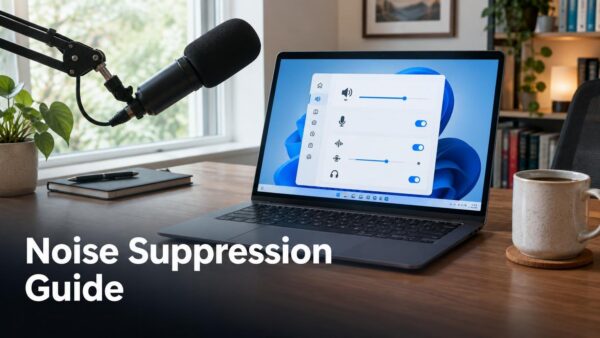
Noise suppression in Windows 11 filters steady background sounds, such as fan hum, air conditioning, and keyboard clatter, out of your microphone signal before apps receive it. You turn it…
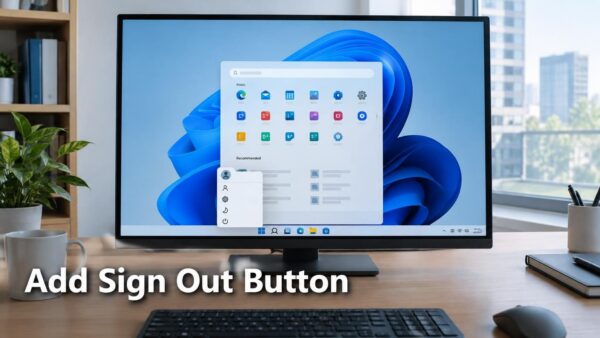
The Windows 11 Start menu already has a logout button: the Sign out option inside the account picture menu at the bottom left. Click your account picture in Start, then…
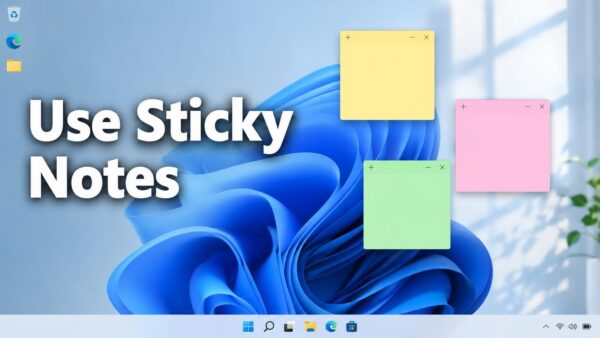
To add a note, open Start, search for Sticky Notes, and select the plus (+) button. Sticky Notes in Windows 11 is a built-in app that puts small, colored note…
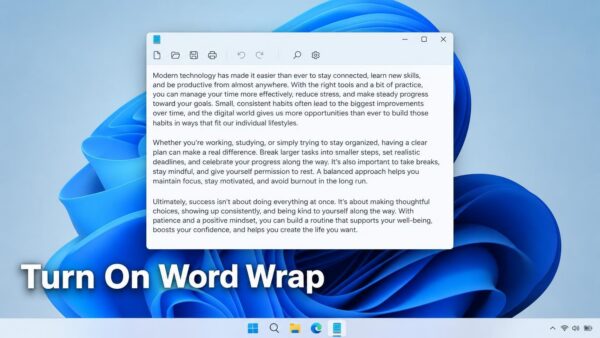
Word wrap in Notepad on Windows 11 breaks long lines at the right edge of the window, so you read a paragraph without scrolling sideways. It changes only how the…
Energy saver in Windows 11 switches on by itself when your battery drops to a set percentage, and one setting controls that. To block Energy saver from starting on its…
One email when we publish a guide worth your time — new Windows features, the fixes that actually work, and a heads-up when Microsoft breaks something. Unsubscribe in one click.