Targeted content recommendations in Windows 11 are privacy settings that let Microsoft use your app usage, the websites you visit, and your language choices to show you personalized ads and…
Every guide we’ve published, newest first. Filter by topic, or use search if you already know what broke.
3,364 tutorials · page 47 of 281
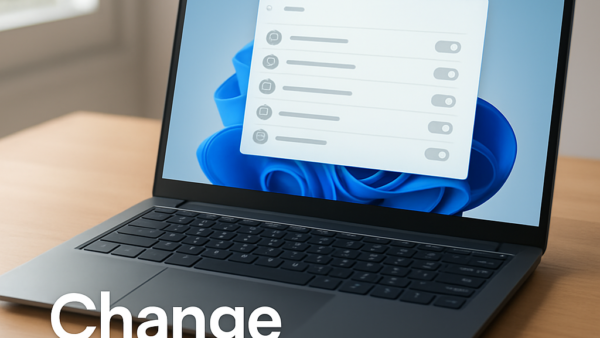
Targeted content recommendations in Windows 11 are privacy settings that let Microsoft use your app usage, the websites you visit, and your language choices to show you personalized ads and…
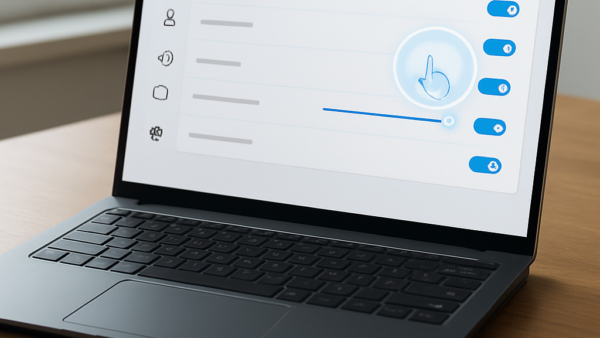
Touch cursor feedback bubbles in Windows 11 are small visual circles that appear on your screen whenever you tap a touchscreen laptop or tablet. They show you exactly where your…
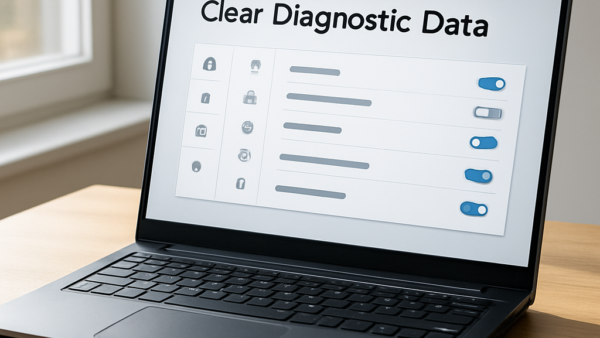
Diagnostic data logs stored locally in Windows 11 are system files that record how your apps and device perform. Windows keeps these copies on your hard drive to help troubleshoot…
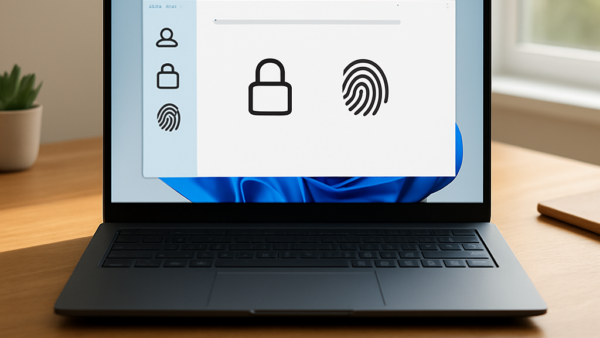
Purging stored biometric data in Windows 11 means deleting the face and fingerprint templates that Windows Hello keeps in a biometric database on your PC. A template is an encoded…
Language order in Windows 11 controls which display language your computer uses first across menus, apps, and websites. (Windows 10 reached end of support on October 14, 2025.) When more…
App resume in Windows 11 reopens the folders, documents and programs from your last session when you sign back in. When dozens of apps launch at once, they compete for…
Optional diagnostic data sharing in Windows 11 sends extra information to Microsoft about how you use your apps, which websites you visit, and how your device performs. It goes beyond…
App resume in Windows 11 saves a snapshot of your open apps when you shut down or restart, so they can reopen when you sign back in. It puts you…
Personal inking and typing dictionary data in Windows 11 is a custom word list your PC builds to help suggestions appear faster as you write. Windows saves your common words,…
Time zone auto-detection in Windows 11 is the Set time zone automatically switch under Settings › Time & language › Date & time. Turning it off means your PC no…
Windows 11 recommendations and offers settings control the tips, Start menu suggestions and pop-up ads that Microsoft shows across your desktop. Some of these toggles also decide whether Microsoft uses…
Linked devices in Windows 11 live in Settings › Bluetooth & devices › Mobile devices › Manage devices. Removing a recently linked phone there unlinks it from your PC, so…
One email when we publish a guide worth your time — new Windows features, the fixes that actually work, and a heads-up when Microsoft breaks something. Unsubscribe in one click.