The desktop background color in Windows 11 controls the solid backdrop that shows up behind your app windows and icons when you do not use a picture. You can pick…
2,590 tutorials · page 3 of 216
The desktop background color in Windows 11 controls the solid backdrop that shows up behind your app windows and icons when you do not use a picture. You can pick…
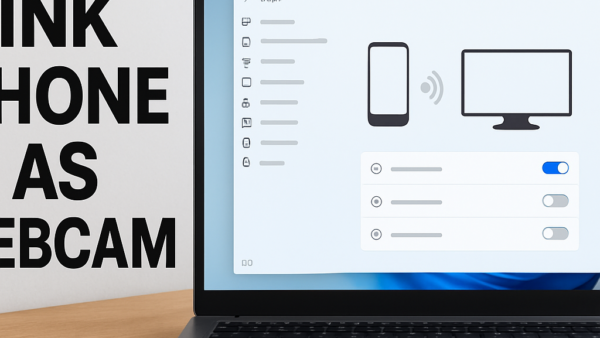
Using your phone as a webcam in Windows 11 lets you stream HD video for calls on apps like Zoom and Microsoft Teams without buying an extra camera. This feature…
The Windows Tools menu in Windows 11 gathers more than 40 advanced system apps, management consoles, and troubleshooting utilities into one single folder. Instead of hunting through separate menus or…
Windows Backup saves your desktop folders, app settings, Wi-Fi networks, and Microsoft Store apps to your cloud storage account so you can move them to a new PC. This tool…
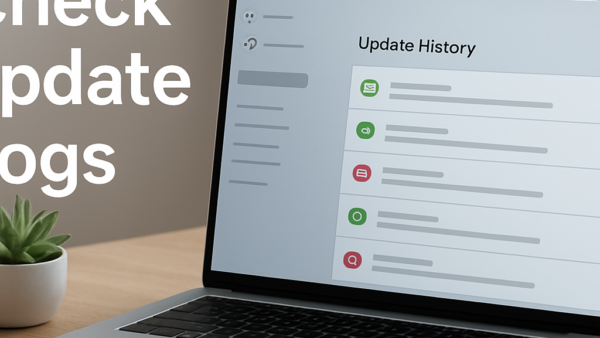
Update history logs in Windows 11 record every system patch, driver installation, and security fix applied to your computer. These logs store success and failure codes in the Settings app,…
Automatic network driver updates in Windows 11 are system background downloads that keep your network card software current so your Ethernet or Wi-Fi connection works without dropouts. Fresh installations of…
Pointer speed in Windows 11 controls how far the cursor travels on your display relative to the physical distance you move your mouse across the desk. Changing this setting fixes…
Environment variables are system-level shortcuts that tell Windows 11 where to find essential files and folders. Removing paths from these variables breaks apps, stops command-line tools from working, and prevents…
Windows 11 drops network adapter drivers after updates when a cumulative update overwrites older hardware files with generic Microsoft software, or when a manufacturer driver conflicts with the new operating…
The on-screen touchpad in Windows 11 gives you a virtual trackpad on your display to move the mouse cursor without physical hardware. This built-in feature helps when your trackpad breaks…
Xbox Game Bar (a built-in Windows tool that records gameplay and takes screenshots) saves a rolling video buffer in the background so you can capture cool moments after they happen.…
Audio failures on Windows 11 leave you without system alerts, media playback, and conference calls. Run through these diagnostic steps to restore your sound output. Run the Playing Audio Troubleshooter…
One email when we publish a guide worth your time — new Windows features, the fixes that actually work, and a heads-up when Microsoft breaks something. Unsubscribe in one click.