Cloud content search is a Windows 11 setting that lets Windows Search show results from your online accounts, such as your Microsoft account and work or school account, alongside results…
Every guide we’ve published, newest first. Filter by topic, or use search if you already know what broke.
3,498 tutorials · page 29 of 292
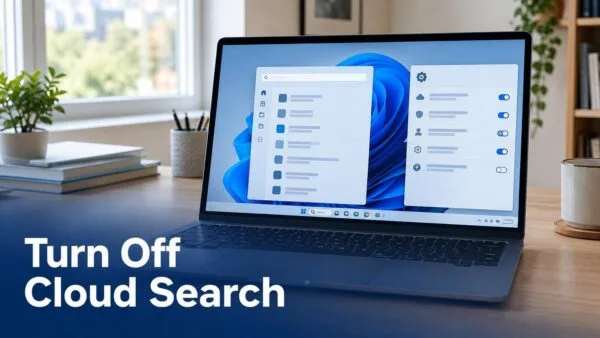
Cloud content search is a Windows 11 setting that lets Windows Search show results from your online accounts, such as your Microsoft account and work or school account, alongside results…
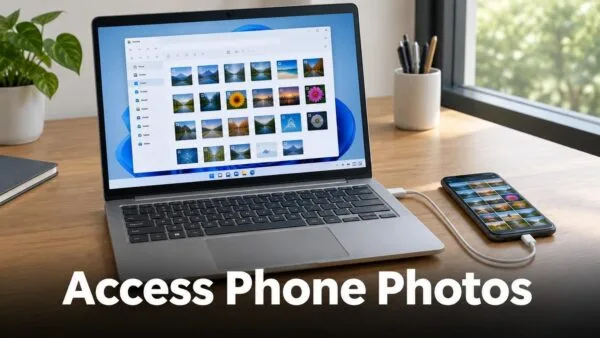
Phone Link and a USB cable are the two built-in ways to get your phone’s photos onto a Lenovo IdeaPad running Windows 11. The USB cable method works with almost…
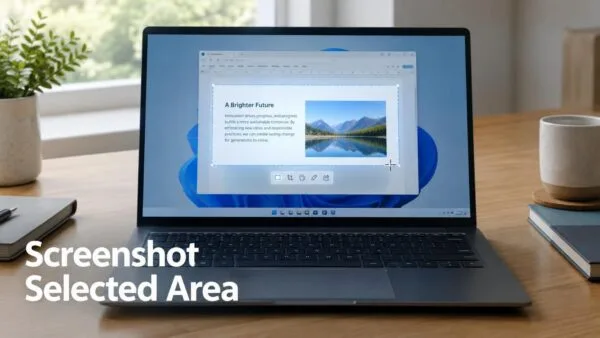
Windows 11 can copy just a part of your screen to the clipboard, the temporary holding space used by copy and paste. Press Win+Shift+S, drag a box around the area…
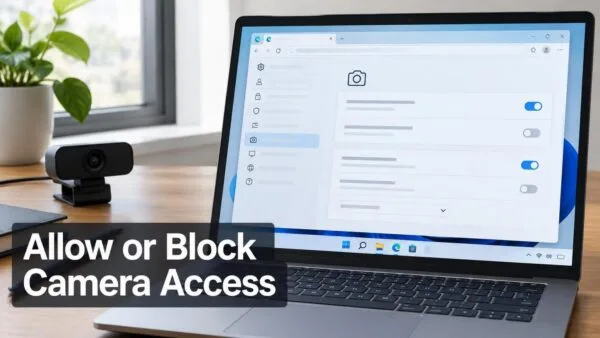
Microsoft Edge lets you choose which websites can use your camera, and you can change that choice at any time. The quickest way is to open edge://settings/content/camera in the address…
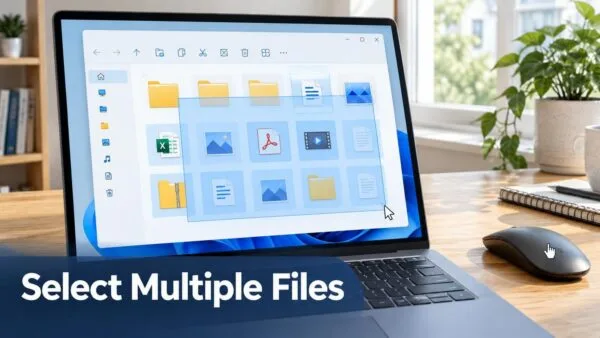
A selection rectangle is a box you draw with the mouse to pick several files or folders at once. In Windows 11, you click an empty spot in a File…
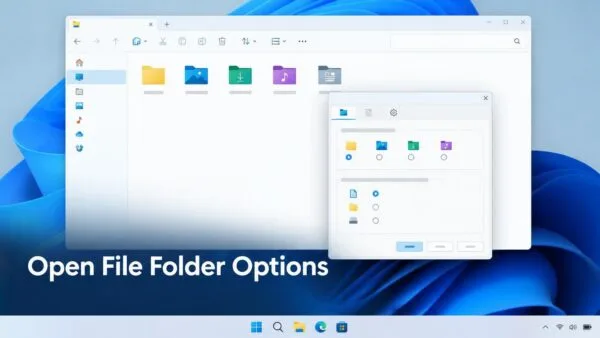
To open file folder options in Windows 11, open File Explorer, select the three-dot See more button on the command bar, then select Options. If File Explorer is missing or…
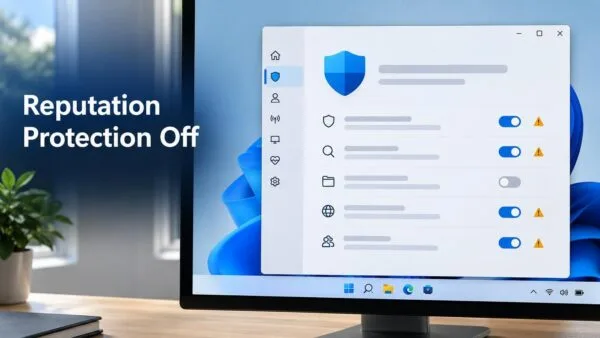
Reputation-based protection is a set of Windows Security settings that check whether a file, app or website is known and trusted. It relies on Microsoft Defender SmartScreen, a Microsoft cloud…
The Windows 11 lock screen is the picture and clock you see before you sign in. To bring back the default one, set it to Windows Spotlight in Settings ›…
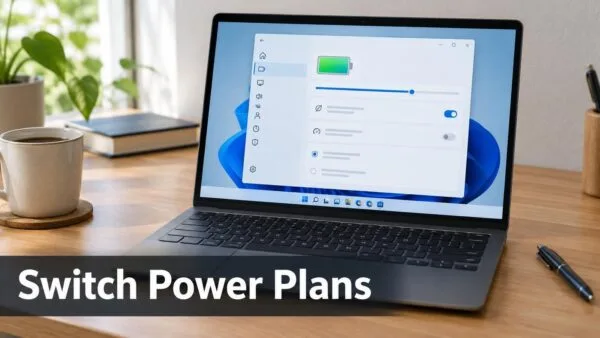
Windows 11 power mode is a setting that trades speed for battery life. Pick Best power efficiency in Settings › System › Power & battery to make your laptop last…
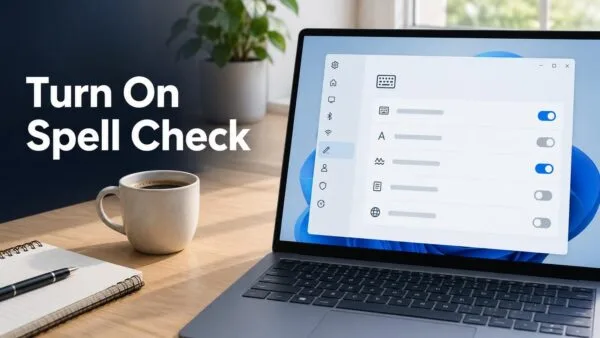
Windows 11 has a built-in spell checker that underlines misspelled words and can fix typos as you type. You turn it on in Settings › Time & language › Typing,…
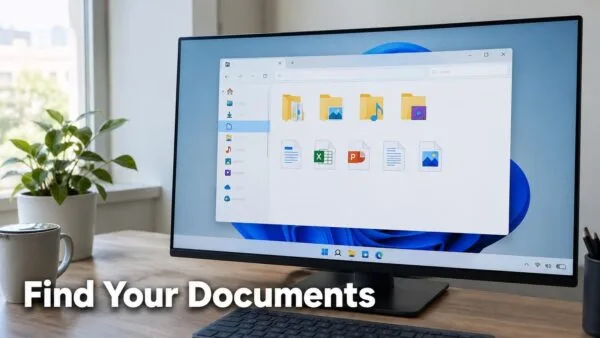
The Documents folder is where Windows 11 saves most of your files by default. It sits in your user profile at 📁C:\Users\USERNAME\Documentscopy. To find it, press Win+E to open File…
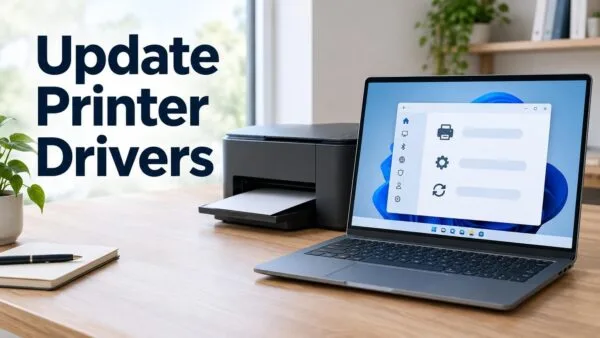
Windows can install and update printer drivers on its own, and that is the best choice for most people. A printer driver is the small piece of software that lets…
One email when we publish a guide worth your time — new Windows features, the fixes that actually work, and a heads-up when Microsoft breaks something. Unsubscribe in one click.