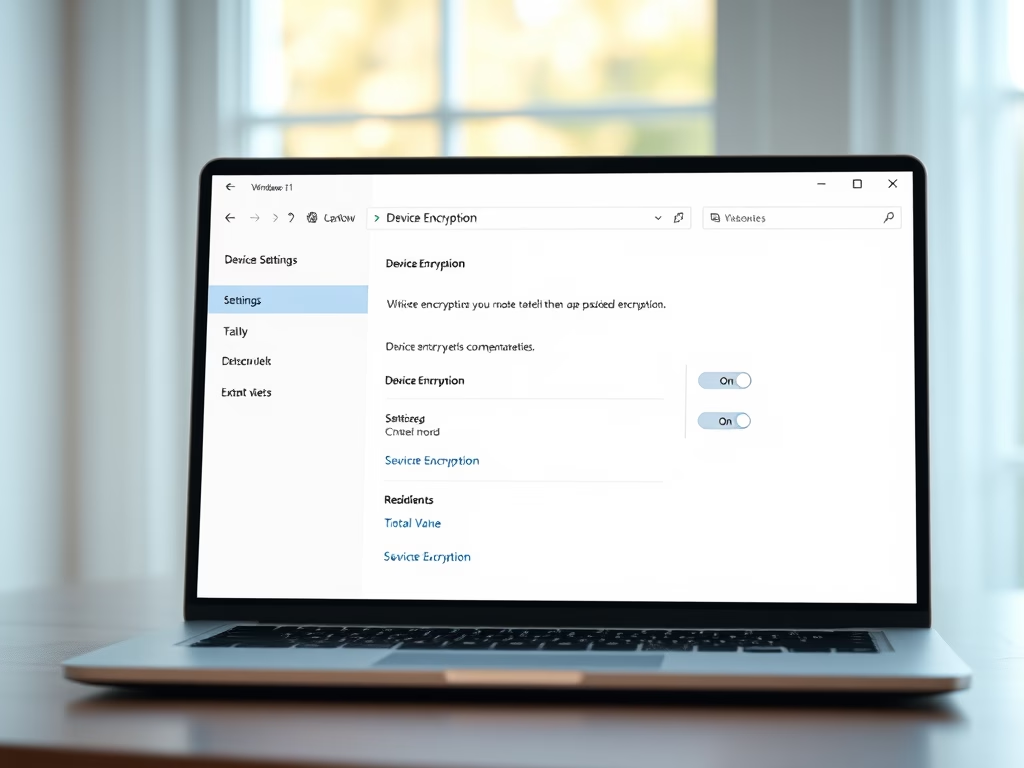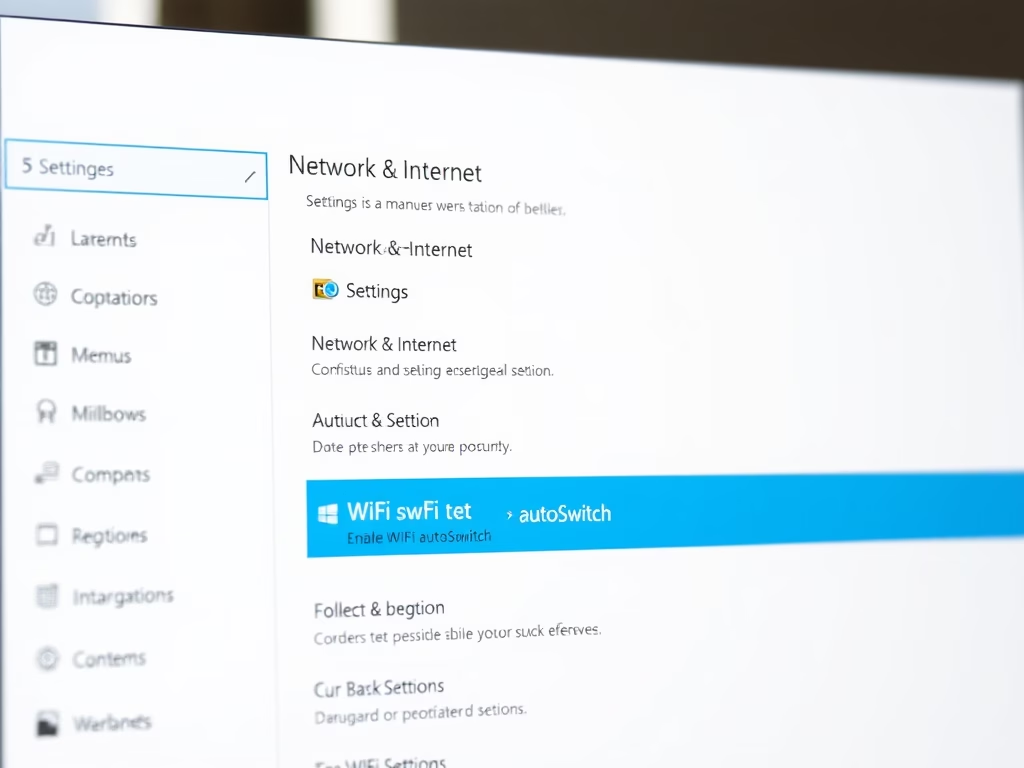
How to Use WiFi AutoSwitch in Windows 11
The article provides instructions on how to enable or disable the WiFi autoSwitch feature on Windows 11. This feature, typically disabled by default, allows the system to automatically connect to a preferred network when it comes into range, which could be advantageous in multi-WiFi network environments. Alternatively, the automatic connection may increase scanning frequency, radio frequency pollution, and power consumption. The guide also explains how to adjust this setting via the System Settings pane or Command Prompt.
Updated Oct 2026
Read more →