Skip to content
📚

Tutorials

Every guide we’ve published, newest first. Filter by topic, or use search if you already know what broke.

3,444 tutorials · page 278 of 287

Ubuntu Linux 7 min read
Setup SSH Key Authentication on Ubuntu

This post instructs students, and new users how to install and configure SSH for a passwordless key login on Ubuntu Linux. It explains key-based authentication as a secure method for managing SSH servers. Users learn how to create an SSH key pair, copy the public key onto a remote server, and configure SSH for passwordless login, enhancing security and convenience.

Updated Oct 2026 Read more →
Ubuntu Linux 5 min read
How to Install VMware Workstation Pro on Ubuntu Linux

This tutorial guides students and new users on installing VMware Workstation Pro, a paid virtualization solution, on Ubuntu Linux. Using VMware, anyone can run multiple virtual machines simultaneously on a single host computer. The guide includes steps on installing necessary packages, downloading and installing VMware Workstation Pro, and activating a 30-day trial, after which a license purchase is required. The write-up suggests VirtualBox as a free alternative for virtualization.

Updated Oct 2026 Read more →
Ubuntu Linux 5 min read
How to Install VMware Workstation Player on Ubuntu Linux

The post instructs students and new users on how to install and use VMware Workstation Player, a virtualization software, on Ubuntu Linux. This software isn't open-source, contrary to VirtualBox, and requires a license for commercial use. It provides step-by-step guidance to download, install, and use VMware Workstation Player, including instructions on installing required packages and resolving performance issues.

Updated Oct 2026 Read more →
Ubuntu Linux 10 min read
How to Install LEMP on Ubuntu Linux

This is a comprehensive guide on installing and using the LEMP stack, an acronym for Linux (Ubuntu), E Nginx, MariaDB or MySQL, and PHP Scripting Language, on Ubuntu Linux. The post provides step-by-step instructions on how to install Ubuntu Linux, Nginx, MariaDB (substituting for MySQL in this guide), and PHP, vital components for developing PHP-based applications or websites, and powering popular content management systems like WordPress, Drupal, and Joomla.

Updated Nov 2026 Read more →
Advertisement
Ubuntu Linux 8 min read
How to Install LAMP on Ubuntu Linux

This post guides students and new users on installing and using the LAMP (Linux, Apache, MariaDB/MySQL, PHP Scripting Language) stack on Ubuntu Linux. LAMP is a group of open-source software and is crucial for many web applications and content management systems (CMS) such as WordPress, Drupal, Joomla. The instructions include the installation processes for Ubuntu Linux, Apache, MariaDB, and PHP on the system.

Updated Oct 2026 Read more →
Ubuntu Linux 7 min read
Install MySQL and MariaDB on Ubuntu: A Step-by-Step Guide

This guide provides detailed instructions on how to install MySQL or on Ubuntu Linux for students or new users. Both MySQL and MariaDB are open-source, multi-threaded relational database management systems, with MariaDB being a backward-compatible replacement for MySQL. The post outlines steps on installing default and latest versions, and securing MariaDB and MySQL databases. The MariaDB Foundation maintains MariaDB, while Oracle owns MySQL. The servers are accessed through the auth_socket method.

Updated Oct 2026 Read more →
Ubuntu Linux 7 min read
How to Install Nginx on Ubuntu Linux

The post is an instructional guide on how to install, configure, and use the Nginx HTTP web server on Ubuntu Linux for beginners. It provides the steps necessary to install Nginx using the apt package management tool, check if Nginx is running, and how to allow the server through the Ubuntu firewall. It also explains how to configure Nginx on Ubuntu, detailing the important folders and files, how to activate or deactivate website configurations, and view log files.

Updated Nov 2026 Read more →
Ubuntu Linux 7 min read
How to Install Apache on Ubuntu Linux

This post offers a detailed guide on how to install, configure, and use the widely popular Apache HTTP web server on Ubuntu Linux, an optimal platform for beginners in Linux. The guide provides step-by-step instructions on installation processes, how to permit Apache through the Ubuntu firewall, interacting with Apache configuration files, and managing Apache Virtual Host files and modules. For troubleshooting, users can refer to Apache’s log files.

Updated Oct 2026 Read more →
Advertisement
Ubuntu Linux 5 min read
How to Install PHP on Ubuntu Linux

This guide outlines how to install and use the PHP server-side programming language on Ubuntu Linux with Apache or Nginx web servers. Instructions are provided for the installation process, including PHP integration with Apache and Nginx, PHP modules, and updates. PHP is used to support content management systems like WordPress, Magento, Drupal etc. PHP versions may vary with the latest being PHP 8.0 at the time of writing.

Updated Oct 2026 Read more →
Windows 4 min read
How to Set Windows Terminal to Open with Command Prompt on Windows 11

The post instructs how to set up Windows Terminal on Windows 11 to open with the Command Prompt tab by default. Normally, Windows Terminal opens with Windows PowerShell, but by following some simple steps, users can change default settings to Command Prompt. This provides an additional convenience for command-line based users.

Updated Nov 2026 Read more →
Ubuntu Linux 7 min read
How to Install Joomla with OpenLiteSpeed on Ubuntu Linux

The post explains the process of installing Joomla CMS on Ubuntu Linux using OpenLiteSpeed web server as an alternative to Apache or Nginx. The process involves installing OpenLiteSpeed and MariaDB database server, downloading Joomla, creating a Joomla database, and configuring OpenLiteSpeed to support Joomla. Detailed instructions are provided for each step, as well as command codes for the install processes.

Updated Oct 2026 Read more →
Windows 5 min read
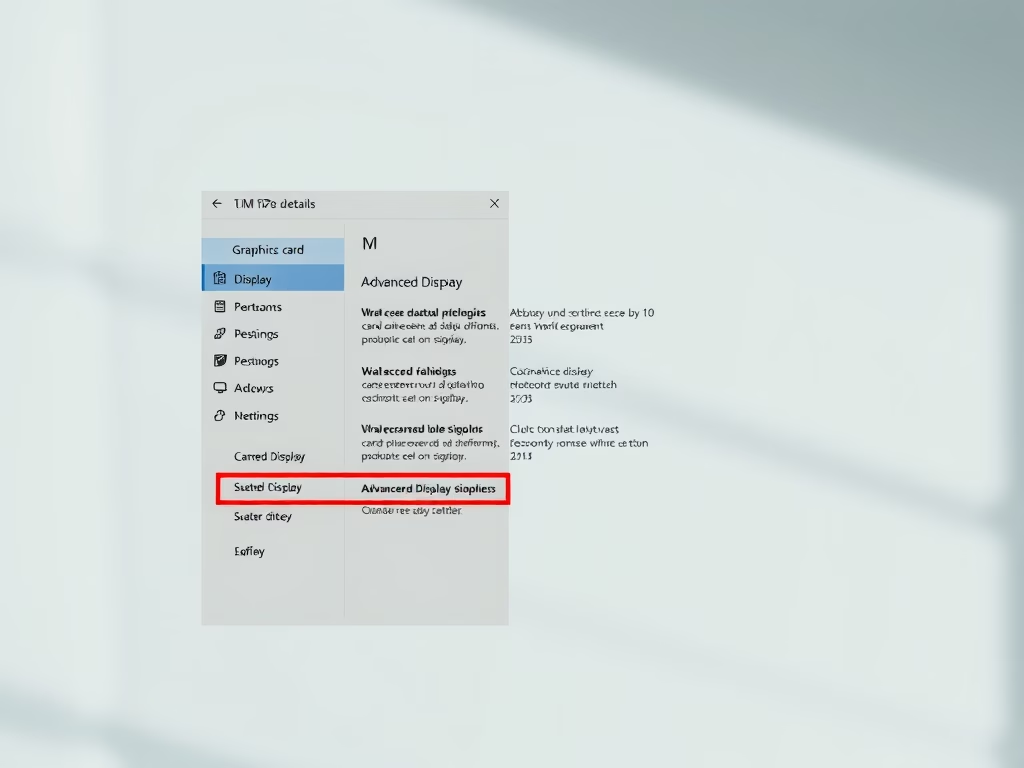
How to Check Graphics Card Details on Windows 11

The post provides a guide for Windows 11 users to check and display the details of their computer's graphics card. This is crucial for those experiencing difficulties with high-intensity games or advanced applications. The post demonstrates how to utilize the Settings app to access graphics hardware information, through System Settings to Display settings, and then to advanced display settings.

Updated Nov 2026 Read more →
Advertisement