Setting an alarm in Windows 11 uses the built-in Clock app, which stores any number of alarms and rings them even when the app is closed. The fastest route is…
Every guide we’ve published, newest first. Filter by topic, or use search if you already know what broke.
3,498 tutorials · page 27 of 292
Setting an alarm in Windows 11 uses the built-in Clock app, which stores any number of alarms and rings them even when the app is closed. The fastest route is…
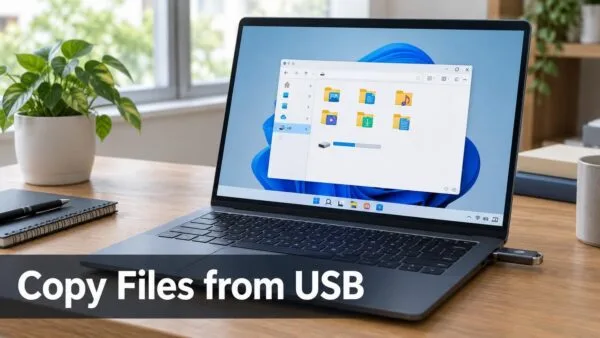
File Explorer copies files from a USB drive to a Windows 11 laptop. Small transfers usually finish in about a minute. To copy files from a USB drive to your…
Windows Hello, the face, fingerprint and PIN sign-in system, can brighten your screen for a moment when the room is too dark for it to see your face. This tutorial…
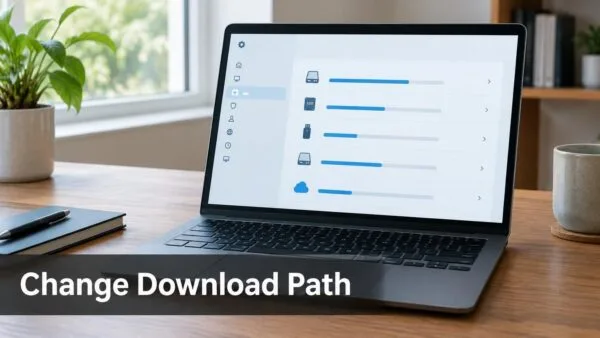
Changing the Microsoft Store download path in Windows 11 means telling Windows to install new Store apps and games on a different drive than C:. The quickest way is Settings…
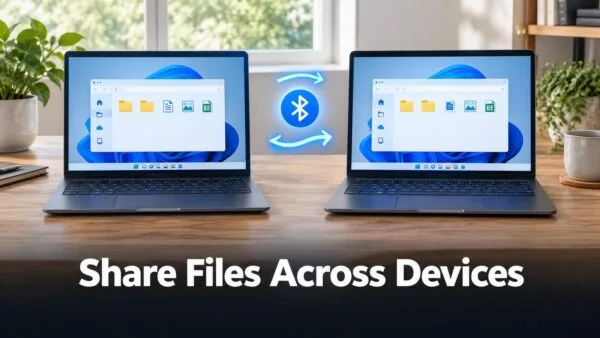
Nearby sharing in Windows 11 lets you share across devices by sending files, photos and web links from one PC to another. It works over Bluetooth or Wi-Fi, with no…
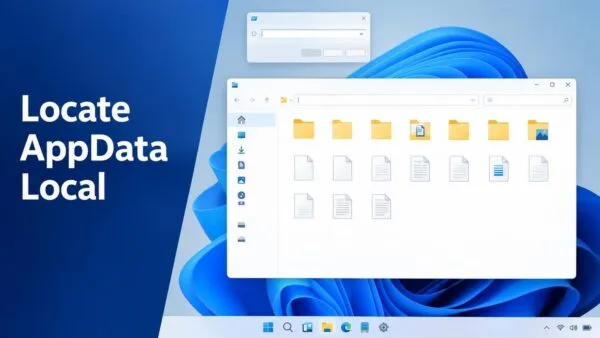
AppData is a hidden folder at C:\Users\USERNAME\AppData that stores app settings, caches and temporary files for your account. To open its Local subfolder, press Win+R, type %localappdata%, and press Enter.…
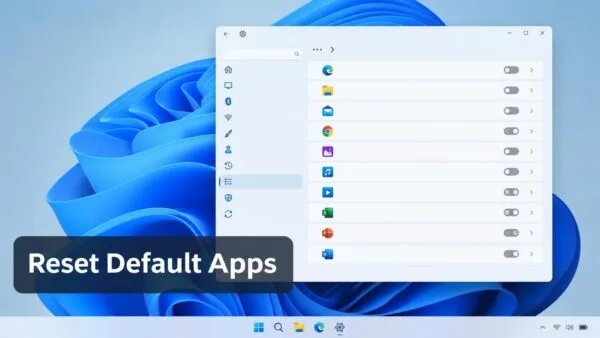
You can reset every default app in Windows 11 back to Microsoft’s recommended choices from one button in Settings. Open Settings › Apps › Default apps, scroll to the bottom…
Find my device shows where your Windows 11 laptop last connected to the internet. It is a Microsoft account feature that saves the laptop’s location and shows it on a…
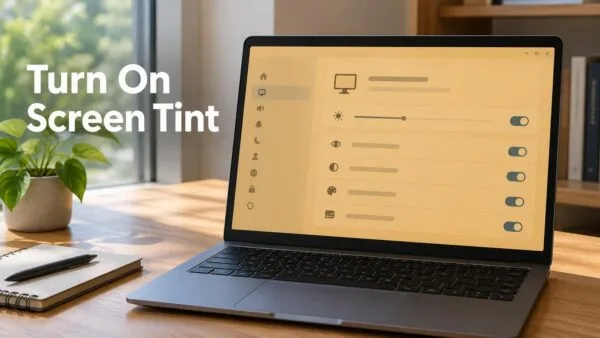
Windows 11 has a new Accessibility setting called Screen tint. You can also use Color filters (Settings › Accessibility › Color filters), which recolour everything on screen, and Night light…
You can change what pressing the physical power button does (shut down, sleep, hibernate, turn off the display, or nothing) in Settings, in under a minute. Go to Settings ›…
The Windows 25H2 update arrives through Settings › Windows Update. Select Check for updates, then select Download & install on the feature update entry. The quick method needs a PC…
Windows 11 has no button labeled “Logout”. The logout button is called Sign out, and it sits in the menu that opens when you click your account name or picture…
One email when we publish a guide worth your time — new Windows features, the fixes that actually work, and a heads-up when Microsoft breaks something. Unsubscribe in one click.