How to Delete Files and Folders in Windows 11
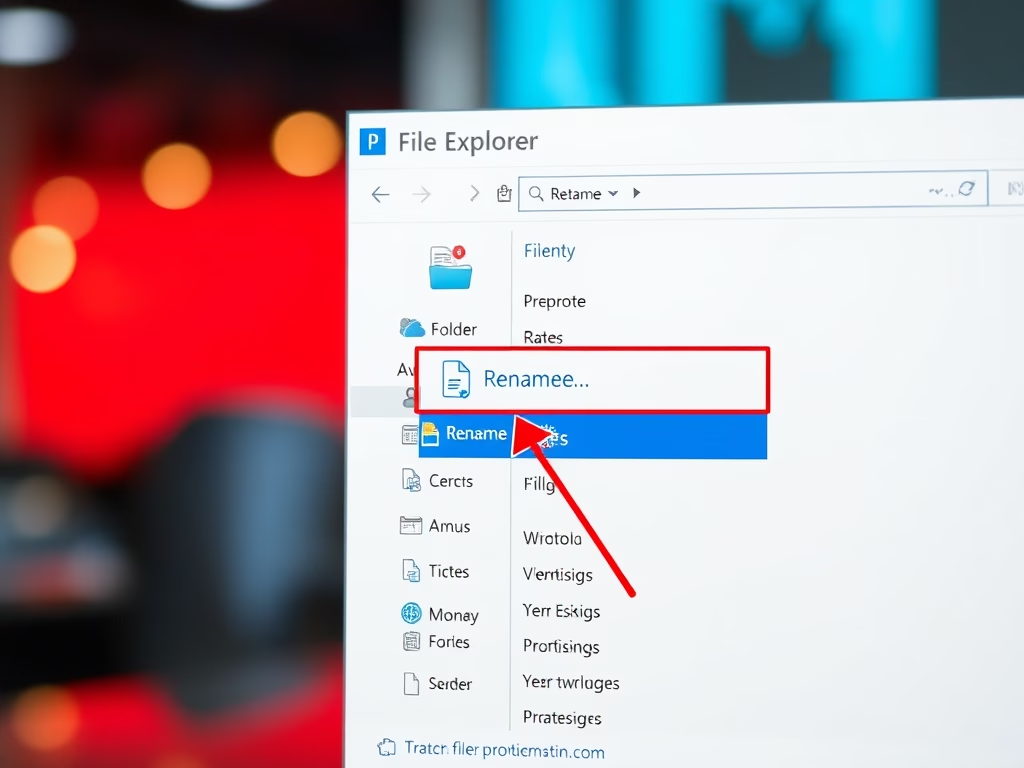
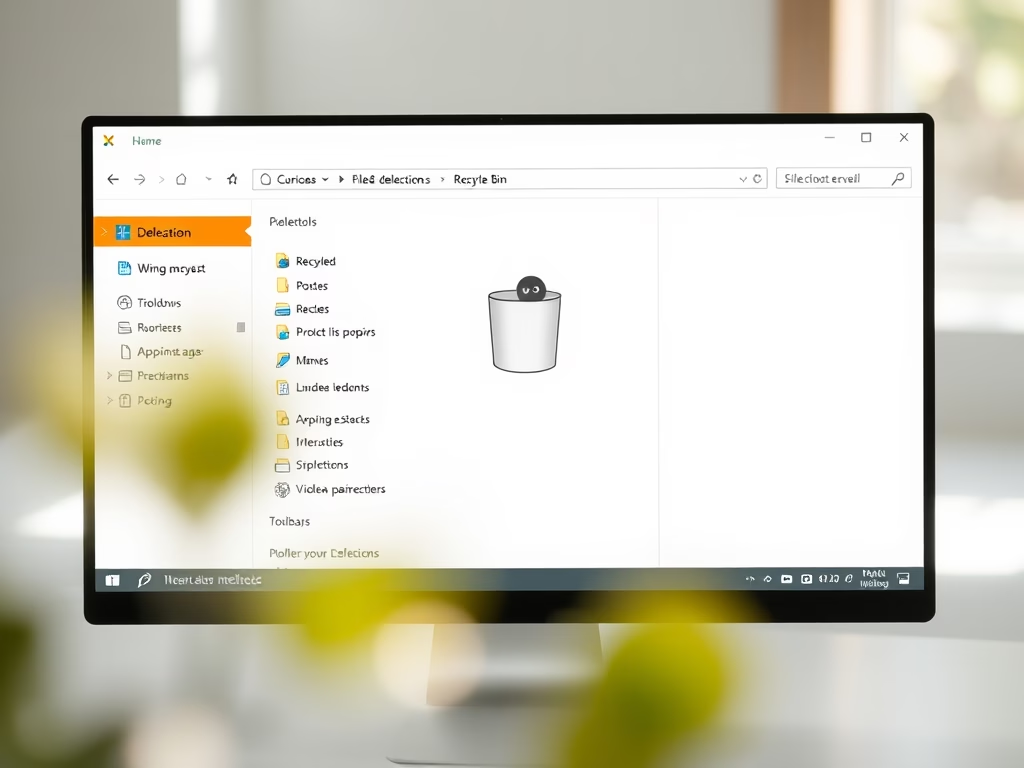
This article outlines how to delete files and folders in Windows 11. Users can remove items through various methods, such as using the DELETE key, dragging to the Recycle Bin, or right-clicking to select "Delete." Deleted items are temporarily stored in the Recycle Bin until emptied, with options for restoration or permanent deletion using SHIFT + DELETE.
Updated Oct 2026
Read more →