Skip to content
🪟

Windows

2,995 tutorials · page 246 of 250

Windows 6 min read
How to Change Desktop Icon Size in Windows 11

This post explains how to resize icons in Windows 11 in different areas such as the desktop, folder view, or taskbar. You can easily change the size of desktop or folder icons using the View or File Explorer options, respectively. To resize taskbar icons, a slightly more complicated process involving the Regedit app and adjustments to registry values is necessary.

Updated Nov 2026 Read more →
Windows 4 min read
How to Move User Folders in Windows 11 to Another Drive

The provided content provides a guide for students and new users on relocating folders from the user's default home directory (C:\Users\Username) in Windows 11 to a secondary drive when running out of space. Detailed steps include moving the Videos folder from the C drive to a larger space on an E drive, starting from opening File Explorer to verifying the completed move. The move can be beneficial, especially if the computer has multiple drives and partitions.

Updated Nov 2026 Read more →
Windows 6 min read
How to Connect Windows 11 to Ubuntu: A Guide to XRDP

The post provides a guide for setting up a Remote Desktop Protocol (RDP) session from Windows 11 to Ubuntu Linux using xrdp, an open-source RDP implementation for Linux. It instructs on installing xrdp from Ubuntu's default repositories, configuring it including adding an xrdp user account and adjusting the startup script, and connecting to Ubuntu from Windows. The guide is aimed at students and new users.

Updated Oct 2026 Read more →
Windows 6 min read
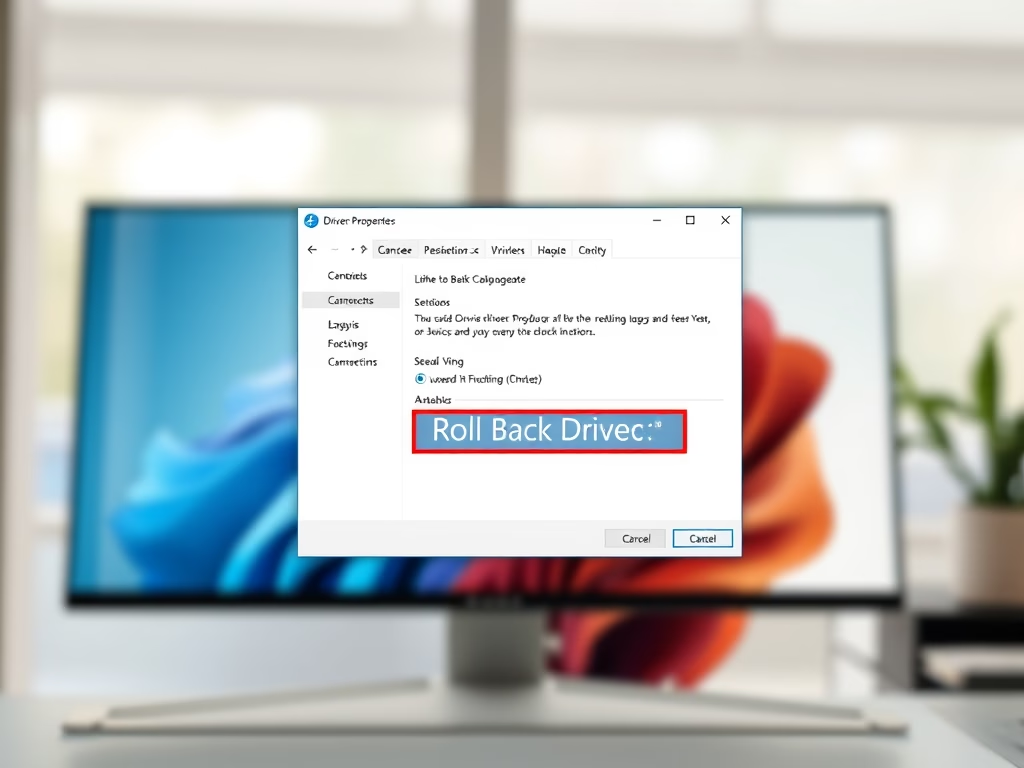
How to Roll Back Device Drivers in Windows 11 Easily

The post provides instructions on how to reverse a device driver update in Windows 11 when the new driver creates performance issues. It offers step-by-step guidance on accessing the System Settings pane, using the Device Manager to locate and select the problematic driver, and utilizing the Roll Back Drive function to restore the previously functional driver version.

Updated Oct 2026 Read more →
Advertisement
Windows 6 min read
How to Safely Eject External Devices in Windows 11

The post provides a detailed guide for students and new users on how to safely eject external storage devices from Windows 11 to avoid data corruption. It emphasizes the importance of following the proper ‘eject’ procedure rather than simply unplugging, due to potential data loss or application and performance issues. Instructions are detailed for both the 'Safely Remove Hardware' method and ejecting via File Explorer.

Updated Oct 2026 Read more →
Windows 6 min read
How to Mute Windows 11 On-Screen Keyboard Sounds

The post guides students and new users on how to disable sound on both the On-screen and Touch keyboards in Windows 11, particularly useful for those bothered by the noise and haptic feedback. The process, taking only a few steps, involves navigating through the System Settings to the Keyboard settings under Accessibility and disabling the sound there.

Updated Oct 2026 Read more →
Windows 6 min read
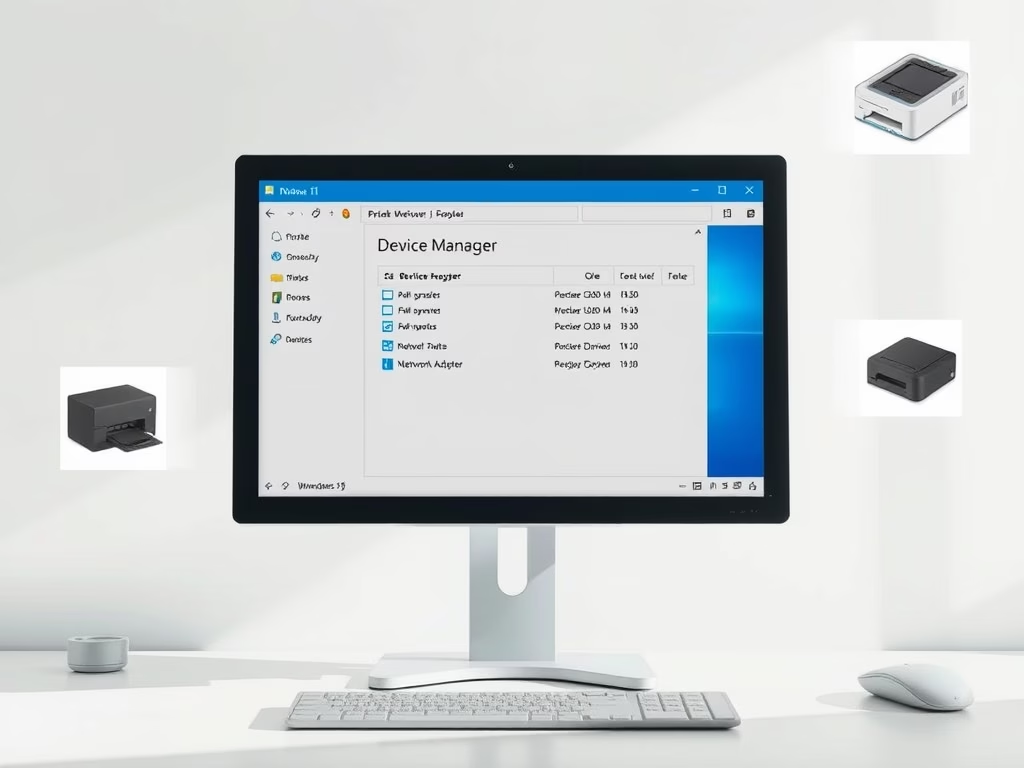
How to Update Device Drivers in Windows 11

The post guides students and new users on updating device drivers in Windows 11, which is necessary for the smooth performance of the computer. Windows 11 automatically updates most device drivers, but users can manually update or reinstall them if required. The steps for updating and reinstalling drivers are described in detail, with instructions also provided for installing optional device drivers.

Updated Oct 2026 Read more →
Windows 8 min read
How to Disable UAC in Windows 11 for Standard Users

This article discusses disabling User Account Control (UAC) in Windows 11. UAC is a security feature that prevents unauthorized system changes by prompting for administrator consent. It is advisable to keep UAC enabled. The recommended method to disable it is via the Control Panel, though alternative methods exist for advanced users.

Updated Oct 2026 Read more →
Advertisement
Windows 9 min read
How to Restore Windows Firewall Settings to Default

This text provides a guide for students and new users on how to restore Windows firewall to its default settings to resolve network connectivity issues or potential malware attacks. The process involves navigating through system settings on Windows 11 and reconfiguring apps for firewall access afterwards. It removes all added Microsoft Defender firewall settings since Windows installation.

Updated Nov 2026 Read more →

Windows 9 min read
How to Fix Windows Update Failures in Windows 11

The article outlines solutions for Windows Update issues in Windows 11. Key steps include freeing up drive space, repairing hard drive errors, renaming the software distribution folder to fix corrupt updates, and restoring system files using Command Prompt. Implementing these steps helps maintain system performance and security against vulnerabilities.

Updated Nov 2026 Read more →
Windows 6 min read
How to Create Shared Folders in Windows 11

This article details the process of creating shared folders in Windows 11 that provide universal access, allowing users to create, delete, and modify content freely. It is suitable for temporary storage but not for private files. Accessing requires the computer and shared folder names, promoting collaborative resource management.

Updated Oct 2026 Read more →
Windows 7 min read
How to Scan for Malware in Windows 11 with Defender

This article outlines how to identify and remove malware and viruses in Windows 11. Symptoms like slow performance and pop-ups may indicate infection. Users are advised to utilize Microsoft Defender for regular scans, keep updates current, and consider scheduling scans for consistent protection against threats. Vigilance is crucial for maintaining PC security.

Updated Oct 2026 Read more →
Advertisement