Skip to content
📚

Tutorials

Every guide we’ve published, newest first. Filter by topic, or use search if you already know what broke.

3,446 tutorials · page 230 of 288

Windows 5 min read
How to Unlink OneDrive Windows 11: A Complete Guide

This article provides a guide to unlink a PC and remove an account from OneDrive in Windows 11. The OneDrive app, which syncs computer files with Microsoft Cloud, can be disconnected from a particular PC without data loss. This might solve syncing issues and files remain accessible on OneDrive's web platform after unlinking.

Updated Oct 2026 Read more →
Windows 6 min read
How to Enable or Disable Inline AutoComplete in Windows 11

The article provides a guide on how to activate or deactivate the inline AutoComplete feature in Windows 11's File Explorer. The File Explorer's autocomplete function predicts typing and offers file or folder suggestions based on the user's address bar history and recent searches. The instructions include a method via Control Panel settings and an alternative approach using the Windows Registry editor. This feature is off by default and adjustments require restarting the computer.

Updated Oct 2026 Read more →
Windows 4 min read
How to Enable Dark Mode in Windows 11 Paint App

The article provides a guide on changing the theme, particularly enabling the dark mode in the Paint app on Windows 11. Microsoft's recent update allows users to change the app's system default theme. The new settings offer options from light to dark themes, which can be accessed via the Settings pane.

Updated Oct 2026 Read more →

Windows 3 min read
How to Add Windows 11 Resource Widgets Using Dev Home

The article provides a guide on how to add Memory, CPU, and GPU widgets to the Widgets board in Windows 11 via the Windows Dev Home app. This app, which offers widget components for monitoring system resources, is downloadable from the Microsoft Store, GitHub, or winget. After installation, users can select resource widgets to monitor and view performance graphs.

Updated Oct 2026 Read more →
Advertisement
Browsers 4 min read
How to Enable or Disable Restore Pages Dialog in Microsoft Edge

The article provides instructions on how to enable or disable the "Restore Pages" dialog in Microsoft Edge, which allows users to restore previously open pages after a crash. The procedure involves navigating to the Windows Registry, creating a new DWORD value named 'HideRestoreDialogEnabled', and changing value data. Rebooting the computer applies the changes.

Updated Oct 2026 Read more →
Windows 2 min read
How to Enable Tab Preview on Hover in Microsoft Edge

The article guides users on how to enable or disable the 'Show tab preview on hover' feature in Microsoft Edge. This feature, which is enabled by default, allows users to see a preview of a tab by hovering over it. Instructions are provided on opening settings in Microsoft Edge, locating the 'Show tab preview on hover' option, and toggling it on or off. Changes apply immediately after exiting and restarting the browser.

Updated Oct 2026 Read more →
Windows 5 min read
How to Enable UAC Administrator Display in Windows 11

The article guides on how to enable or disable the display of administrator accounts on the User Account Control (UAC) prompt for standard users in Windows 11. It details steps to adjust settings via the Local Group Policy Editor and the Windows Registry Editor. Procedures help maintain administrative rights and protect against potentially harmful program changes.

Updated Oct 2026 Read more →
Browsers 5 min read
How to Enable Video Super Resolution in Microsoft Edge

The Microsoft Edge browser supports Video Super Resolution (VSR), a feature using machine learning to improve video quality by removing compression artifacts and enhancing resolution. To activate VSR, devices must meet certain requirements, including having specific graphics cards and running videos at a resolution less than 720p. The post provides detailed instructions on how to enable or disable VSR in the Edge browser.

Updated Oct 2026 Read more →
Advertisement
Windows 6 min read
How to Show Labels on Taskbar Pins in Windows 11

The article guides users on enabling or disabling the "Show labels on Taskbar pins" feature in Windows 11. Accessible via the Settings app or the Windows Registry Editor, the option allows control over label display for pinned taskbar items. The guide also provides instructions for managing other taskbar elements, such as combined mode.

Updated Oct 2026 Read more →
Windows 6 min read
How to Customize Windows 11 Taskbar Settings

The article provides a detailed guide to enabling or disabling "never combined mode" in Windows 11, essentially allowing users to individually see each application window and their corresponding labels on the Taskbar. It explains two methods for modifying these settings: through the Windows Settings app and using the Windows Registry Editor. Both methods allow for granular control of taskbar labels and button combining settings.

Updated Oct 2026 Read more →
Windows 4 min read
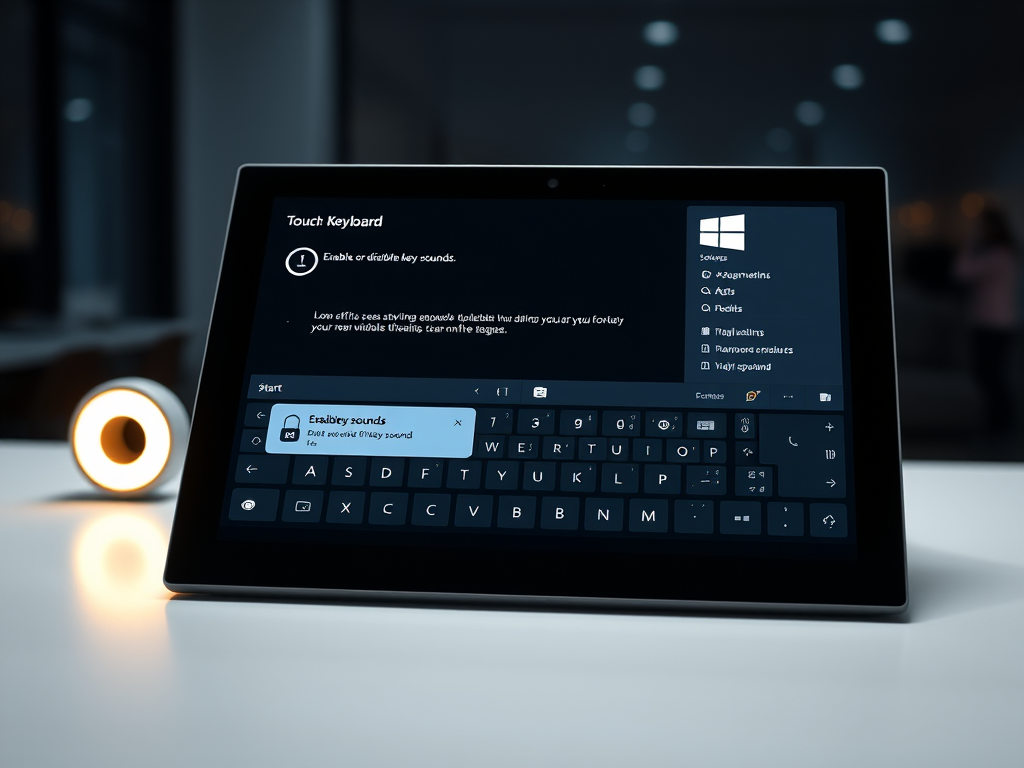
How to Enable or Disable Windows 11 Touch Keyboard Sounds

The article provides a guide to enable or disable the Touch keyboard's key sounds feature in Windows 11. Users can alter this feature via the Windows Settings app or the Windows Registry Editor. When enabled, the virtual keyboard produces a clicking sound as keys are pressed, akin to a physical keyboard.

Updated Oct 2026 Read more →
Browsers 2 min read
How to Enable Touch Mode in Microsoft Edge

The Microsoft Edge team is developing a Touch mode feature that optimizes the browser for touch devices, enlarging buttons and tabs. The feature, currently in the development version, will be available to all users soon. Users can turn on or off Touch mode in the Microsoft Edge settings under Appearance.

Updated Oct 2026 Read more →
Advertisement