Windows 11 resume settings control whether your open apps pop back up automatically after you restart your PC. When this feature fails, background services crash or fast startup settings get…
2,595 tutorials · page 21 of 217
Windows 11 resume settings control whether your open apps pop back up automatically after you restart your PC. When this feature fails, background services crash or fast startup settings get…
Windows 11 Device Usage settings are a group of privacy options that track how you use your computer across six specific categories: Gaming, Family, Creativity, School, Entertainment, and Business. Microsoft…
App execution alias settings in Windows 11 control the short nicknames you type in the command line to open programs instantly without typing long folder paths. Instead of typing a…
App execution aliases are built-in shortcuts that let you launch programs like python from the command prompt or PowerShell without typing out the full file path. Windows 11 manages these…
Windows 11 recommendations and offers are built-in pop-ups and suggestions that track your daily computer habits to sell you extra apps and services. Microsoft uses background tracking tools to watch…
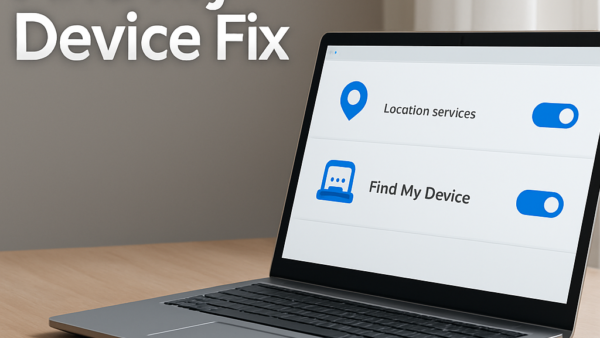
Find My Device in Windows 11 fails to locate your lost laptop when the computer is shut down, lacks an internet connection, or has global location services turned off. This…
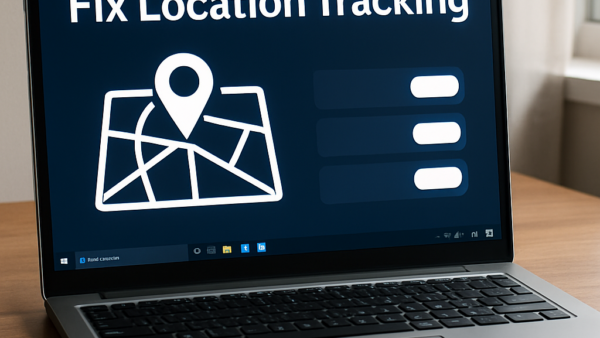
Windows 11 Find My Device location tracking is a built-in security feature that records your laptop or tablet’s last known physical position using GPS, Wi-Fi networks, and cell towers. When…
App recommendations and promotional offers in Windows 11 are built-in Start menu advertisements that push unwanted games, apps, and Microsoft services onto your screen. These unwanted suggestions clutter your workspace…
System recommendations and offers in Windows 11 are built-in ads and suggestions that appear in places like the Start menu, the Settings app, and the File Explorer to push cloud…
Windows 11 diagnostic data collection is a background system that sends crash reports, device performance details, and app usage stats back to Microsoft to help fix bugs and improve system…
Focus sessions in Windows 11 help you block out everyday computer distractions by silencing notifications and hiding flashing taskbar badges for a set amount of time. Built right into the…
Focus mode in Windows 11 hides annoying pop-ups and red notification dots on your taskbar so you can get work done without interruptions. Built directly into Windows 11, this distraction-blocking…
One email when we publish a guide worth your time — new Windows features, the fixes that actually work, and a heads-up when Microsoft breaks something. Unsubscribe in one click.