Skip to content
🪟

Windows

2,996 tutorials · page 203 of 250

Windows 4 min read
How to Enable Bcc in Outlook for Windows 11

This article guides users on how to show or hide the Bcc field in the updated Outlook app for Windows 11. It explains how to use the Bcc feature to send private emails to multiple recipients without reveling recipient identities. It also describes how to adjust the app settings to keep the Bcc field visible for new emails.

Updated Oct 2026 Read more →
Windows 4 min read
How to Enable Email Forwarding in Outlook for Windows 11

The article provides a guide on how to enable or disable email forwarding in the new Outlook app on Windows 11. The Outlook app, supporting various accounts including Microsoft 365 work or school, Outlook.com, Hotmail, and Gmail, allows users to forward emails to another account for reasons such as consolidating multiple addresses or maintaining access during vacations. Users can manage this feature in the 'Forwarding' tab in the 'Settings' section.

Updated Oct 2026 Read more →
Windows 4 min read
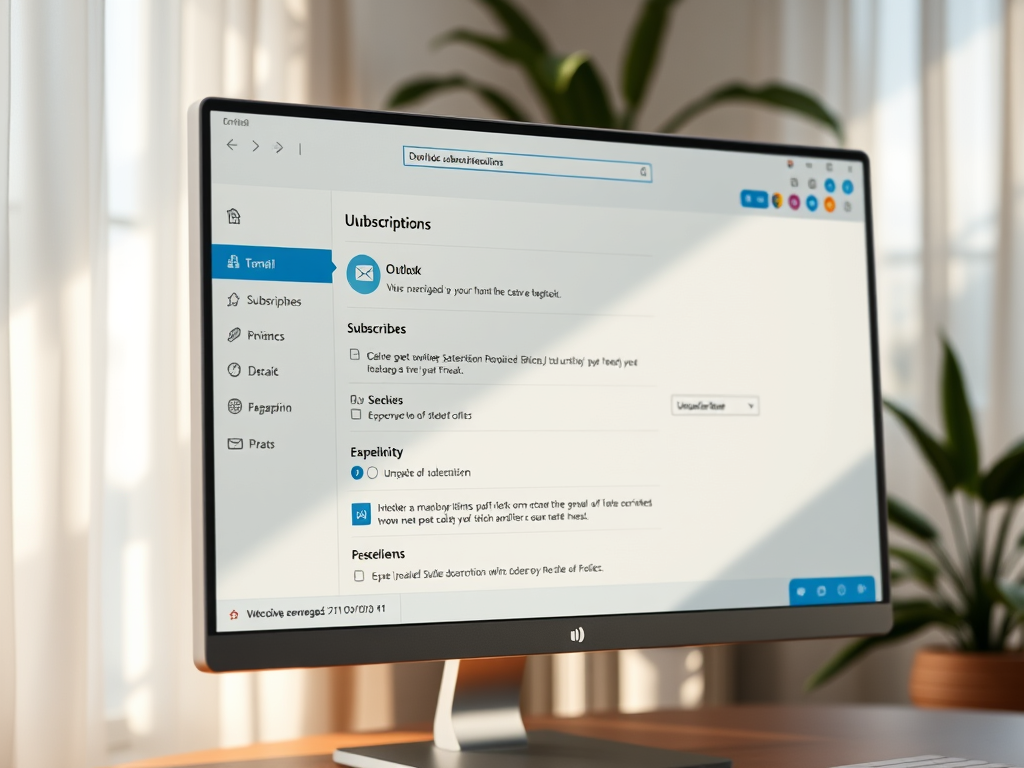
How to Unsubscribe from Emails in Outlook: Web, Desktop, and Mobile

The article guides users on how to manage email subscriptions in the new Outlook app on Windows 11. The app supports multiple email platforms, with features for handling subscriptions and blocking spam. Subscriptions can be easily managed per account basis, with instructions provided on how to unsubscribe or block specific email senders.

Updated Oct 2026 Read more →
Windows 4 min read
How to Turn On or off Focused Inbox in Outlook

The article provides instructions on how to activate or deactivate the 'Focused Inbox' feature in the new Outlook app for Windows 11. This feature, which uses machine learning to prioritize messages based on their relevance, allows users to separate important emails from less significant ones, facilitating more organized email interaction.

Updated Oct 2026 Read more →
Advertisement
Windows 4 min read
How to Enable out of Office Replies in Outlook for Windows 11

The article outlines the process to set up Out-of-Office (OoO) automatic replies in the new Outlook app in Windows 11. The feature is designed for facilitating professional communication during absence, preventing misunderstandings or delays. Users can customize these automatic emails and designate a specific period during which these replies will be sent. The Outlook app supports multiple accounts.

Updated Oct 2026 Read more →
Windows 4 min read
How to Update Email Signatures in Outlook for Windows 11

The article provides guidance on adding or updating email signatures in the new Outlook app for Windows 11. It underscores the significance of current information in signatures – a block of text attached to emails containing sender’s details. It then outlines the step-by-step process to add or update signatures in the new Outlook app.

Updated Oct 2026 Read more →
Windows 8 min read
How to Enable or Disable Microphone Access for Apps in Windows 11

The article is a detailed guide on how to control app access to the microphone on a device running Windows 11. Users can opt to allow or deny all apps access to the microphone, or make decisions for individual apps. Controlling access can be done through Windows Settings, the Local Group Policy Editor, or the Windows Registry Editor. The article also discusses how to notice when the microphone is in use.

Updated Oct 2026 Read more →
Windows 4 min read
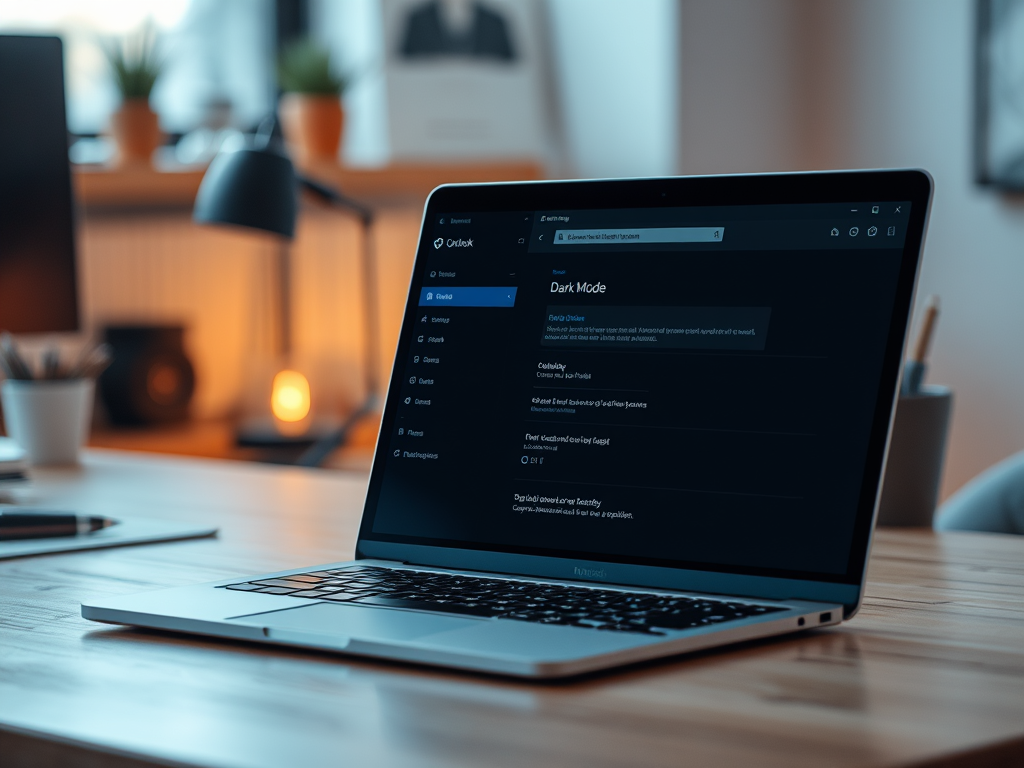
How to Enable Dark Mode in Outlook for Windows 11

The article provides instructions on how to enable or disable the Dark Mode in the new Outlook app on Windows 11. Users can switch to dark mode through the app for a better reading experience or base it on Windows theme settings. This feature was added following a Microsoft design refresh.

Updated Oct 2026 Read more →
Advertisement
Windows 4 min read
How to Use Gmail in Outlook on Windows 11

This summary explains how to add Gmail to the new Outlook app in Windows 11. The new Outlook features a modern design supporting multiple account types and enables simple switching to other applications. The article provides comprehensive steps to add a Gmail account to the app, including how to sync Google Calendar and Contacts.

Updated Oct 2026 Read more →
Windows 6 min read
How to Enable or Disable Windows Copilot in Windows 11

The article provides a guide to enable or disable Windows Copilot in Windows 11. Starting from build 23493, Copilot lets users interact with Bing Chat AI for system settings and multiple application usage. It can be added as a button on the Taskbar or be controlled using the Local Group Policy Editor. A range of commands for actions can be issued to Copilot.

Updated Nov 2026 Read more →
Windows 7 min read
How to Change Purchase Sign-in Settings in Microsoft Store

The article provides a guide on how to modify the Purchase sign-in settings in the Microsoft Store app on Windows 11. These settings control whether or not a password is required when making a purchase. It emphasizes that changes to these settings only affect the device the user is currently signed into and will not apply to other devices.

Updated Oct 2026 Read more →
Windows 4 min read
How to Set HDR JXR Wallpapers in Windows 11

The latest Windows Build 25921 allows users to set HDR (JXR) image files as their desktop background. This feature enhances the display of desktop backgrounds on device screens with High Dynamic Range (HDR) capabilities. To apply JXR files as a desktop background, you'd need to ensure your device supports or is connected to an HDR display, then personalize your background settings using the downloaded JXR file.

Updated Oct 2026 Read more →
Advertisement