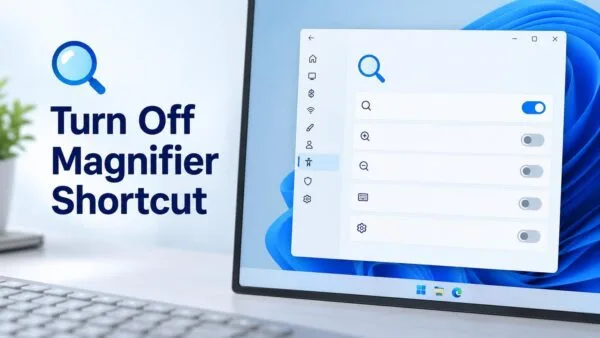
Windows logo key + Plus (+) starts Magnifier. Magnifier enlarges part or all of your screen, so text and images are easier to read. If the shortcut launches Magnifier by…
Every guide we’ve published, newest first. Filter by topic, or use search if you already know what broke.
3,498 tutorials · page 20 of 292
Windows logo key + Plus (+) starts Magnifier. Magnifier enlarges part or all of your screen, so text and images are easier to read. If the shortcut launches Magnifier by…
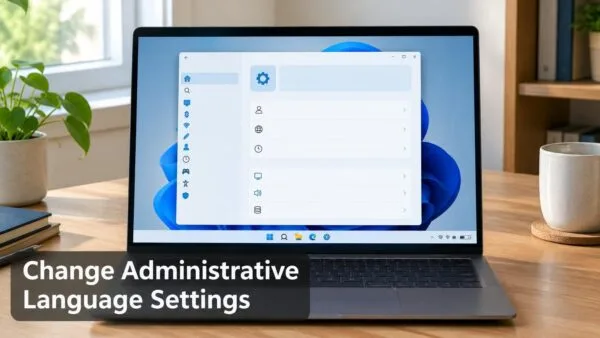
Administrative language settings in Windows 11 are in Settings › Time & language › Language & region, under the Related settings link named Administrative language settings. Select that link, open…
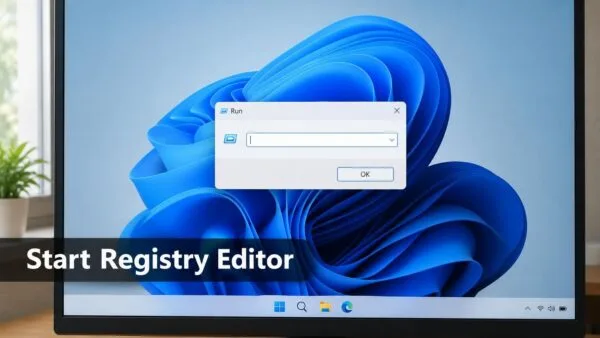
Registry Editor (regedit) opens fastest when you press Win+R, type regedit, and press Enter. Windows 11 then asks for administrator approval through a User Account Control (UAC) prompt, the pop-up…
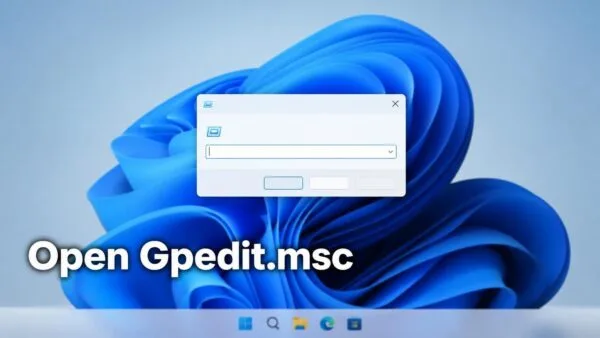
The gpedit.msc command opens the Local Group Policy Editor in Windows 11, the console where you change system and user policies. To open it, press Win+R, type gpedit.msc, and press…
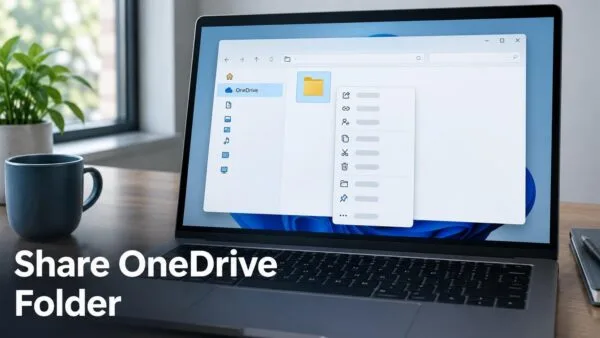
To share a OneDrive folder in Windows 11, right-click the folder in File Explorer, select Share, choose who can open it, and send the link or an email invitation. Sharing…
A hard disk drive (HDD) stores Windows and your files on spinning platters. Here is how to check whether yours is failing, and which check to run first. The quickest…
The Windows Insider Program settings page in Windows 11 can now filter feature flags by enablement state, which is whether each flag is turned on or off. A feature flag…
To test internet speed in Windows 11, use the Speed test Quick Setting if your build has it. If it does not, use a browser test. Each test reports download…
Phone controls in Quick Settings let you change common phone settings from the Windows 11 taskbar panel. Examples include turning on Do Not Disturb before a meeting, changing the ringer…
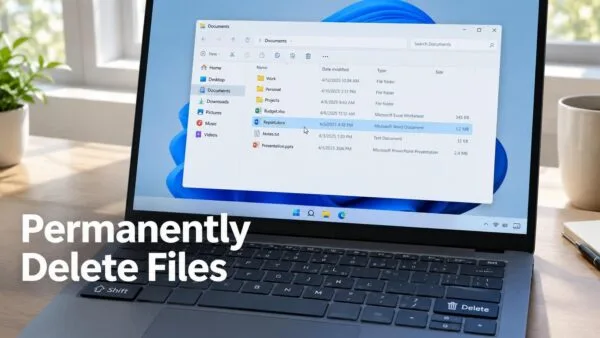
Permanently deleting files without the Recycle Bin in Windows 11 removes them in one step, with no second trip to empty the bin. The quickest method is to select the…
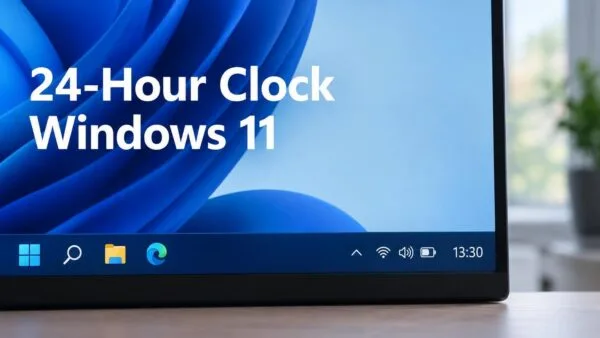
The 24-hour clock in Windows 11 shows 13:30 instead of 1:30 PM, and the quickest way to switch is the Short time setting in Settings › Time & language ›…
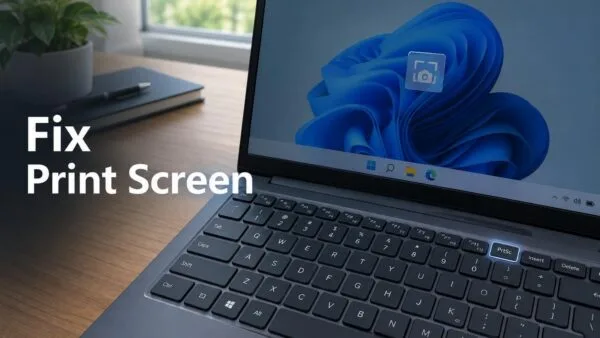
When the Print Screen key does nothing in Windows 11, the capture has often worked but gone silently to the clipboard (the temporary memory Windows uses for copy and paste).…
One email when we publish a guide worth your time — new Windows features, the fixes that actually work, and a heads-up when Microsoft breaks something. Unsubscribe in one click.