Skip to content
📚

Tutorials

Every guide we’ve published, newest first. Filter by topic, or use search if you already know what broke.

3,338 tutorials · page 144 of 279

Windows 6 min read
How to Clear and Reset TPM in Windows 11

This guide explains the Trusted Platform Module (TPM) and provides methods to clear and reset it on a Windows 11 PC. TPM enhances security by storing keys, but issues may arise that require troubleshooting. Users can utilize the Windows Security app, PowerShell, or TPM Management Console for resetting, while ensuring their data is backed up.

Updated Oct 2026 Read more →
Windows 5 min read
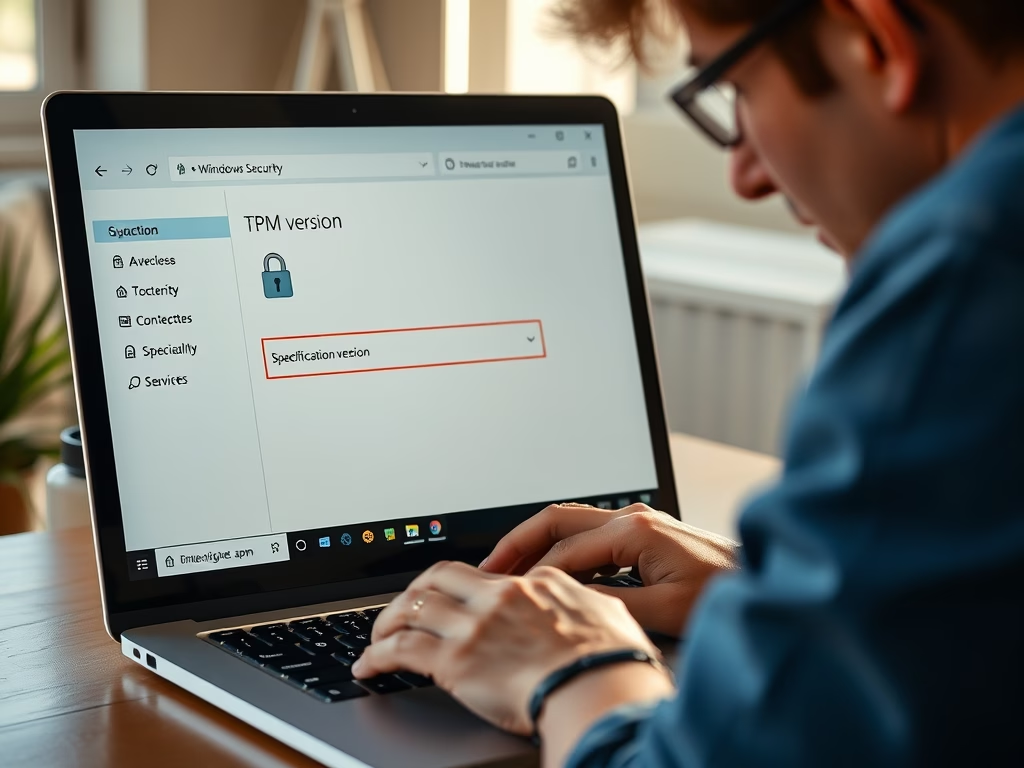
How to Check TPM Version on Windows 11 Easily

To check the TPM version on a Windows 11 computer, use methods like the Windows Security app, TPM Management Console, Device Manager, or PowerShell/Command Prompt. Knowing your TPM version is crucial for fixing issues, ensuring compatibility with Windows 11, and enhancing security for your data.

Updated Oct 2026 Read more →
Windows 7 min read
How to Add Natural Voices in Windows 11 Narrator

This guide explains how to add or remove Natural Voices in Narrator for Windows 11, a built-in screen reader that assists users by reading text aloud. Natural voices provide clearer sound and work offline, enhancing the user experience. The process for customization is straightforward and accessible through Windows settings and PowerShell.

Updated Oct 2026 Read more →
Advertisement
Windows 4 min read
How to Change the Narrator Voice in Windows 11

Windows 11 allows users to customize the Narrator tool, enhancing accessibility for those with visual impairments. Users can change the voice, speed, pitch, and volume through the Settings menu. Personalizing these features improves the user experience, making tasks like browsing or writing emails more enjoyable.

Updated Oct 2026 Read more →
Windows 4 min read
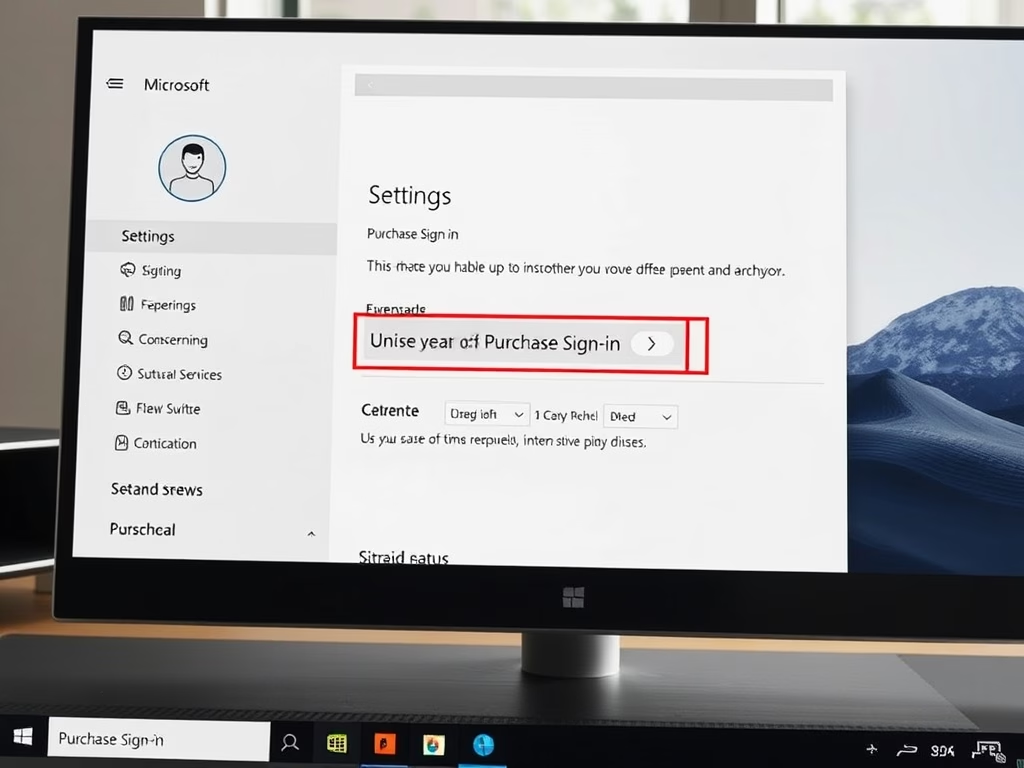
How to Change Purchase Sign-in Settings in Microsoft Store

This guide explains how to adjust the Purchase sign-in settings in the Microsoft Store app on Windows 11, allowing users to require a password for each purchase or skip the prompt for convenience. Changes apply only to the current device, and security should be considered when turning off the password requirement.

Updated Oct 2026 Read more →
Windows 5 min read
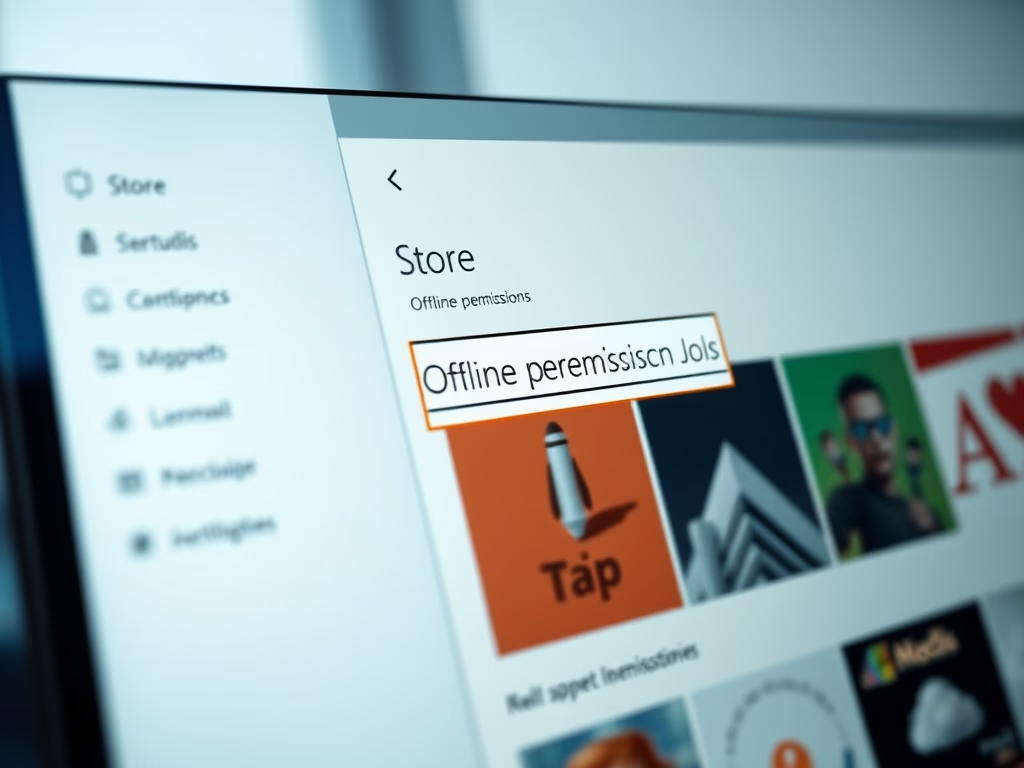
How to Change Offline Permissions on Windows 11

To play Microsoft Store games offline on Windows 11, enable Offline permissions while connected to the internet. Each game needs to be opened online once for offline access. You can change your designated offline device only three times a year. Disable Offline permissions to return to online gaming.

Updated Oct 2026 Read more →
Advertisement
Windows 4 min read
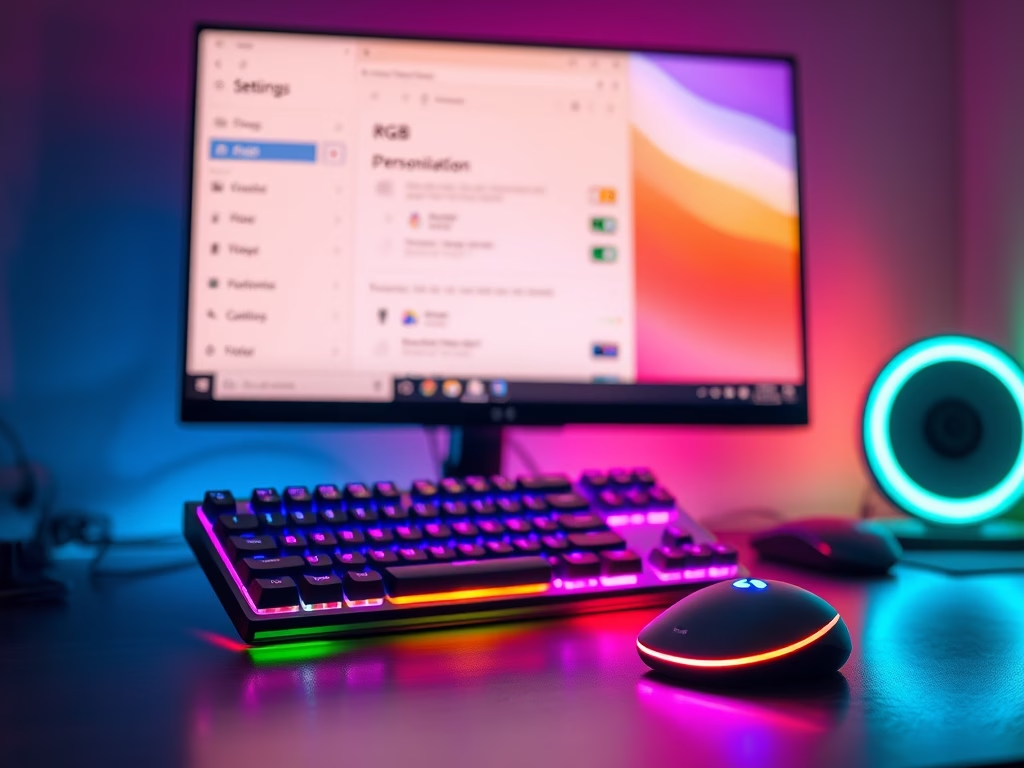
How to Enable RGB Accent Color Matching in Windows 11

Windows 11 introduces Dynamic Lighting, allowing users to synchronize RGB lights on devices like keyboards and mice with their computer’s accent color. To enable this feature, navigate to Settings > Personalization > Dynamic Lighting and toggle the “Match my Windows accent color” option. Enjoy a coordinated visual experience effortlessly.

Updated Oct 2026 Read more →
Windows 6 min read
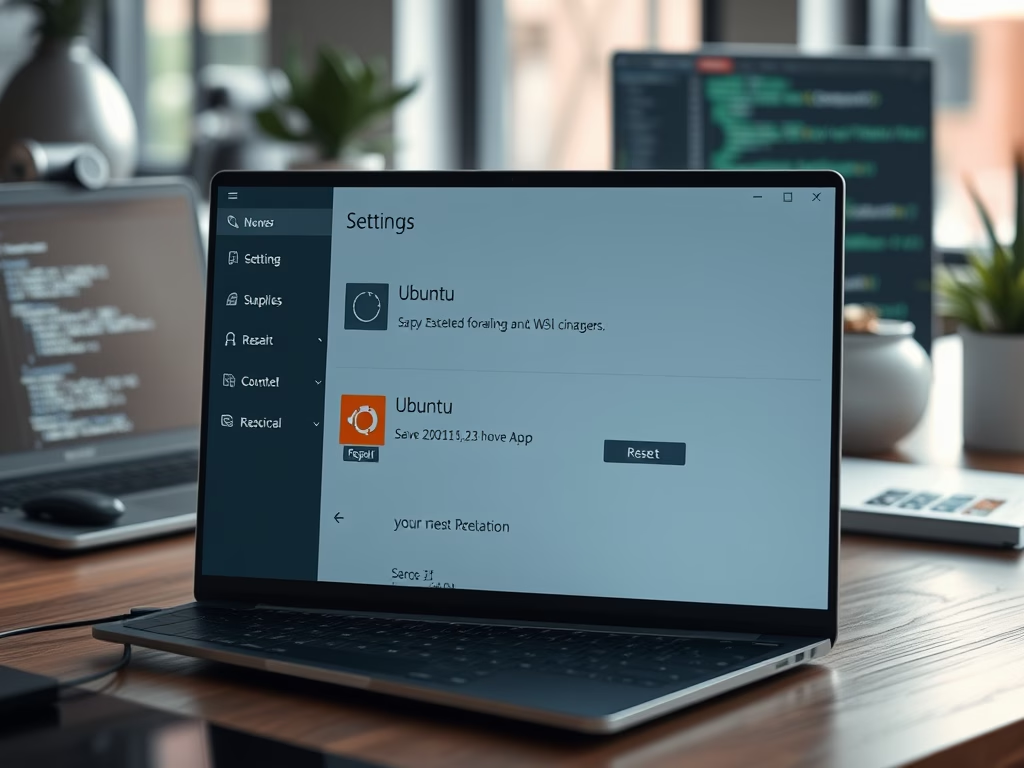
How to Repair or Reset WSL Ubuntu on Windows 11

This guide provides solutions for fixing issues with WSL Ubuntu on Windows 11 by either repairing or resetting the application. Repairing retains user data while resetting clears all files. Users can access these options through the Settings app or Windows Terminal for a fresh installation.

Updated Oct 2026 Read more →
Windows 6 min read
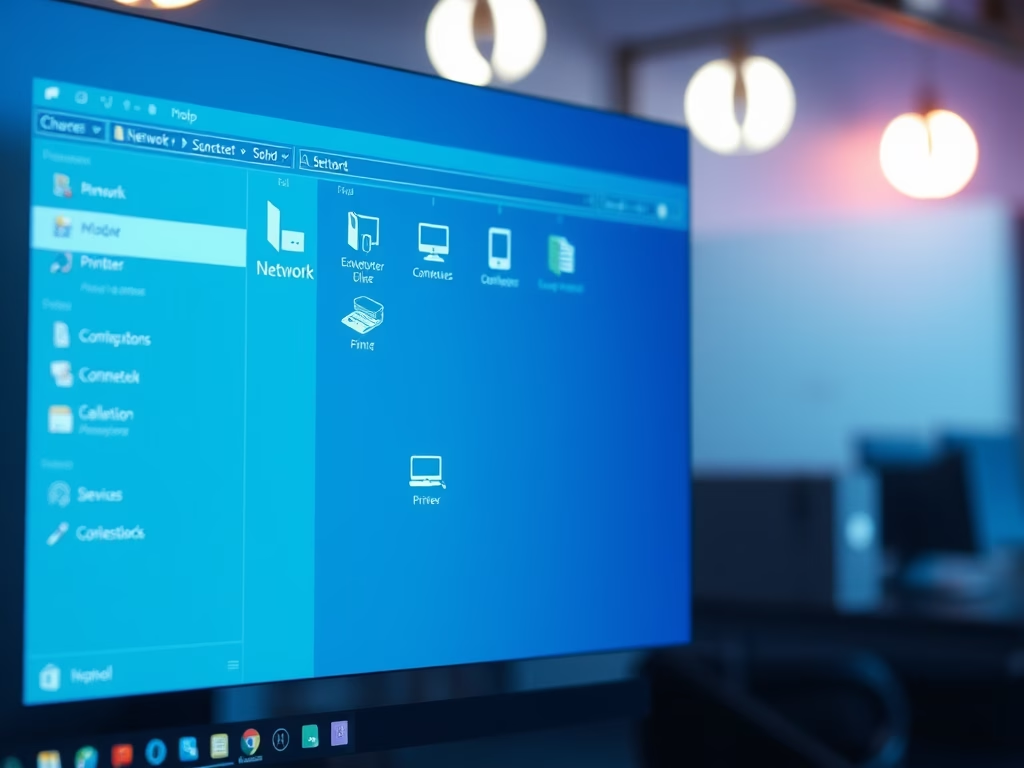
How to Find Other Computers on Your Windows 11 Network

This guide outlines how to see other devices on a Windows 11 network. Ensure all devices share the same workgroup, set the network to Private, enable Network Discovery, and turn on File and Printer Sharing. After completing these steps, you can view connected devices in File Explorer under Network.

Updated Oct 2026 Read more →
Windows 4 min read
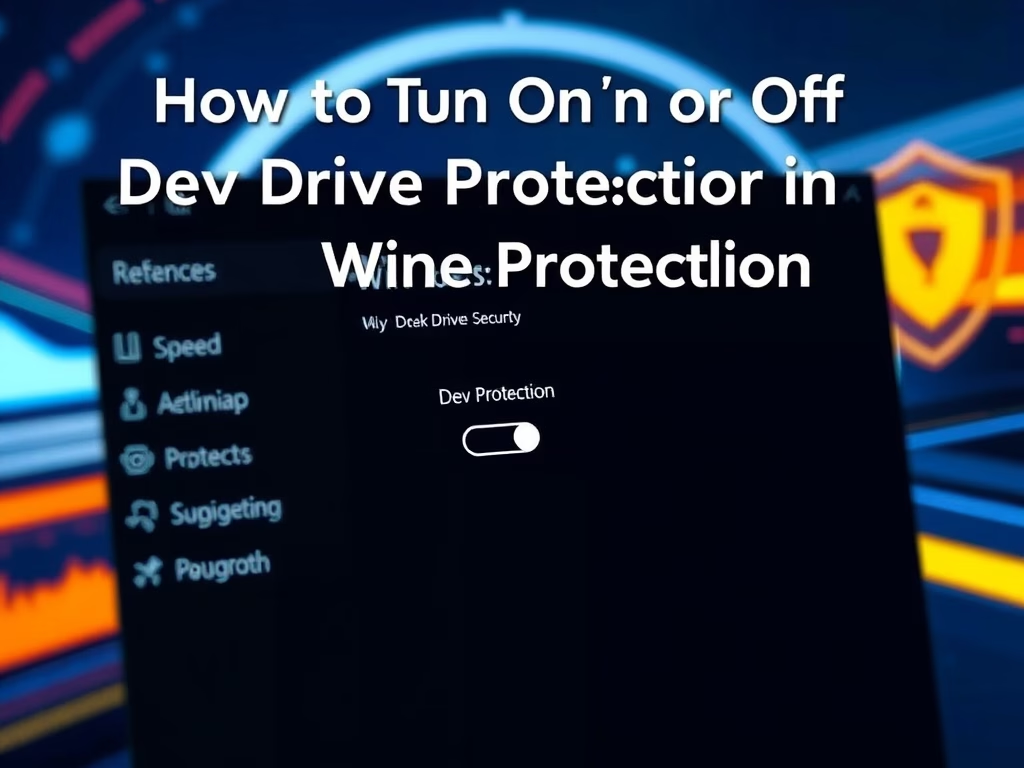
How to Turn On or off Dev Drive Protection in Windows 11

This guide explains how to enable or disable Dev Drive Protection in Windows 11, intended to enhance developer storage performance. Users can toggle settings via the Windows Security app or the Registry Editor. The protection method impacts file scanning speed, balancing security with efficiency. Detailed instructions are provided.

Updated Oct 2026 Read more →
Advertisement