Share Across Devices in Windows 11 lets your PC and your phone pass app activity back and forth, so you can pick up where you left off in supported apps.…
3,006 tutorials · page 129 of 251
Share Across Devices in Windows 11 lets your PC and your phone pass app activity back and forth, so you can pick up where you left off in supported apps.…
The taskbar clock in the bottom-right corner of the screen can show time in a 12-hour layout with AM/PM or in a 24-hour layout that counts from 00:00 to 23:59.…
To install languages in Windows 11, open Settings › Time & language › Language & region, click Add a language, pick the language and install its language pack. A language…
Removing a language in Windows 11 deletes the language pack and the keyboards and input methods that came with it. It also frees up some storage space. A language pack…
Windows 11 lets you switch system menus to a different language, use voice dictation and read-aloud tools, and load regional keyboard layouts. You add all of this from one screen…
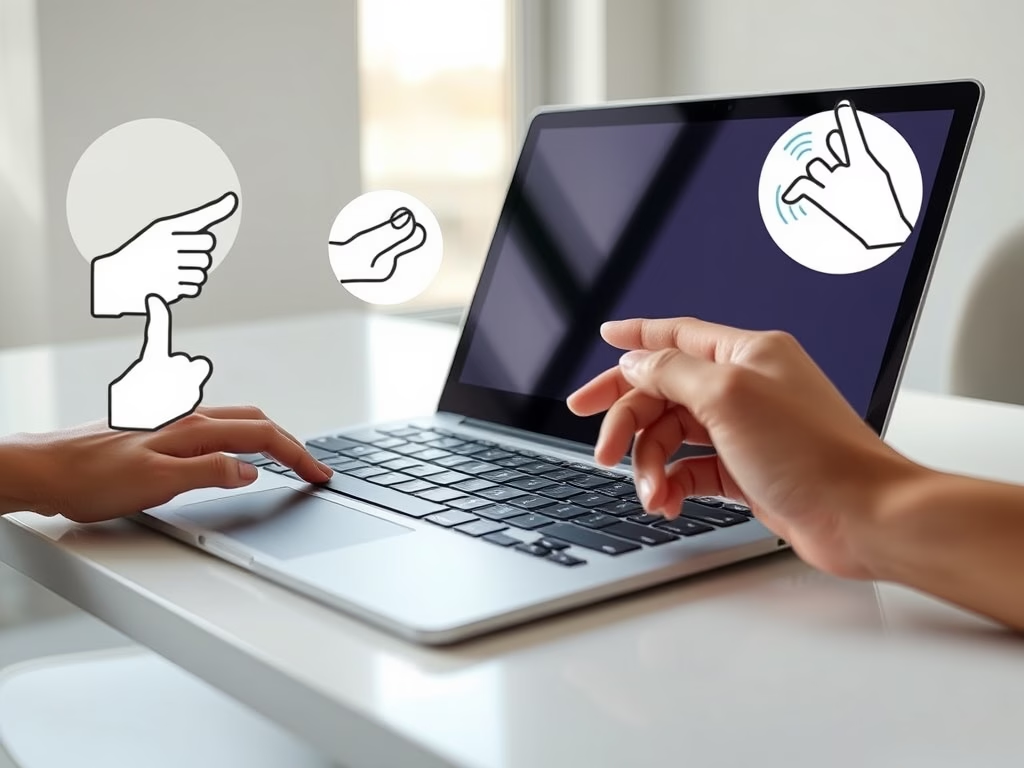
Touchpad gestures in Windows 11 let you control your screen with finger movements on your laptop trackpad instead of a mouse. You use two, three, or four fingers for everyday…
Touch gestures let you move around Windows 11 with your fingers alone. They save time on a tablet, a 2-in-1 or a touchscreen laptop, especially when the keyboard is folded…
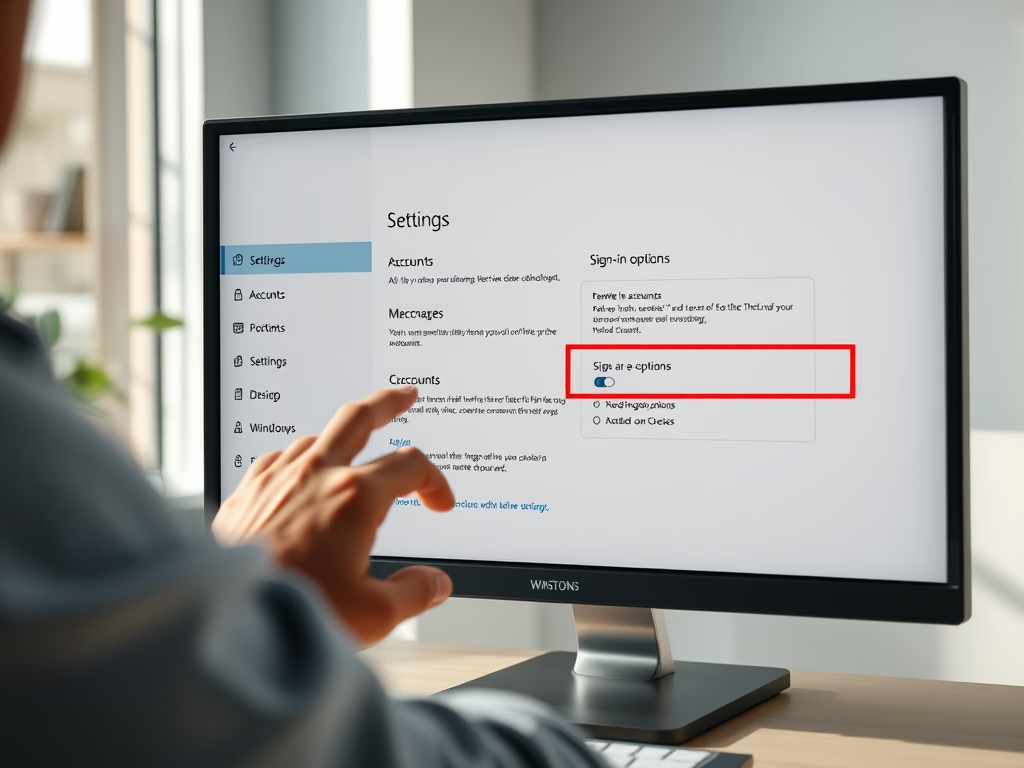
Removing fingerprint sign-in takes about a minute and is done from the Settings app. It deletes the stored fingerprint data for your account on this PC. Your PIN and password…
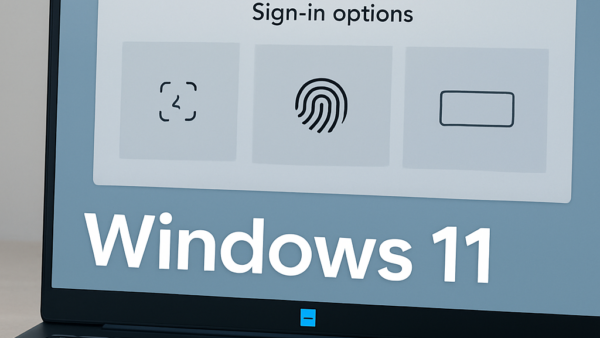
Fingerprint sign-in in Windows 11 lets you unlock your PC with a touch of your finger instead of typing a password. It relies on Windows Hello, the built-in feature that…
Cloud protection (called Cloud-delivered protection in the app) lets Microsoft Defender Antivirus check suspicious files and behavior against Microsoft’s online servers. It can catch and block brand-new malware and ransomware…
Windows Hello can unlock your PC as soon as it recognizes your face, so you don’t have to click past the lock screen first. This tutorial shows how to turn…
Facial recognition sign-in in Windows 11 (Windows Hello Face) lets you unlock your PC by looking at the screen. It uses an infrared camera, so it works without a password…
One email when we publish a guide worth your time — new Windows features, the fixes that actually work, and a heads-up when Microsoft breaks something. Unsubscribe in one click.