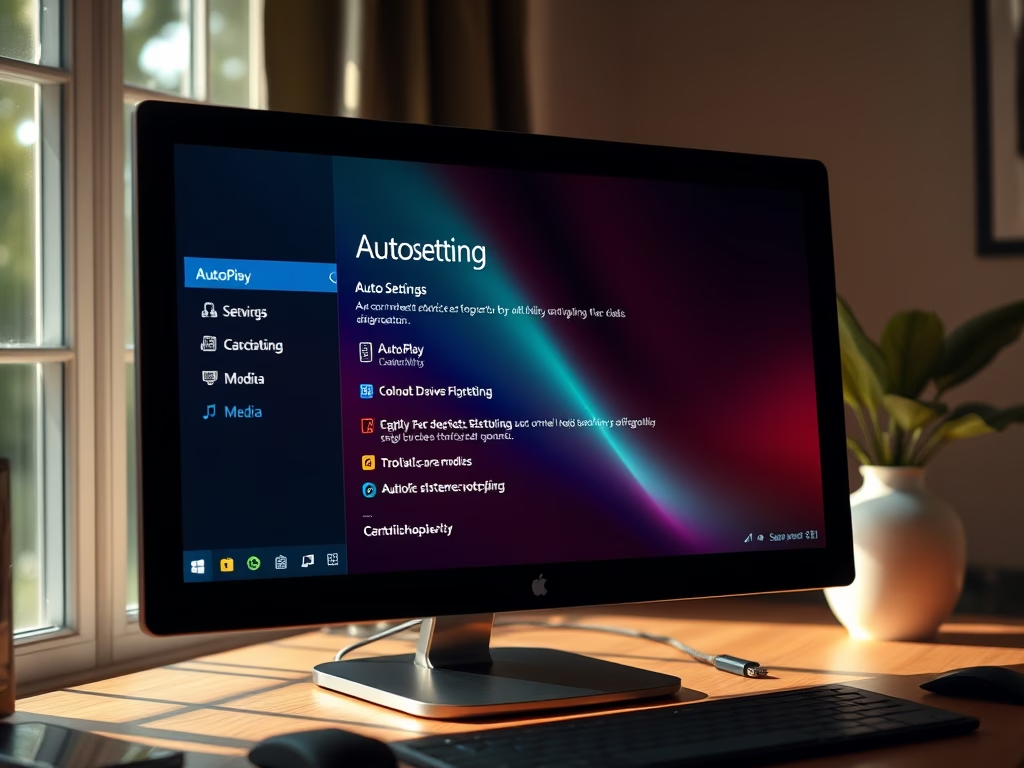
AutoPlay in Windows 11 opens folders or starts apps automatically the moment you plug in a USB drive, phone, or camera. It tells your PC what to do with new…
Every guide we’ve published, newest first. Filter by topic, or use search if you already know what broke.
3,348 tutorials · page 127 of 279
AutoPlay in Windows 11 opens folders or starts apps automatically the moment you plug in a USB drive, phone, or camera. It tells your PC what to do with new…
AutoPlay in Windows 11 opens a menu right after you plug in a camera, phone, or memory card, so you can pick what to do with your files. It can…
This guide shows you how to keep the Windows Terminal window above all other windows, and how to turn that off again when you no longer need it. The change…
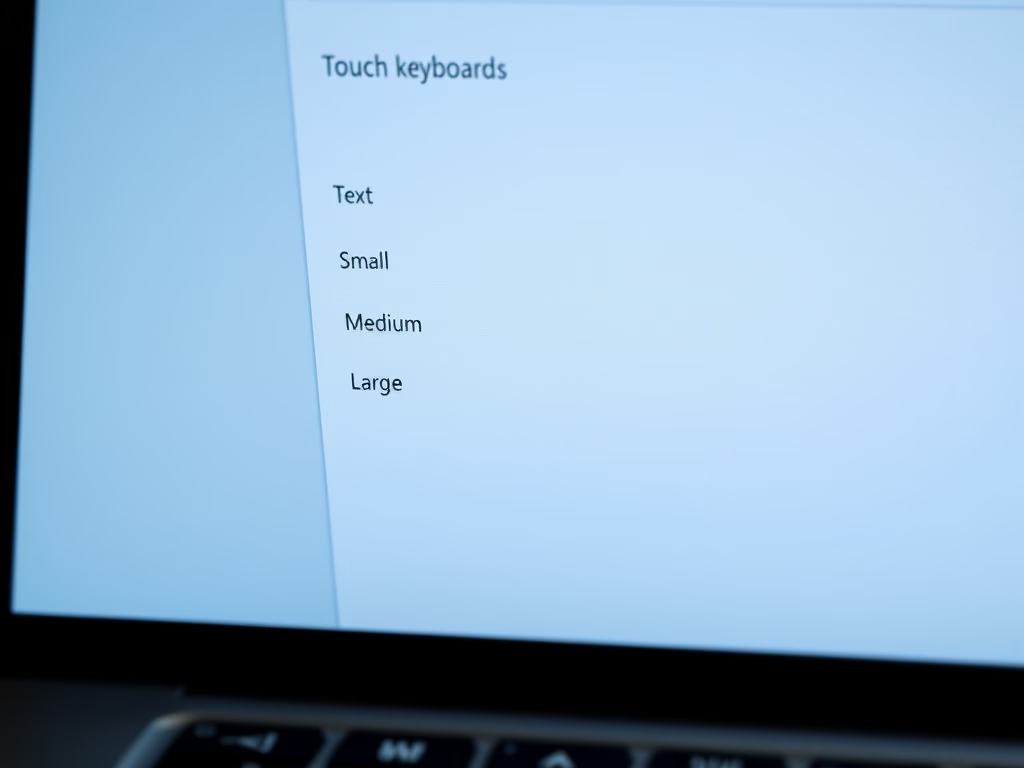
Changing the key text size on the touch keyboard in Windows 11 lets you set the on-screen keys to Small, Medium, or Large so they are easier to read and…
The touch keyboard in Windows 11 plays a short click each time you tap a key on the on-screen keyboard. The click confirms that the PC registered your touch. In…
Extending runtime on a Windows 11 laptop or tablet away from an outlet comes down to managing power settings. This guide covers how to turn Battery Saver on and off,…
What is Battery Saver? Battery Saver helps laptops and tablets last longer by cutting back background activity and other resource use while the device runs on battery. By default it…
Windows 11 dims the screen when Battery Saver is active. You can change how much it dims, or stop it dimming at all. This tutorial covers both. What is Battery…
BitLocker encrypts the files on a drive so they can’t be read without your password, smart card or recovery key. This guide shows how to turn on BitLocker for a…
Enhanced Search Mode in Windows 11 indexes every folder and drive on your computer so you can find files instantly, rather than limiting searches to just Documents, Pictures, and Desktop.…
What is BitLocker? BitLocker is a built-in Windows 11 security tool that encrypts your main drive (usually your C: drive). If your computer is lost or stolen, nobody can read…
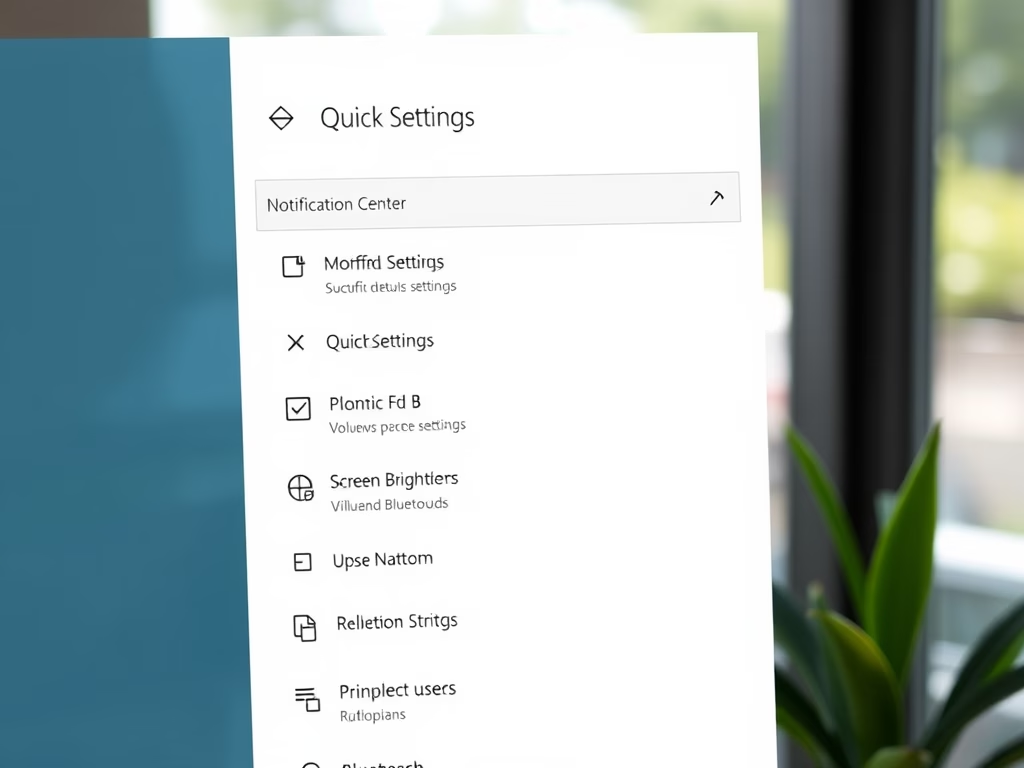
This guide explains how to reset the Quick Settings panel on a Windows 11 PC to its default state to resolve issues or start fresh. It outlines the location and function of Quick Settings, which allows users to adjust common settings, and provides step-by-step instructions for performing the reset using Command Prompt.
One email when we publish a guide worth your time — new Windows features, the fixes that actually work, and a heads-up when Microsoft breaks something. Unsubscribe in one click.