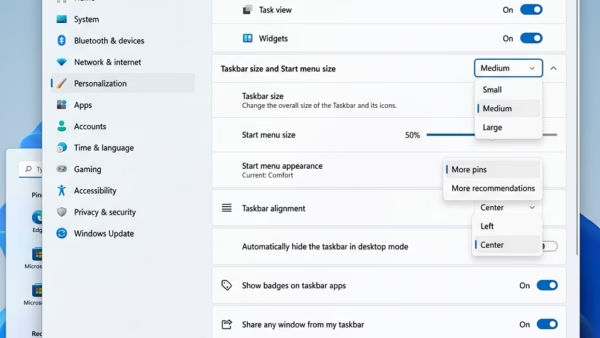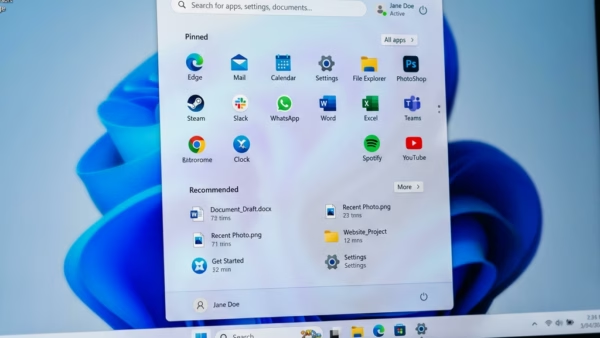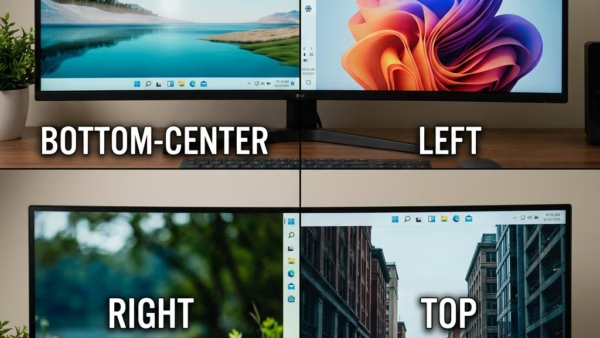
Taskbar position in Windows 11 is the screen edge where the taskbar sits, and it is the bottom edge by default. The taskbar is the strip that holds the Start…
3,007 tutorials · page 107 of 251
Taskbar position in Windows 11 is the screen edge where the taskbar sits, and it is the bottom edge by default. The taskbar is the strip that holds the Start…
Compact view in Windows 11 shrinks the Start menu so it takes up less of the screen. Microsoft added this option in the optional preview update KB5120998 (October 28, 2026)…
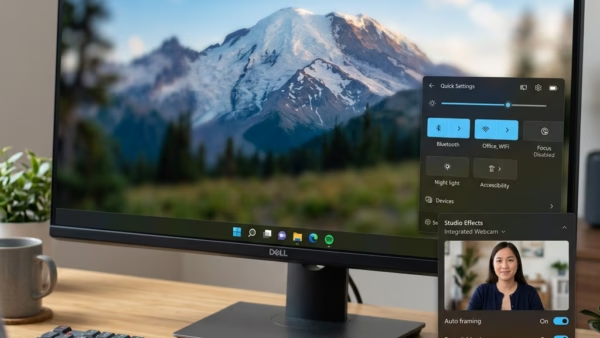
Windows Studio Effects settings in Windows 11 live in three places: the Quick Settings panel, the Settings app (Bluetooth & devices › Cameras), and the Camera app. Windows Studio Effects…
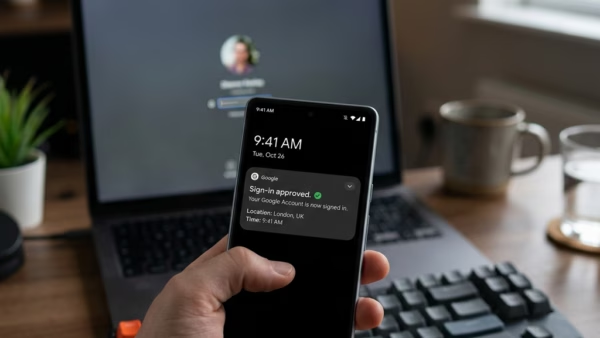
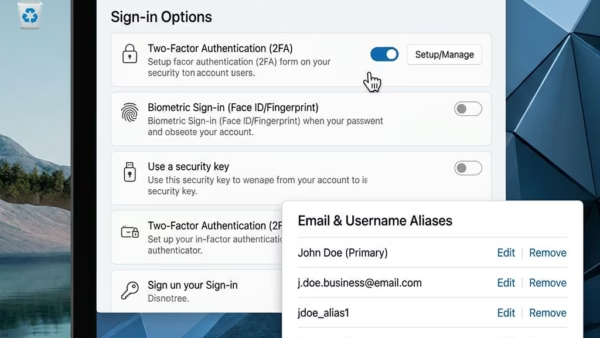
Passwordless sign-in lets you access your Microsoft account on Windows 10 and Windows 11 with a fingerprint, face scan, security key or phone app instead of a typed password. Sign-in…
Extra email addresses and phone numbers attached to one Microsoft account are called aliases. Each alias can be used as a sign-in name. If an old or unrecognized alias, such…
InPrivate mode in Microsoft Edge opens a browsing window that deletes your history, cookies, and temporary site files when you close it. Edge does not save what you type, search,…
Personalizing the Windows 11 taskbar and Start menu is getting more flexible. Microsoft’s Windows Experience Blog post from October 15, 2026 says Windows now offers more flexibility to personalize Start…
To update drivers in Windows 11, open Settings › Windows Update, click Check for updates, then open Advanced options › Optional updates. A driver is the software that lets Windows…
Microsoft Edge running slow on Windows 11 usually happens when too many open tabs, piled-up cache files, or heavy extensions slow down the built-in web browser for your PC. Ten…
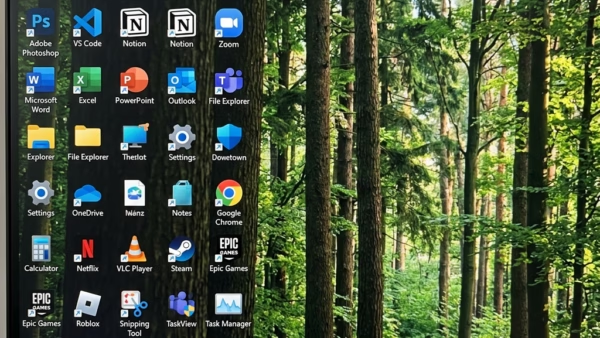
Align icons to grid in Windows 11 snaps your desktop shortcuts and files to an invisible grid of evenly spaced rows and columns. Icons line up neatly and never sit…
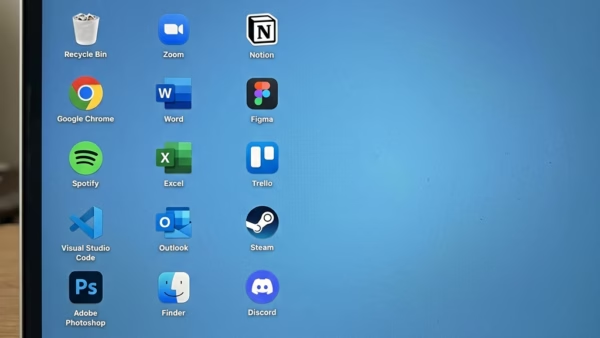
To arrange icons on desktop in Windows 11, right-click an empty spot and choose View › Auto arrange icons. That one click switches auto arrange icons on or off, and…
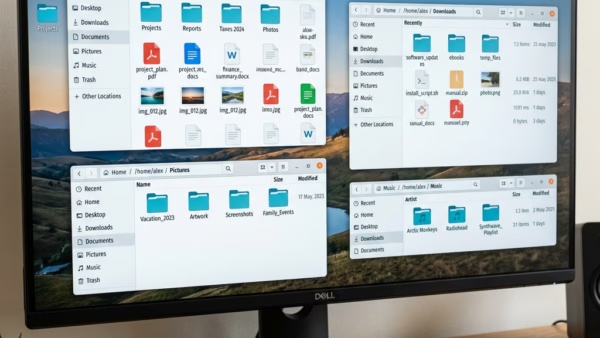
Folder layout view in Windows 11 File Explorer changes how your files and folders look on screen. Windows 11 offers eight layouts in total, including details, list, and extra large…
One email when we publish a guide worth your time — new Windows features, the fixes that actually work, and a heads-up when Microsoft breaks something. Unsubscribe in one click.