Browse with Copilot in Microsoft Edge is a built-in AI tool that handles everyday web tasks for you in Windows 11. It can fill out online forms and click links…
Every guide we’ve published, newest first. Filter by topic, or use search if you already know what broke.
3,350 tutorials · page 104 of 280
Browse with Copilot in Microsoft Edge is a built-in AI tool that handles everyday web tasks for you in Windows 11. It can fill out online forms and click links…
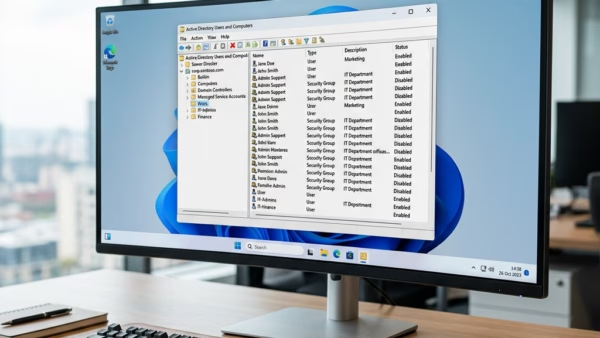
Local Group Policies in Windows 11 are system rules that change how your PC behaves and override standard settings. You can find which ones are active with the built-in Local…
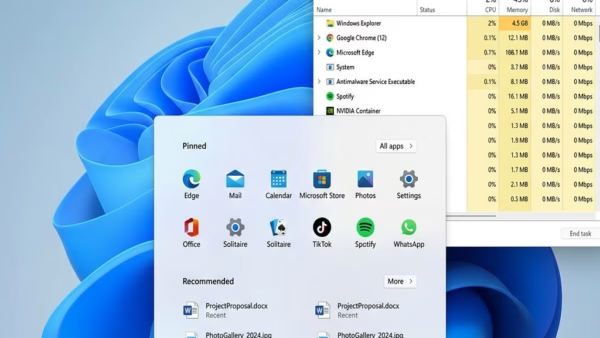
Restarting the Start menu fixes a frozen or unresponsive Start menu in under 30 seconds, and you don’t need to reboot the PC. The program behind the menu is StartMenuExperienceHost.exe.…
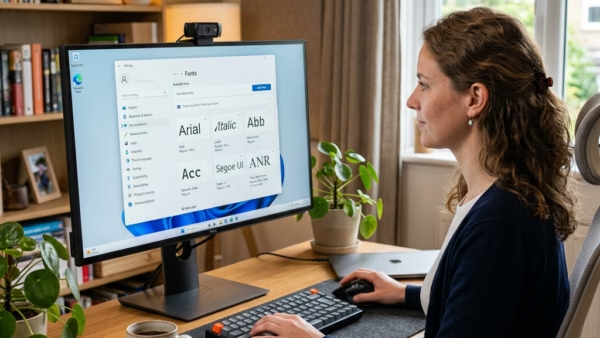
Hiding unused fonts in Windows 11 declutters your font menus and can make apps load their font lists faster. This guide covers three ways to do it: the Fonts settings…
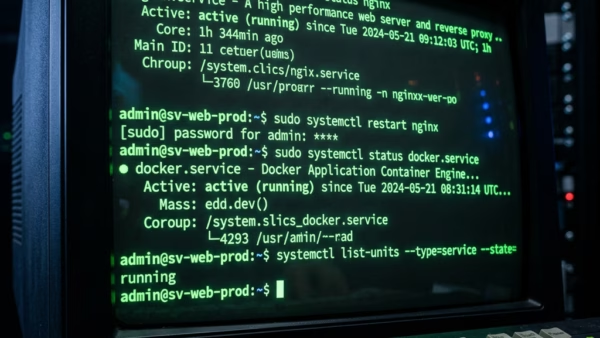
Windows services are background programs that handle core operating system tasks such as networking, audio, and printing. A typical Windows 11 PC has well over 200 of them. When a…
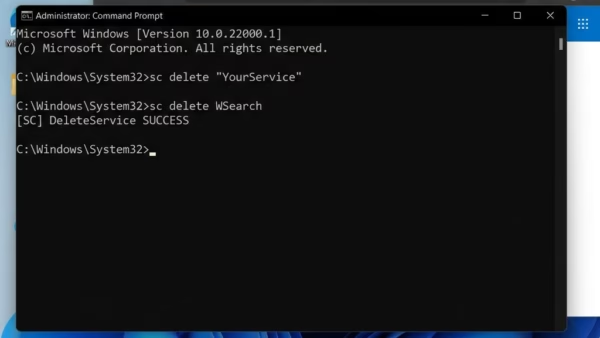
Deleting a service in Windows 11 removes a background program that starts with your PC. Windows services are helper programs that handle everyday tasks such as your network connection and…
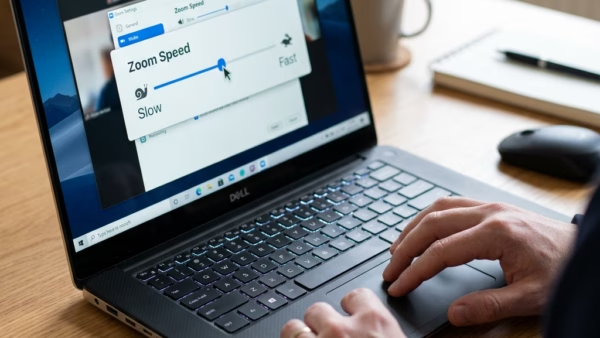
Touchpad zoom speed in Windows 11 controls how fast web pages, maps and photos get bigger or smaller when you pinch two fingers on your laptop trackpad. It works separately…
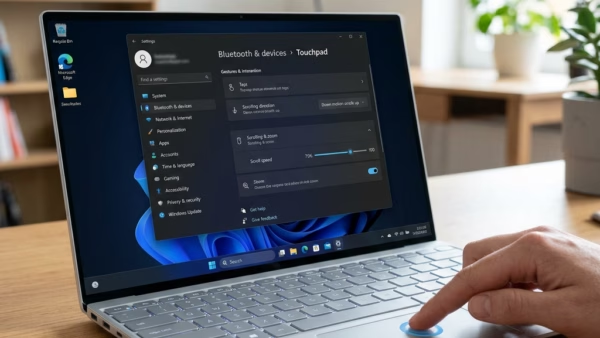
Touchpad scroll speed in Windows 11 controls how fast web pages and documents move when you slide your fingers across your laptop trackpad. Windows relies on built-in drivers (small background…
Touchpad edge scrolling lets you slide one finger down the right or left edge of your laptop trackpad to scroll a page. Many older laptops turn it on by default.…
Automatic scrolling with pressure in Windows 11 lets you scroll through long pages by pressing down firmly on your laptop trackpad instead of swiping over and over. This Precision Touchpad…
Feature Precision Touchpad Legacy Touchpad Gestures Supports advanced multi-finger Limited support Settings Managed in Windows Settings Managed by OEM software Scrolling Smooth, system-level Often jerky or driver-dependent Automatic touchpad scrolling…
Touchpad accelerated scrolling in Windows 11 controls the momentum effect on your laptop trackpad. With it on, a fast swipe sends the page racing ahead and it keeps gliding after…
One email when we publish a guide worth your time — new Windows features, the fixes that actually work, and a heads-up when Microsoft breaks something. Unsubscribe in one click.