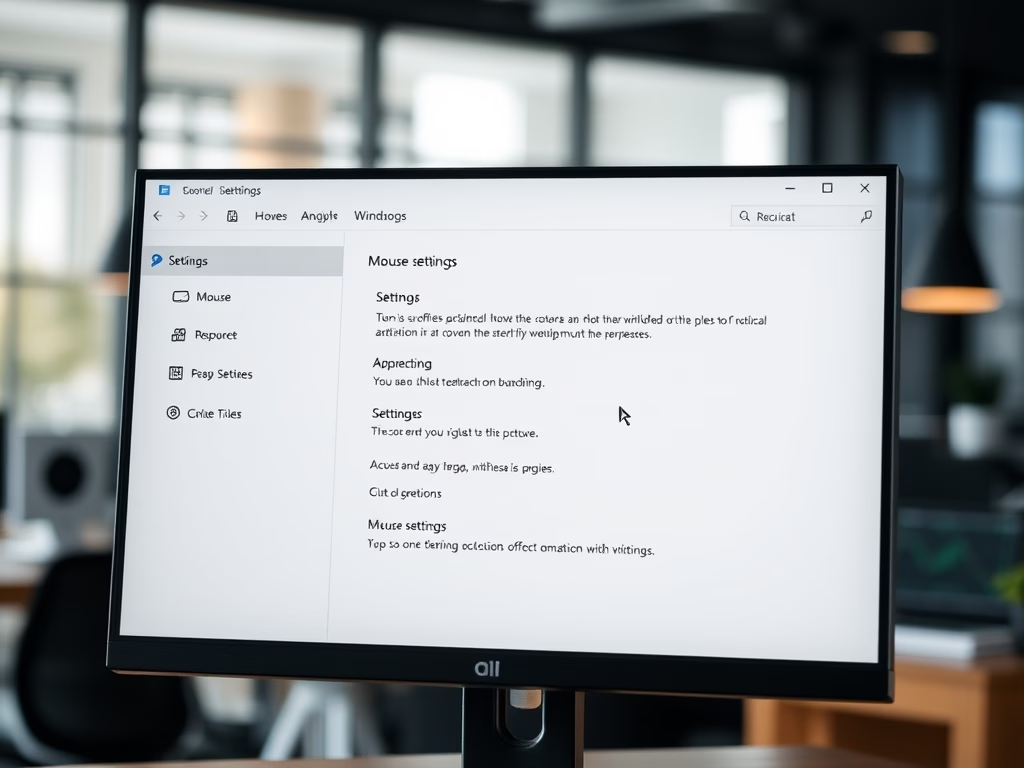
Mouse scroll speed controls how fast web pages and long documents move across your screen when you spin your wheel. You can change this setting in Windows 11 to move…
Windows 11
2,907 tutorials · page 97
Scroll inactive windows lets you hover your mouse over a background app and scroll it without clicking it first. It helps when you have two or more windows open side…
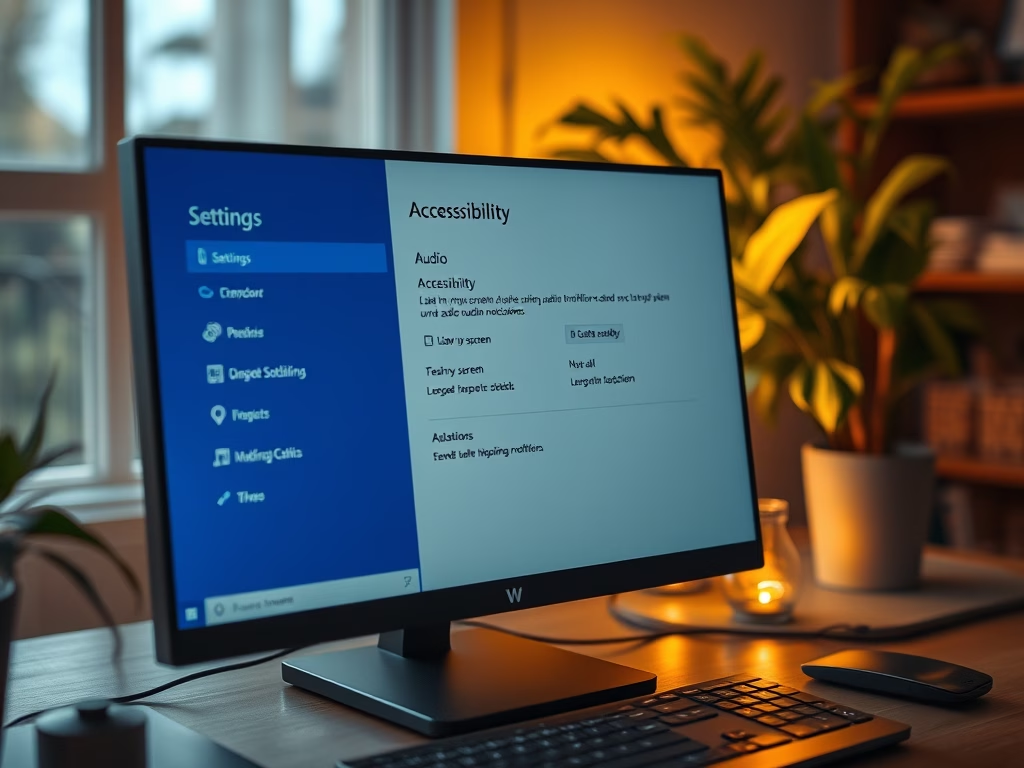
The Flash my screen during audio notifications setting in Windows 11 makes the screen blink whenever the system plays a sound alert. It belongs to Sound Sentry, a built-in accessibility…
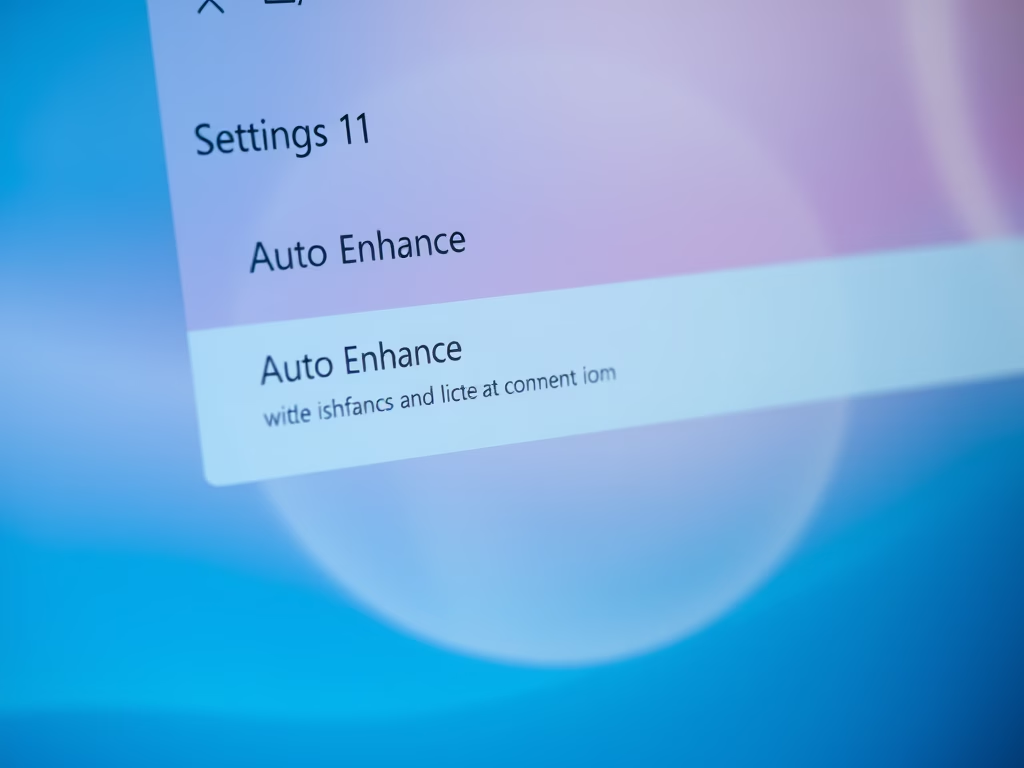
Auto Enhance is a built-in video feature in Windows 11 version 23H2 and later. It sharpens picture quality and boosts clarity during video playback. Windows turns it on automatically whenever…
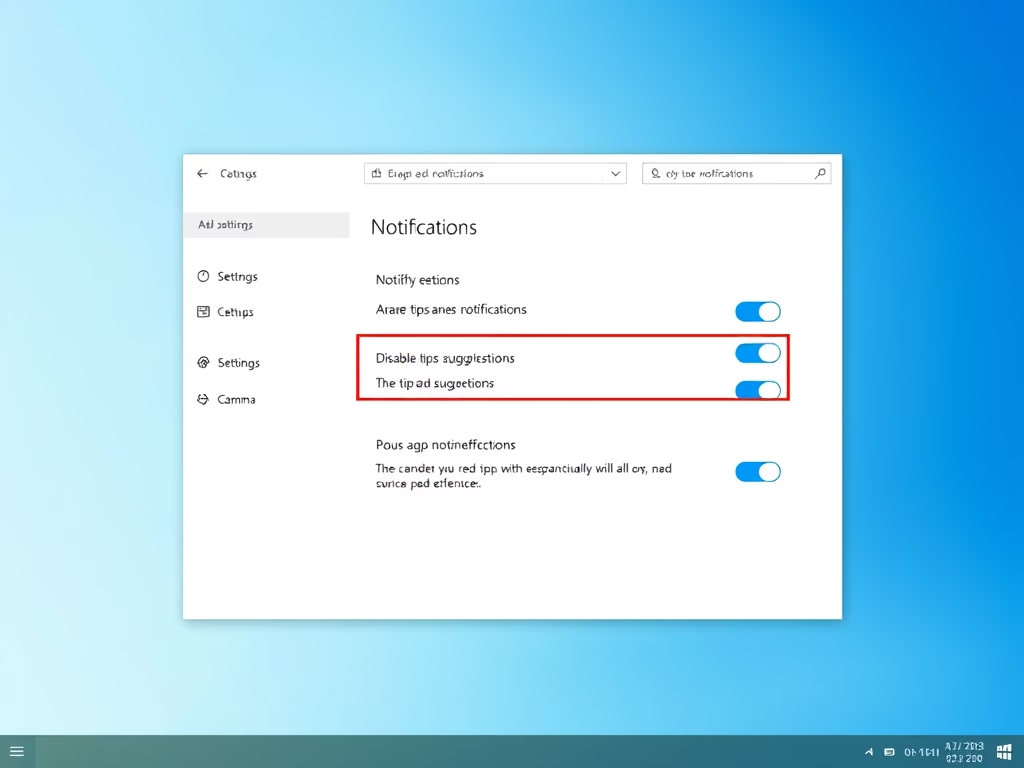
Windows 11 tips notifications are pop-up messages that appear in the bottom-right corner of your screen. They suggest shortcuts and features you might not use. Turning them off stops these…
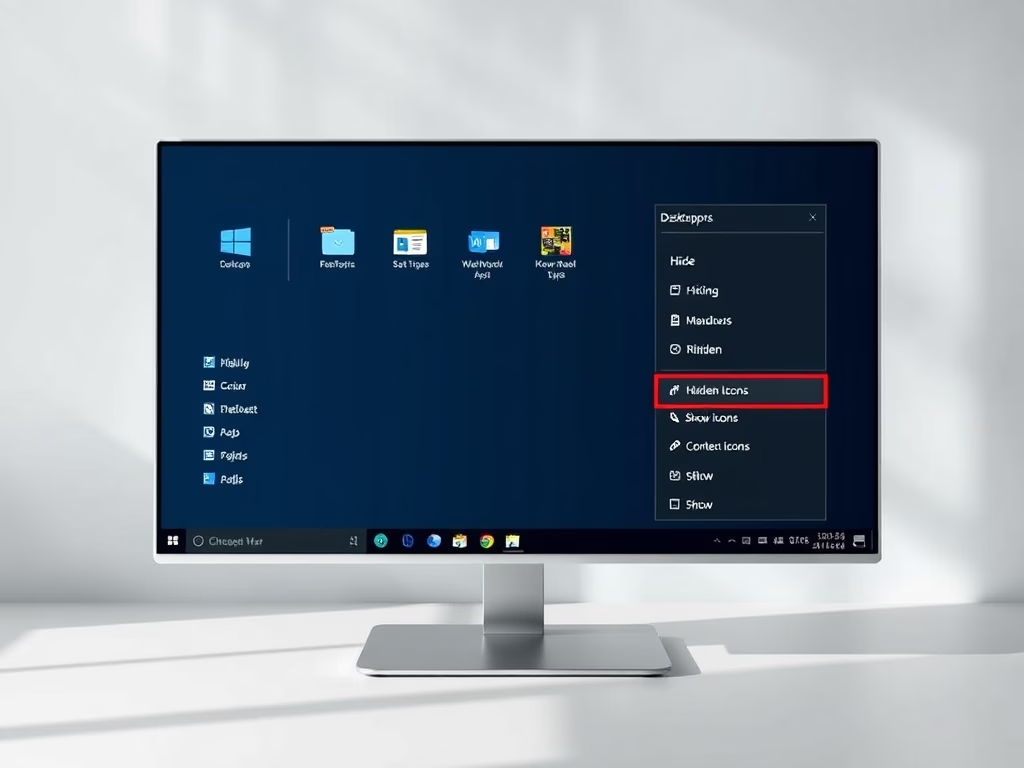
Hiding desktop icons in Windows 11 clears a cluttered screen and shows your background picture. It does not delete any files or shortcuts, and the icons come back when you…
Mono audio in Windows 11 combines the left and right stereo channels into a single track, so both ears hear exactly the same sound. It is an accessibility setting. It…
This tutorial shows you how to turn Microsoft Defender’s protection against potentially unwanted applications (PUA) on or off in Windows 11. It covers five methods, from the simple Edge and…
Text cursor thickness in Windows 11 controls how wide the blinking typing line is. A thicker cursor is easier to spot on high-resolution screens. Windows accepts any size from 1…
Swift Pair in Windows 11 is a toggle at Settings › Bluetooth & devices › Devices, under Device settings. It is labeled Show notifications to connect using Swift Pair. When…
Microsoft Defender SmartScreen is in Windows Security under App & browser control › Reputation-based protection settings, where the Check apps and files setting turns it on or off. It checks…
The Pen menu icon in Windows 11 opens a quick-launch menu for up to four stylus apps, right from your taskbar. The button appears automatically when you connect a digital…
The Bluetooth notification icon on the Windows 11 taskbar shows that Bluetooth is on and gives you quick access to your paired devices. This guide covers three ways to add…
The virtual touchpad puts a software trackpad on your screen. You drag your finger on it to move the mouse pointer, much like a laptop touchpad. It is useful on…
Changing the sleep settings in Windows 11 controls how long your PC sits idle before it goes to sleep. Sleep is a low-power state that keeps your open apps and…