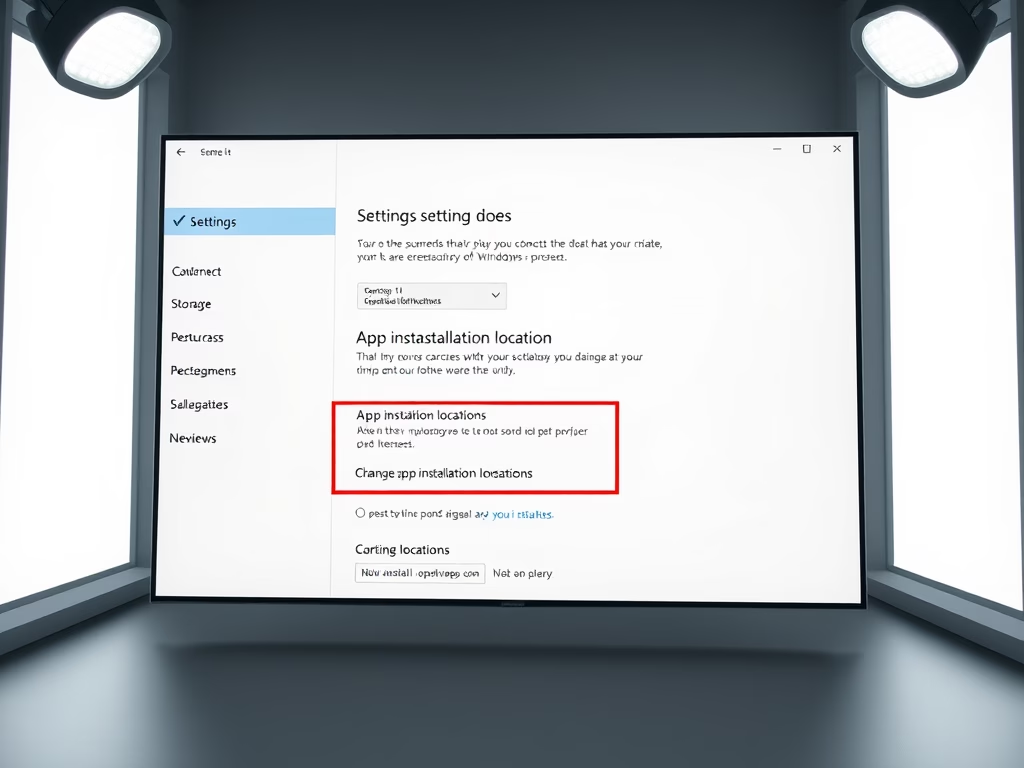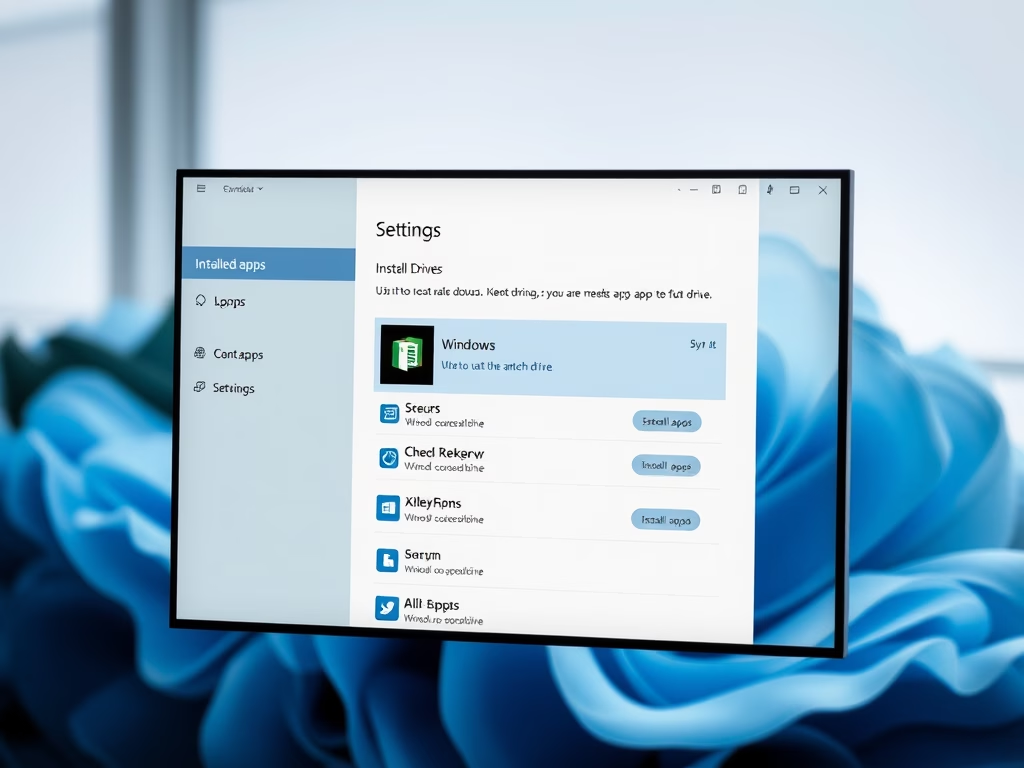
How to Move App to Another Drive in Windows 11
Running low on storage? Moving Microsoft Store apps off your main installation drive gives Windows room to work. A full system drive slows down updates, temporary files and the page…
Updated Oct 2026
Read more →