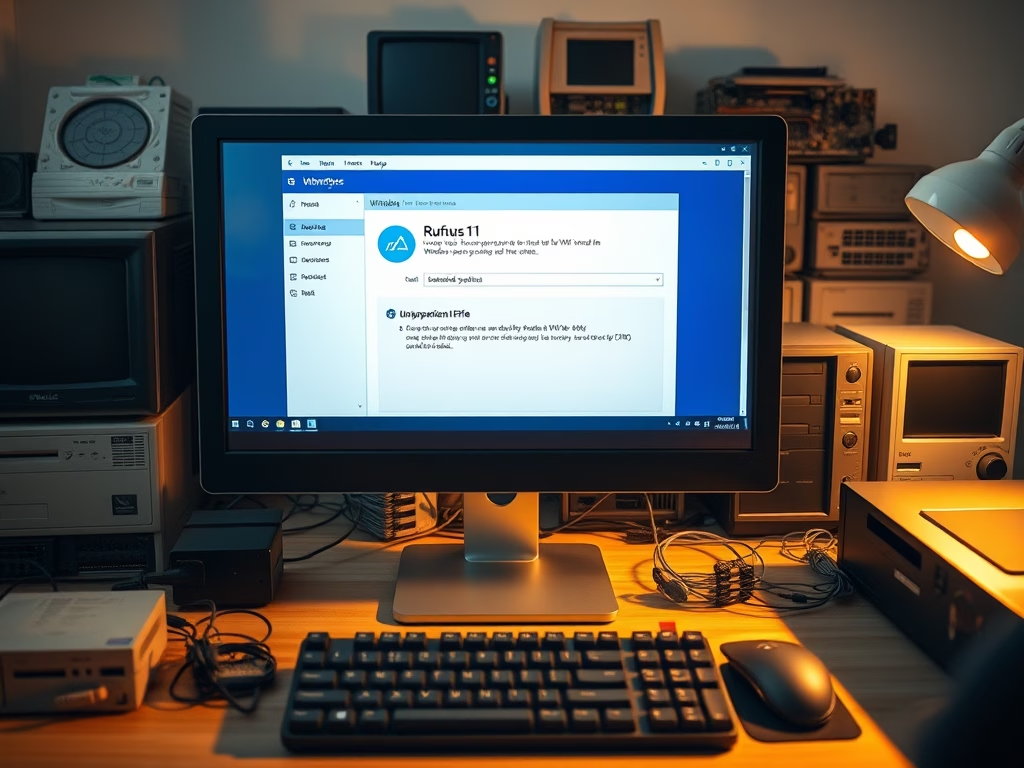
How to Create Windows 11 ISO Using Rufus for Older Systems
This instructional guide demonstrates how to create a Windows 11 ISO file for unsupported hardware using Rufus, a utility that formulates bootable USB flash drives. Creating an ISO file allows installation of Windows 11 on hardware that doesn't meet standard requirements. Note that possessing a valid product key is critical, as there are no free versions of Windows 11. This process involves downloading the Windows 11 ISO file and Rufus, then using specific settings to produce an ISO image suited to unsupported PCs.
October 12, 2021
Read more →