#Productivity

Windows 2 min read
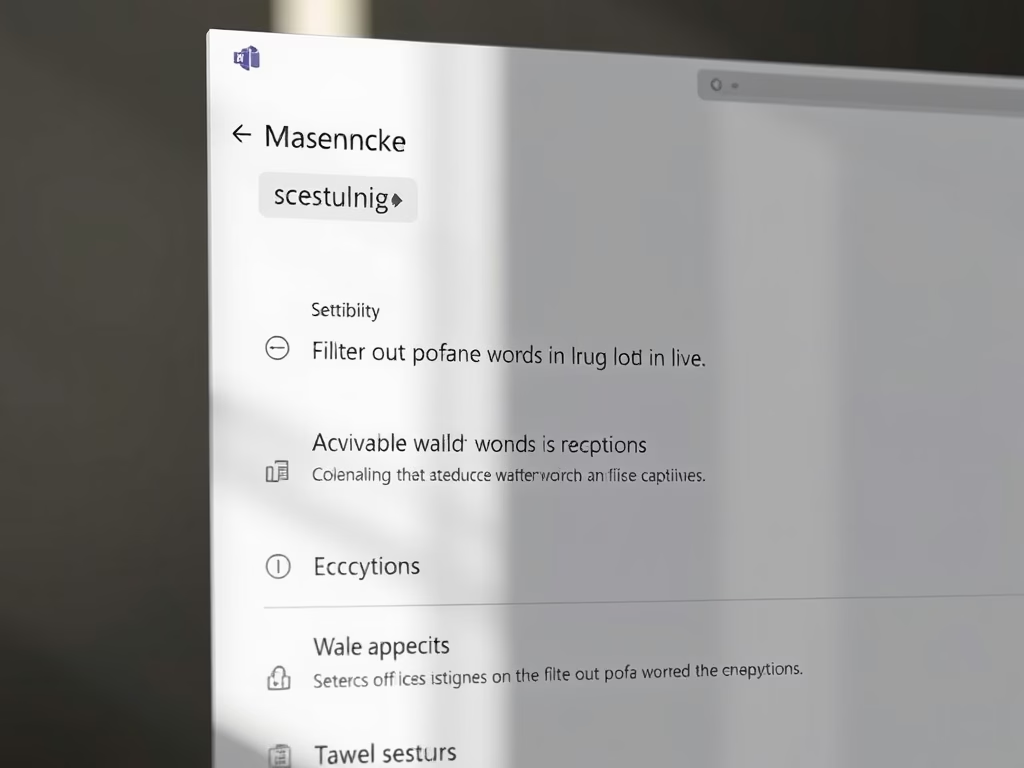
Filter Profane Words in Microsoft Teams Captions

The article explains how to filter profane words in live captions on Microsoft Teams. It outlines steps to access settings, including launching the app, navigating to Settings, and toggling the profanity filter under the "Accessibility" tab. Microsoft Teams integrates various features for enhancing collaboration, including caption management.

July 7, 2025 Read more →
Windows 2 min read
How to Enable or Disable Captions in Microsoft Teams

This article outlines the process of enabling or disabling captions in Microsoft Teams, a collaboration platform by Microsoft. Users can access the settings via the app, where they can toggle captions for calls and meetings under the Accessibility tab. The platform also includes options to filter profanity in captions.

July 3, 2025 Read more →
Windows 2 min read
How to Manage Filters in Microsoft Teams Chats

This article details how to manage "Filters" in Microsoft Teams, a collaboration platform. Users can easily toggle "Filters" for chats and channels via the Settings menu. Customizing these features enhances user experience and promotes effective collaboration, ensuring users benefit from the platform's latest updates and functionalities.

July 1, 2025 Read more →
Windows 2 min read
Enable/Disable Do Not Disturb in Teams During Screen Sharing

This article instructs users on enabling or disabling the "Do Not Disturb" status in Microsoft Teams while sharing a screen. When screen sharing, the application automatically sets this status. Users can adjust this setting by accessing the Privacy tab in the app’s Settings menu to manage their notifications during screen sharing.

June 4, 2025 Read more →
Windows 2 min read
Enable Download Location Prompt in Microsoft Teams

This article outlines how to enable or disable the "Always ask where to save downloaded files" feature in Microsoft Teams. It explains that by default, files download to the Downloads folder but can be redirected. The process is simple and helps improve organization, enhancing productivity and workflow management.

June 3, 2025 Read more →
Windows 2 min read
How to Change Microsoft Teams Download Location

The article provides a guide on changing the default download location in Microsoft Teams. Users can access settings through their profile and select a new folder for downloads instead of the default Downloads folder. This feature enhances customization within the Microsoft Teams collaboration platform, streamlining file management for users.

May 30, 2025 Read more →
Windows 2 min read
Hide Message Previews in Chat list on Microsoft Teams

This article outlines how to manage message previews in the Microsoft Teams chat list. Users can enable or disable this feature through the app's settings. Adjusting message previews enhances privacy or visibility based on preference. Microsoft Teams offers various settings for personalization, improving overall user experience and functionality.

May 29, 2025 Read more →
Windows 2 min read
How to Enable or Disable Copilot in Notepad on Windows 11

The article details how to enable or disable the Copilot feature in Notepad on Windows 11. Copilot offers AI capabilities like rewriting and summarizing text. Users can toggle this feature in the settings menu, enhancing productivity and editing clarity, while also enjoying various Notepad customization options for an improved experience.

April 10, 2025 Read more →
Windows 3 min read
How to Enable or Disable Suggested People in Outlook

The article outlines how to manage the "Suggested people" feature in the new Outlook app for Windows 11. Users can enable or disable contact suggestions based on their interactions. The process involves accessing settings through the app's menu. Overall, it emphasizes user control and enhances email and calendar management.

March 21, 2025 Read more →
Windows 3 min read
How to Remove Mobile Devices from Microsoft Account on Windows 11

This article outlines the process of removing mobile devices from a Microsoft account on Windows 11. Users can easily manage and unlink devices through the Settings app under Bluetooth & devices. A recent update allows straightforward removal, enhancing user control and experience. Following these steps ensures efficient mobile device management on Windows 11.

March 13, 2025 Read more →