
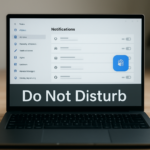
How to Silence Notifications Automatically with Do Not Disturb in Windows 11
Do Not Disturb in Windows 11 stops notifications automatically when you are busy. The feature blocks pop-up banners in the corner of your screen…
Step-by-step guides for Windows, Linux, networking and everything tech — written by experts, verified for accuracy.
Most recently published
Do Not Disturb in Windows 11 stops notifications automatically when you are busy. The feature blocks pop-up banners in the corner of your screen…
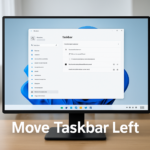
Windows 11 lets you move the taskbar from the bottom of your screen to the left side or center it instead. By default, the…
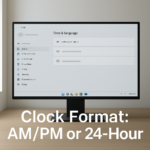
Changing the clock format between AM/PM and 24-hour time in Windows 11 happens in Settings under Time & language > Language & region, where…
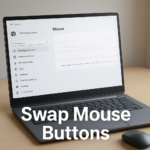
Swapping mouse buttons in Windows 11 lets you change which button does what — useful if you're left-handed or prefer a different setup. The…
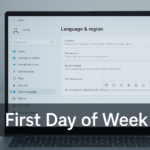
Windows 11 lets you set which day starts your calendar week in Settings > Time & language > Language & region. This is useful…
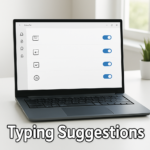
Typing suggestions for multiple languages in Windows 11 lets you get text suggestions as you type on a physical keyboard, and Windows can offer…
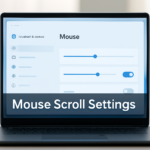
Mouse scroll settings in Windows 11 live in Settings > Bluetooth & devices > Mouse, not on the Accessibility page. From here, you can…
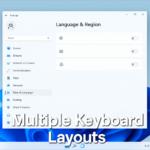
Windows 11 lets you add multiple keyboard layouts so you can switch between them without changing your language. You control which layout you're typing…
One email when we publish a guide worth your time — new Windows features, the fixes that actually work, and a heads-up when Microsoft breaks something. Unsubscribe in one click.