






Check Whether Your Hard Drive Is an HDD or SSD in Windows 11
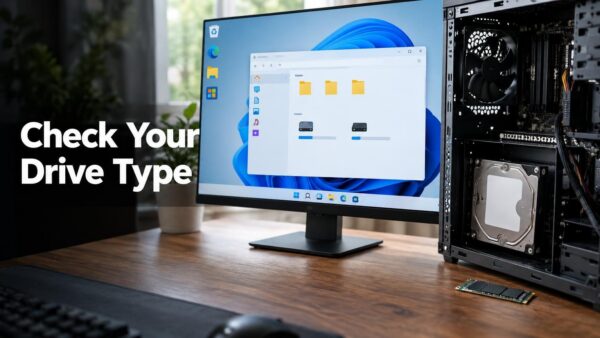
A hard disk drive (HDD) stores data on spinning magnetic platters, while a solid-state drive (SSD) stores it on flash memory chips with no…
Step-by-step guides for Windows, Linux, networking and everything tech — written by experts, verified for accuracy.
Most recently published
A hard disk drive (HDD) stores data on spinning magnetic platters, while a solid-state drive (SSD) stores it on flash memory chips with no…

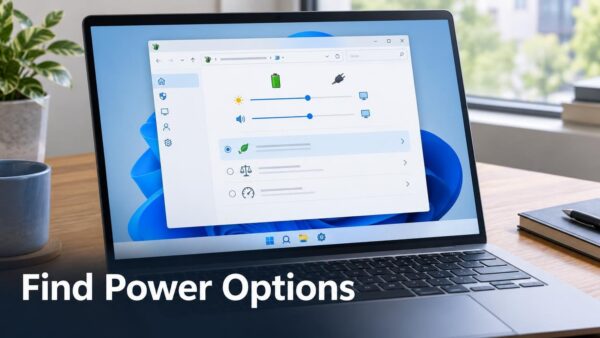
Power Options is the classic page for managing power plans, sleep timers and the power button. A power plan is a saved group of…

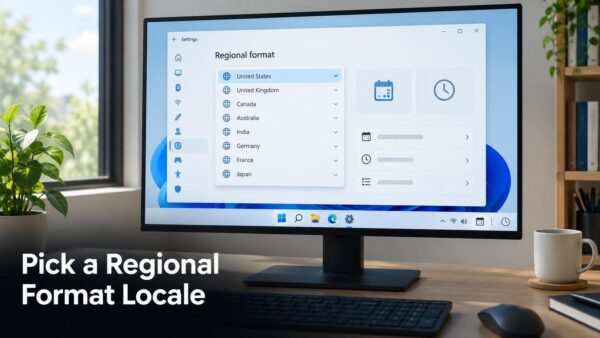
Change how Windows 11 shows dates, times, numbers and currency by picking a regional format. The setting is called Regional format, and you pick…

Copilot Cowork can automatically create tabs, take screenshots, and interact with web pages for you in the Copilot app. The setting Allow Cowork to…

Copilot in Microsoft Edge uses your browsing data as context when you ask it questions. The Context Clues setting controls that access. This tutorial…

Msinfo32 is the command that opens System Information, the Windows 11 app that lists your BIOS version alongside the rest of your hardware details.…

To invert colors on a PC running Windows 11, open Settings > Accessibility > Color filters, turn on Color filters, and select Inverted. The…

The device setup region is the country or region you chose when you first set up Windows 11. You change it in Settings >…
One email when we publish a guide worth your time — new Windows features, the fixes that actually work, and a heads-up when Microsoft breaks something. Unsubscribe in one click.