

Open File Folder Options in Windows 11
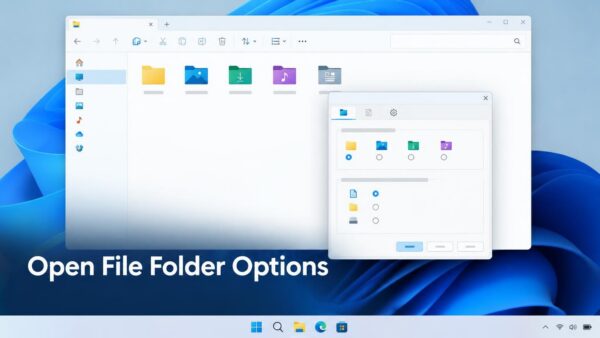
File Explorer Options is the Windows 11 dialog that controls how File Explorer shows your files. You use it to show file extensions, show…
Step-by-step guides for Windows, Linux, networking and everything tech — written by experts, verified for accuracy.
Most recently published
File Explorer Options is the Windows 11 dialog that controls how File Explorer shows your files. You use it to show file extensions, show…

Reputation-based protection is a set of Windows Security settings that check whether a file, app or website is known and trusted. It relies on…

The Windows 11 lock screen is the picture and clock you see before you sign in. To bring back the default one, set it…

Windows 11 power mode is a setting that trades speed for battery life. Pick Best power efficiency in Settings > System > Power &…

Windows 11 has a built-in spell checker that underlines misspelled words and can fix typos as you type. You turn it on in Settings…
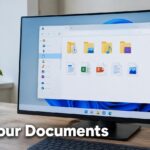
The Documents folder is where Windows 11 saves most of your files by default. It sits in your user profile at C:\Users\USERNAME\Documents. To find…

Windows can install and update printer drivers on its own, and that is the best choice for most people. A printer driver is the…

Windows 11 names your active antivirus in the Windows Security app, under Virus & threat protection. If that page lists only Microsoft Defender Antivirus…
One email when we publish a guide worth your time — new Windows features, the fixes that actually work, and a heads-up when Microsoft breaks something. Unsubscribe in one click.