


Customize Alt+Tab Settings in Windows 11
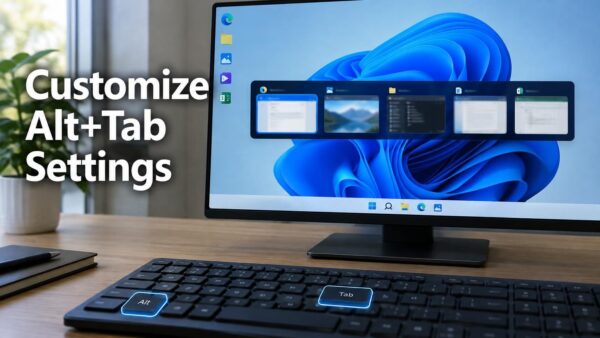
Alt+Tab is the Windows 11 shortcut that lets you switch between open windows. The Settings app controls what shows up in its list. Open…
Step-by-step guides for Windows, Linux, networking and everything tech — written by experts, verified for accuracy.
Most recently published
Alt+Tab is the Windows 11 shortcut that lets you switch between open windows. The Settings app controls what shows up in its list. Open…
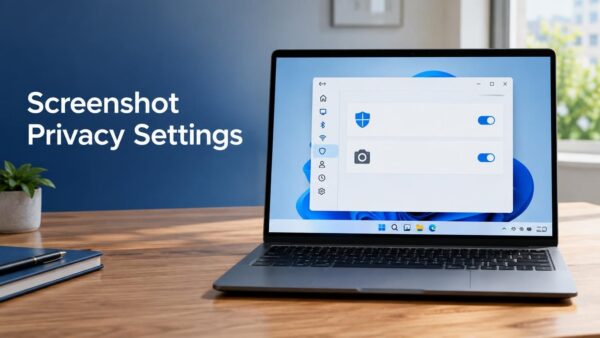
Screenshot and screen recording privacy settings in Windows 11 are found in Settings > Privacy & security. Windows has no single switch that blocks…

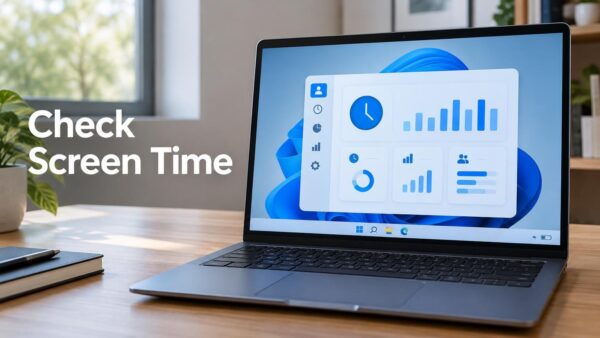
Windows 11 does not have a full screen time dashboard like Android or iOS. Instead, it shows a total "Screen on" time under Settings…

Windows 11 includes two music and video players. The newer one is called Media Player. The older one, which many people still know as…

Windows 11 can block your camera in two places: a physical switch on the laptop, and a Camera access toggle in Settings. Turning the…
Receiving files over Bluetooth means your PC gets a file sent wirelessly from a phone or another device it is already paired with. The…

No sound on a Windows 11 PC usually comes down to the wrong output device, a muted volume, or a driver that needs fixing.…

Widgets in Windows 11 is a panel that shows small cards for weather, calendar, to-do items, news and more. Turn it off if you…
One email when we publish a guide worth your time — new Windows features, the fixes that actually work, and a heads-up when Microsoft breaks something. Unsubscribe in one click.