


Open Command Prompt as Administrator in Windows 11
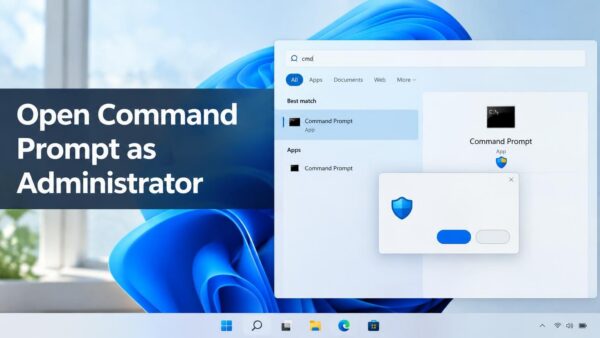
Opening cmd as administrator in Windows 11 means starting Command Prompt with elevated rights, which lets it change system files and settings that a…
Step-by-step guides for Windows, Linux, networking and everything tech — written by experts, verified for accuracy.
Most recently published
Opening cmd as administrator in Windows 11 means starting Command Prompt with elevated rights, which lets it change system files and settings that a…

The shared experiences settings in Windows 11 are at Settings > System > Shared experiences. Turning them off stops file sharing with nearby PCs…

Mouse keys in Windows 11 lets you move the pointer with the numeric keypad instead of a mouse or touchpad. To turn it on,…
Quick Settings in Windows 11 includes a Bluetooth tile that switches your PC's Bluetooth radio on or off with one click. Bluetooth connects headphones,…

A color profile in Windows 11 is an ICC file (a standard format named after the International Color Consortium, which describes how a display…

Setting an alarm in Windows 11 uses the built-in Clock app, which stores any number of alarms and rings them even when the app…

File Explorer copies files from a USB drive to a Windows 11 laptop. Small transfers usually finish in about a minute. To copy files…

Windows Hello, the face, fingerprint and PIN sign-in system, can brighten your screen for a moment when the room is too dark for it…
One email when we publish a guide worth your time — new Windows features, the fixes that actually work, and a heads-up when Microsoft breaks something. Unsubscribe in one click.