
Should You Turn Off Widgets in Windows 11
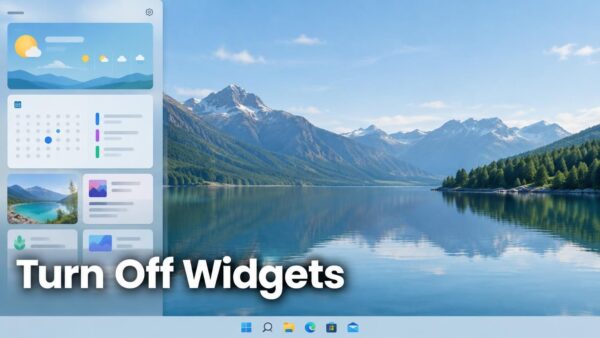
Widgets in Windows 11 is a panel that shows small cards for weather, calendar, to-do items, news and more. Turn it off if you…
Step-by-step guides for Windows, Linux, networking and everything tech — written by experts, verified for accuracy.
Most recently published
Widgets in Windows 11 is a panel that shows small cards for weather, calendar, to-do items, news and more. Turn it off if you…

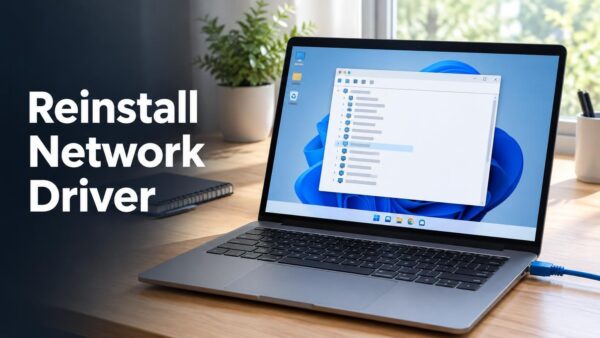
Reinstalling a network adapter driver in Windows 11 means removing the adapter in Device Manager, restarting the PC, and letting Windows install the driver…
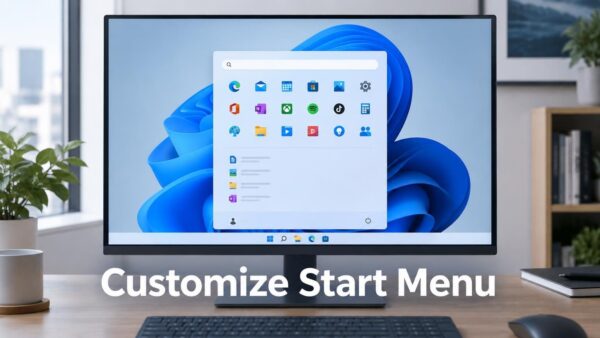
The Start menu in Windows 11 lets you control what appears and how it's arranged in two ways: change what shows up using Settings,…
Do Not Disturb in Windows 11 stops notification sounds and banners from popping up while you're playing a game, presenting, or using a full-screen…
Windows 11 lets you switch between light theme and dark mode in Settings > Personalization > Colors. The change takes effect right away—you don't…

Adding an English keyboard to Windows 11 takes just two minutes and requires no restart. Open Settings, go to Time & language > Language…
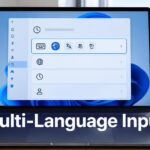
Windows 11 lets you type in multiple languages and switch between them smoothly using Settings. You set up each language and keyboard in Language…
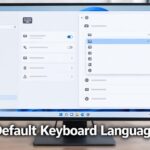
Windows 11 lets you pick which keyboard layout starts up by default when you open a new app. This keyboard layout is what Windows…
One email when we publish a guide worth your time — new Windows features, the fixes that actually work, and a heads-up when Microsoft breaks something. Unsubscribe in one click.