


Change Where Game Captures Are Saved in Windows 11
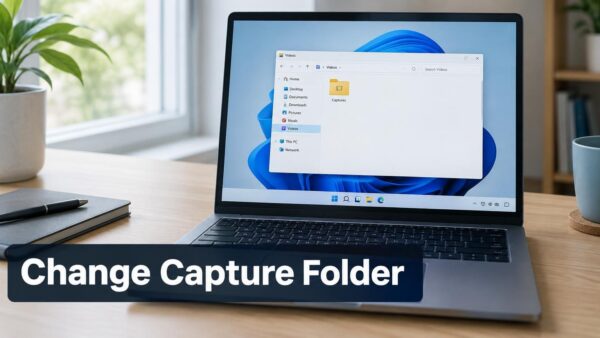
Game captures in Windows 11 save to the Captures folder inside your Videos folder by default, at C:\Users\USERNAME\Videos\Captures. To change that, move your Videos…
Step-by-step guides for Windows, Linux, networking and everything tech — written by experts, verified for accuracy.
Most recently published
Game captures in Windows 11 save to the Captures folder inside your Videos folder by default, at C:\Users\USERNAME\Videos\Captures. To change that, move your Videos…

What breaks when you turn off Copilot in Windows 11 is mostly Copilot itself: the chat assistant, its taskbar button, and the shortcut or…

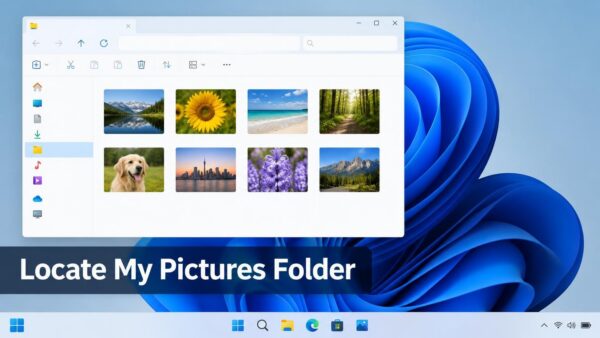
Your photos live in the Pictures folder on a Windows 11 PC. It sits at C:\Users\USERNAME\Pictures. The quickest way to open it is to…

The Music library in File Explorer is hidden by default in Windows 11. Here is how to show it. Open File Explorer, select See…

Removing your password from sign-in with Windows Hello means the Windows 11 sign-in screen stops offering your password and accepts only a PIN, face…

To set the default playback device in Windows 11, open Settings > System > Sound and choose your speakers or headphones under Output. The…

Windows 11 can sign you in on its own after an update restarts your PC. This post shows how to turn that off in…

CGI scripts are programs that Apache runs to build a web page when someone asks for it. To set one up on Ubuntu 26.04,…
One email when we publish a guide worth your time — new Windows features, the fixes that actually work, and a heads-up when Microsoft breaks something. Unsubscribe in one click.