
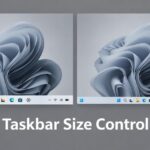
How to Enable or Disable Changing Taskbar Size in Windows 11
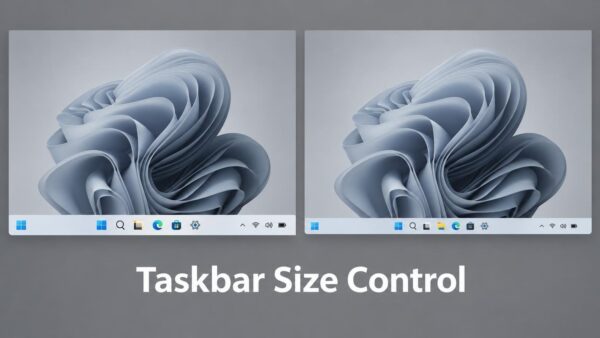
Windows 11 version 26H2 and later let you make the taskbar smaller to save screen space. The Small taskbar size shrinks both the icon…
Step-by-step guides for Windows, Linux, networking and everything tech — written by experts, verified for accuracy.
Most recently published
Windows 11 version 26H2 and later let you make the taskbar smaller to save screen space. The Small taskbar size shrinks both the icon…

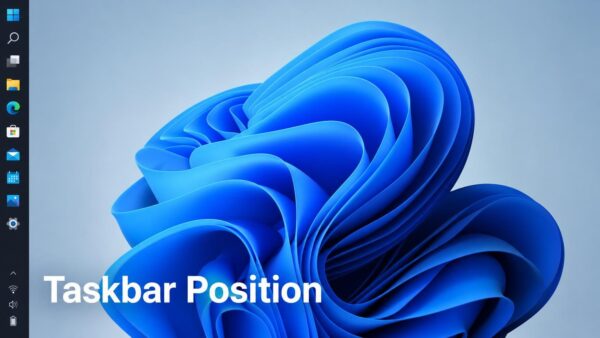
Windows 11 lets you move the taskbar to different edges of your screen — bottom, top, left, or right. A policy called "Disable changing…
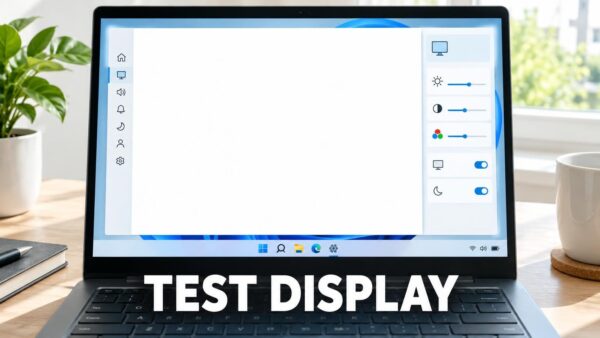
Testing your laptop display in Windows 11 takes about 15 minutes and needs no extra software or special permissions. Windows has built-in tools that…
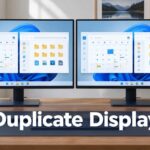
Display duplication in Windows 11 lets both your monitor and a projector, TV, or second screen show the exact same image at the same…
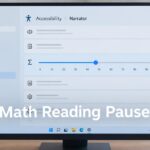
Narrator math reading pause factor controls how long Narrator (the built-in screen reader in Windows 11) waits between words when reading equations aloud. A…
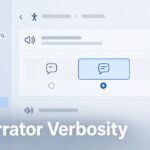
Narrator's math reading verbosity level controls how much detail Narrator speaks when it reads equations out loud. Windows 11 gives you three choices: Terse…
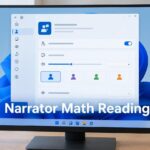
Narrator in Windows 11 reads math equations out loud in three different styles: Clear speak, Simple speak, and Literal speak. You can pick the…
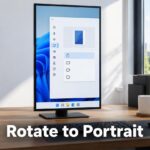
Rotating your monitor to portrait orientation in Windows 11 takes just a few clicks in Settings. Open Settings > System > Display, pick your…
One email when we publish a guide worth your time — new Windows features, the fixes that actually work, and a heads-up when Microsoft breaks something. Unsubscribe in one click.