Follow
🪟

Windows

Windows 3 min read
How to Check Active Power Plans in Windows 11

The post instructs students and new users on how to view their active power plan, also known as a power scheme, in Windows 11. Power plans, a collection of hardware and system settings, manage computer power use and conservation, improving battery life and reducing power consumption. The post also guides users through the steps of viewing their device's active power plan in the classic Control Panel of Windows 11.

June 8, 2022 Read more →
Windows 2 min read
How to Open Folders in New Windows on Windows 11

This guide explains how to configure Windows 11 to open a new folder in its window in File Explorer instead of the default, which is the same window. This feature enables users to maintain separate windows for each folder, which aids multi-tasking. The procedure involves manually adjusting settings within File Explorer options.

June 3, 2022 Read more →
Windows 2 min read
How to Change Touchpad Sensitivity in Windows 11

The post instructs students and new users on how to adjust the touchpad sensitivity in Windows 11. The guide explains how to navigate through the System Settings pane to reach the touchpad settings. There, users can adapt the touchpad's sensitivity according to their needs, improving responsiveness and pointer movement control.

May 31, 2022 Read more →
Windows 2 min read
How to Enable Desktop Stickers in Windows 11

The post details how to enable and use the hidden desktop stickers feature in Windows 11, available only in Microsoft Insider Preview program for Windows 11 build 25162 or later versions. Users can personalise their desktops using stickers, which remain in place even when the desktop wallpaper changes. Enabling this feature involves adjustments in the Windows Registry. Users can then add, edit, resize, and move stickers, offering a new layer of customization.

May 29, 2022 Read more →
Windows 2 min read
How to Enable Narrator Keyboard Shortcuts in Windows 11

The post provides a step-by-step guide on enabling or disabling the keyboard shortcut for the Narrator app in Windows 11, a screen-reading tool for those with limited vision. It notes that the Narrator can mistakenly be turned on using the shortcut (Windows key + CTRL + ENTER) and offers instructions to avoid such instances.

May 24, 2022 Read more →
Windows 1 min read
How to Enable Desktop Search Box in Windows 11

The post provides a guide for students and new users to toggle the desktop search box in Windows 11. This feature is exclusively available for the devices enrolled in Microsoft Insider Preview program and allows users to query web content via Bing directly from their desktop. The write-up also covers how this functionality can be enabled or disabled.

May 19, 2022 Read more →
Windows 3 min read
How to Enable or Disable Suggested Actions in Windows 11

The post outlines how to enable or disable the 'Suggested Actions' feature in Windows 11, available to those enrolled in the Microsoft Insider Preview program. The feature suggests relevant actions when you copy relevant content like dates, phone numbers, etc. inside or across different apps, making everyday tasks quicker and easier.

May 15, 2022 Read more →
Windows 3 min read
How to Access the Windows 11 Notification Center

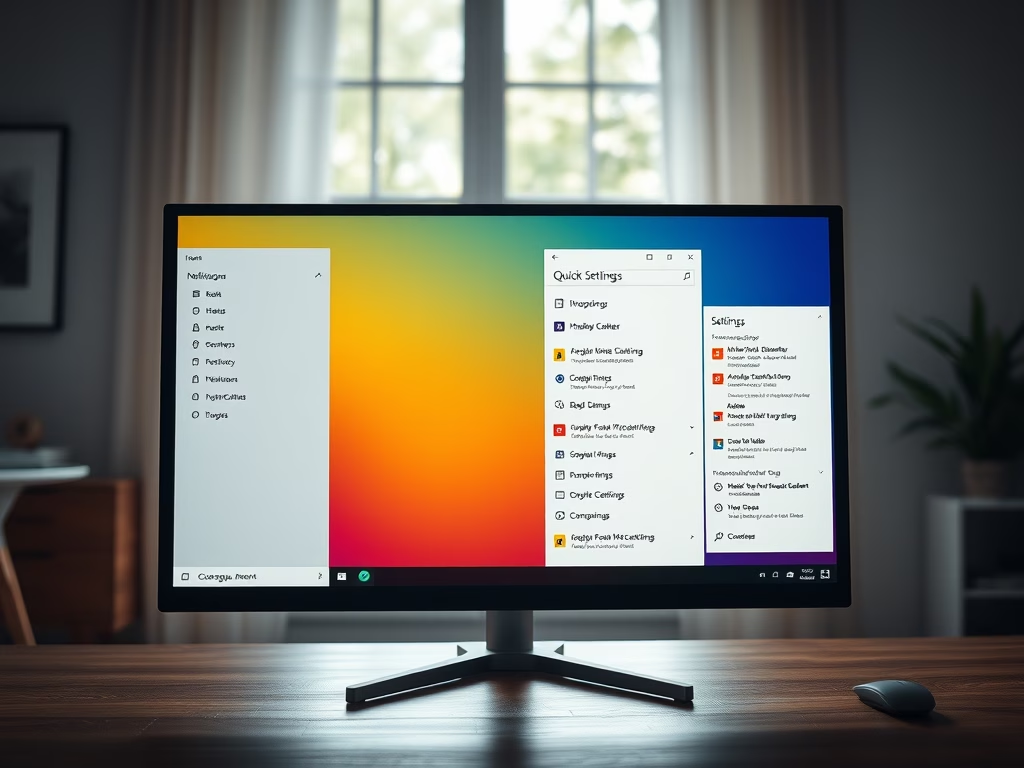
This content provides a guide on how to access the Notification Center and Quick Settings in Windows 11. The Notification Center is accessed by clicking on the date and time on the Taskbar or by pressing Windows logo key + N. Quick settings can be opened by clicking on status icons (Wi-Fi, Ethernet, Volume, Battery) on the Taskbar or pressing Win key + A. Notifications can be cleared individually or all at once.

May 12, 2022 Read more →
Windows 3 min read
How to Disable Editing Quick Settings in Windows 11

The post provides a guide on how to disable or prevent editing of the Quick Settings menu in Windows 11. It initially details the features of the Quick Settings menu and then proceeds to explain the step-by-step process for disabling users from editing, using the Local Group Policy Editor. The steps involve navigating specific setting paths and configuring the 'Disable Editing Quick Settings' setting.

May 11, 2022 Read more →
CMS 2 min read
How to Install AMPPS Stack on Windows 11

The post provides a guide for students and new users on installing and configuring the AMPPS Stack on Windows 11. AMPPS, a lightweight WAMP and MAMP stack, allows users to create new websites and install web applications easily. It includes a feature-rich WordPress Manager and enables installation of over 400 apps via Softaculous Auto Installer. The guide includes a step-by-step installation process and addresses firewall configurations.

May 9, 2022 Read more →
Windows 3 min read
How to Automatically Start Magnifier Before Signing in Windows 11

This article explains how to automatically enable the Magnifier feature in Windows for users with low vision. It outlines steps for setting the Magnifier to start before or after signing in using both mouse and keyboard methods. The process is detailed for Windows 11, enhancing accessibility for individuals with visual impairments.

May 8, 2022 Read more →
Windows 3 min read
How to Enable or Disable Magnifier in Windows 11

The article explains how to enable or disable the Magnifier feature in Windows 11, which enhances visibility for users with poor eyesight. Users can access Magnifier settings through Accessibility in System Settings or via keyboard shortcuts. The feature allows customization of zoom levels and pointer interactions to improve the user experience.

May 7, 2022 Read more →
Windows 3 min read
How to Auto Start Narrator in Windows 11

This article guides users on automatically starting the Narrator feature in Windows 11 for individuals with visual impairments. It details how to configure settings in the Accessibility menu to activate Narrator before or after signing in, enhancing accessibility with improved integration in applications like Outlook.

May 6, 2022 Read more →
Windows 3 min read
How to Enable or Disable Narrator in Windows 11

This article outlines how to enable or disable the Narrator in Windows 11, a built-in screen reader supporting users with vision difficulties. It details steps through the System Settings menu or via keyboard shortcuts. Enhanced integration with applications like Outlook and web pages makes it user-friendly, providing essential reading without extensive commands.

May 5, 2022 Read more →
Windows 3 min read
How to Change Mouse Double-Click Speed in Windows 11

This article provides instructions on adjusting mouse double-click speed in Windows 11 to enhance user experience. It outlines how to access System Settings, navigate to mouse settings, and tailor the double-click speed according to individual preferences. Customizing these settings can lead to more comfortable and efficient mouse usage, benefiting overall productivity.

May 2, 2022 Read more →