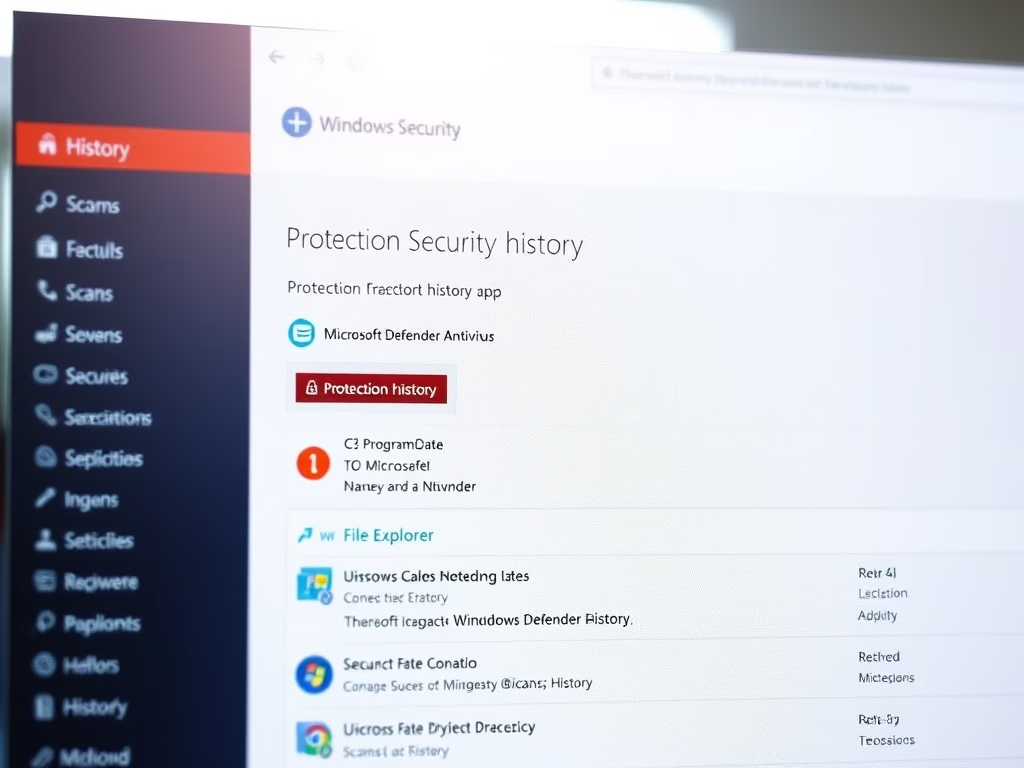
How to Clear Windows Security History in Windows 11
This text explains the process of manually clearing Windows Security Protection history events on Windows 11, which by default are only retained for two weeks. To do so, users must be logged in as an administrator, navigate to a specific path within File Explorer, and delete the Service folder, then restart their computer.
July 2, 2022
Read more →