How to Enable or Disable Modern Standby in Windows 11
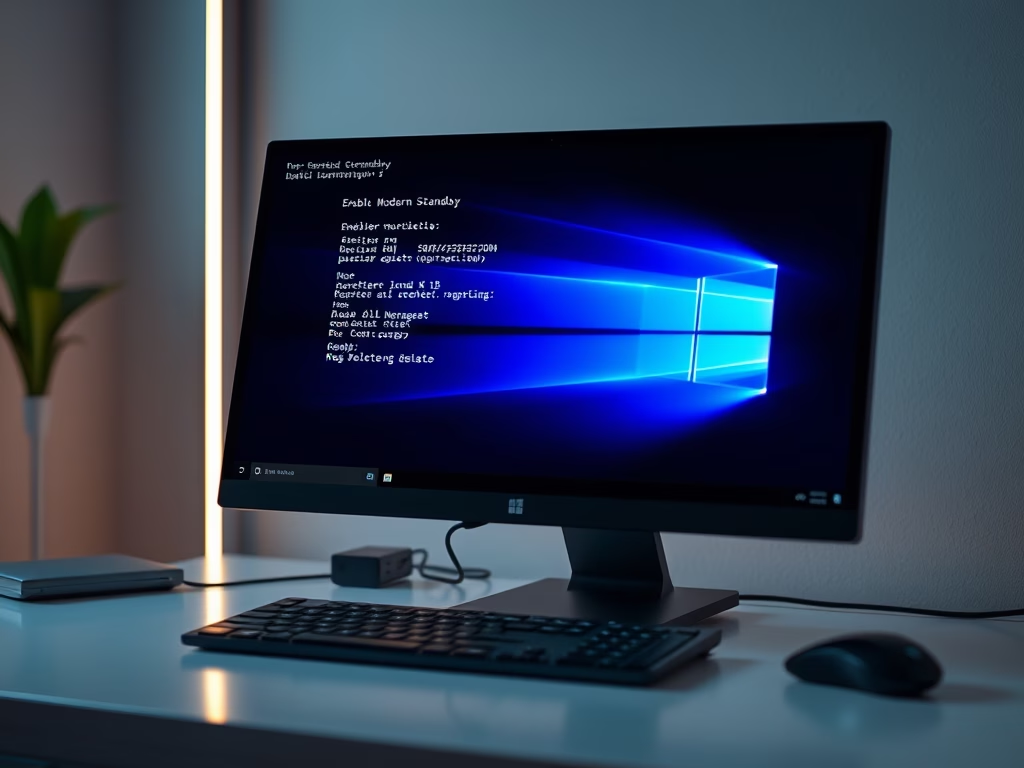
This guide explains how to disable Modern Standby on Windows 10 or 11, reverting to the S3 sleep mode for better compatibility with certain devices. Modern Standby saves power while connected to the internet, but some users may prefer S3 for fewer crashes and reduced power consumption. Administrative access is required for changes.
Updated Oct 2026
Read more →