How to Hide Recent Files in Windows 11 Start Menu
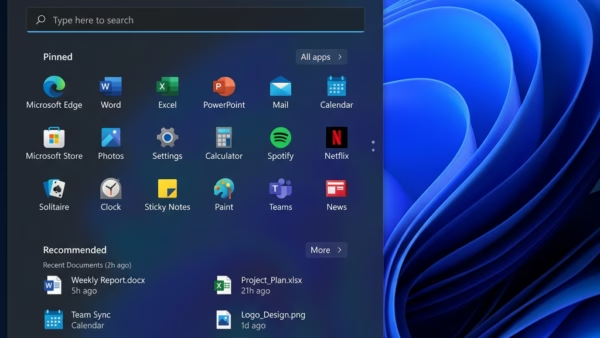
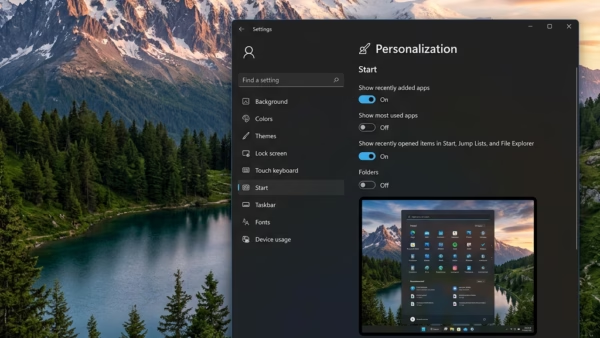
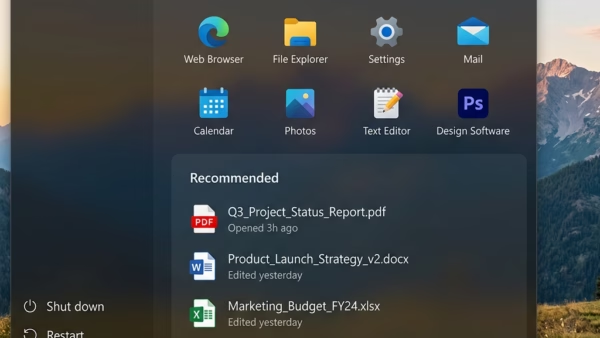
The “Recommended” section at the bottom of the Windows 11 Start menu shows your latest documents, pictures and files by default. Anyone standing behind you, or sharing your screen in…
Updated Oct 2026
Read more →