Category: Windows
-

Date:
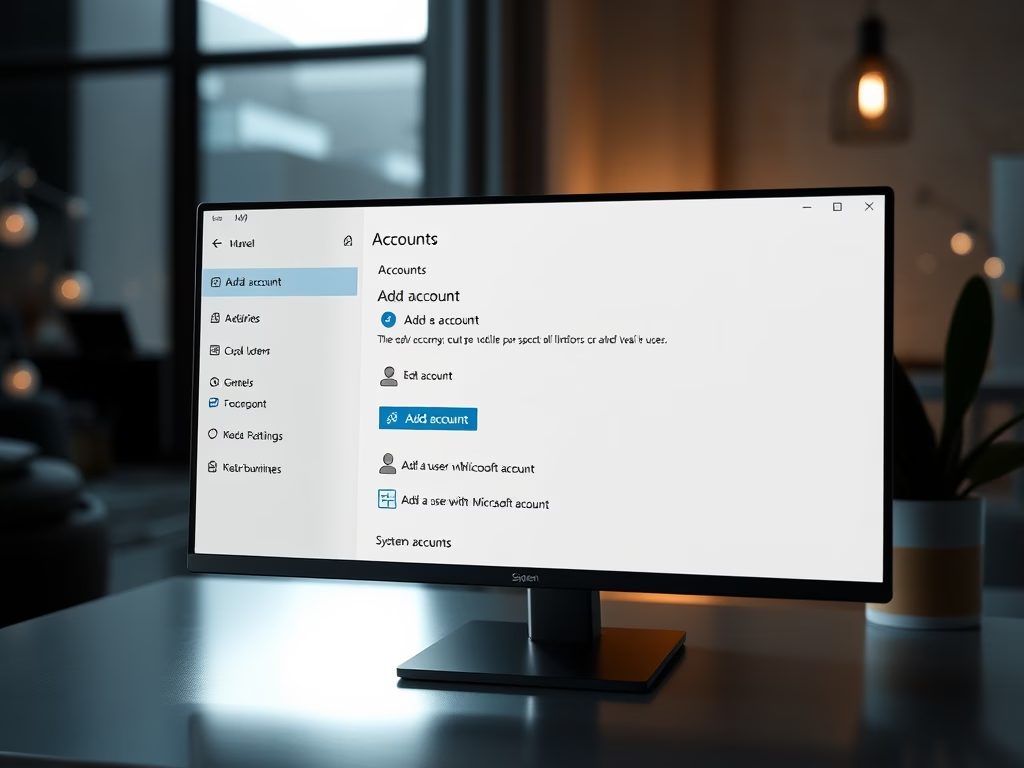
How to Identify Windows 11 Account Type
The article guides on determining the type of account used to sign into Windows 11, which supports multiple user profiles and allows…
-

Date:
Show or Hide File Extensions in Windows 11
The article guides on how to show or hide file extensions for known file types in Windows 11. File extensions, typically 3-4…
-

Date:
Enable or Disable Recently Added Apps in Windows 11
The article provides a step-by-step guide to enable or disable the “Show recently added apps” feature in Windows 11. This feature, which…
-

Date:
Manage Recently Opened Items in Windows 11
The article provides a guide on how to enable or disable the “Show recently opened items in Start, Jump Lists, and File…
-

Date:
Enable/Disable Snipping Tool Screenshot Saving in Windows 11
The article provides a step-by-step guide to enable or disable the auto-save screenshots function in the Snipping Tools app on Windows 11.…
-

Date:
How to Adjust Screen and Sleep Settings in Windows 11
The article provides a guide on adjusting screen and sleep settings in Windows 11 to suit user preferences. Usually, Windows 11 automatically…
-

Date:
How to Disable Accent Color in Windows 11
This article provides steps to enable or disable the “Show accent color on title bars and windows borders” feature in Windows 11.…
-

Date:
How to Disable Widgets Board on Hover in Windows 11
The article provides steps to control the hovering actions of the Widgets board in Windows 11. Starting with build 25211, Microsoft introduced…
-

Date:
Enable Always Show Scrollbars in Windows 11
The article provides instructions to enable or disable the ‘always show scrollbars’ feature in Windows 11 through the system settings, accessibility, and…
-

Date:
Enable CTRL+ALT+DEL for Windows 11 Sign-in
This text outlines how to enable or disable the requirement for users to press CTRL+ALT+DEL on the sign-in screen for added security…