This guide explains how to turn the Copilot Actions feature on or off in Microsoft Edge. This feature allows the AI to perform tasks for you while you browse the…
Microsoft Edge includes a special look called the Copilot theme. This guide explains how to turn this visual style on or off for your user account. Why use the Copilot…
This guide explains how to turn the Copilot Journeys feature on or off in the Microsoft Edge browser on Windows 11. Why use Copilot Journeys? Browsing the web often involves…
You can enable or disable the Copilot new tab page in Microsoft Edge on Windows 11 to control whether AI-powered search and chat features appear when you open a new…
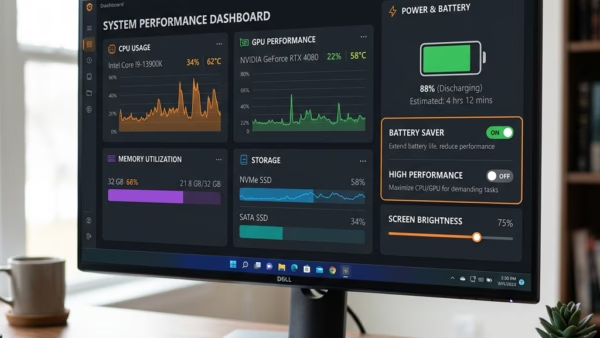
This tutorial will show you how to turn on or off “energy saver” in Microsoft Edge. You can do this for your account or for all users in Windows 11.…
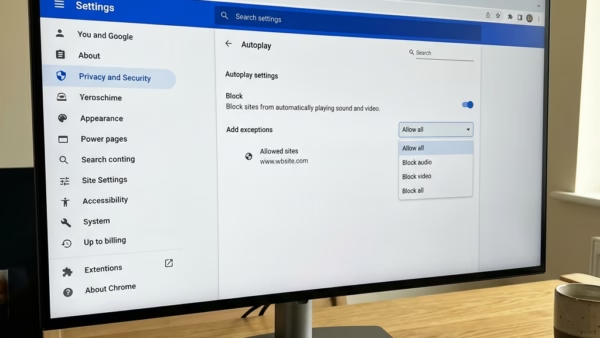
You disable Autoplay in Edge on Windows 11 to stop videos and music from playing automatically when you visit websites. This setting controls whether media starts instantly or requires your…
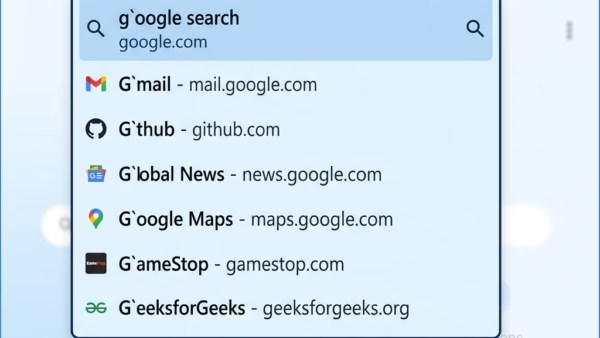
You enable or disable Microsoft Edge AutoSuggest directly within the browser’s settings. AutoSuggest, also known as search and site suggestions, provides real-time predictions as you type into the Edge address…
You enable or disable graphics hardware acceleration in Microsoft Edge to improve browser performance or troubleshoot display issues. Graphics hardware acceleration utilizes your computer’s GPU (Graphics Processing Unit) to handle…
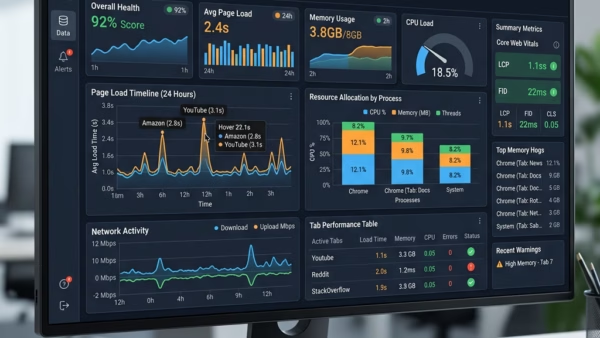
You enable or disable the Tab Performance detector in Microsoft Edge by adjusting a specific setting within the browser’s configuration pages. The Tab Performance detector is a feature that helps…
This tutorial shows you how to turn startup boost on or off in Microsoft Edge. You can do this for just your account or for everyone on your 11 computers.…
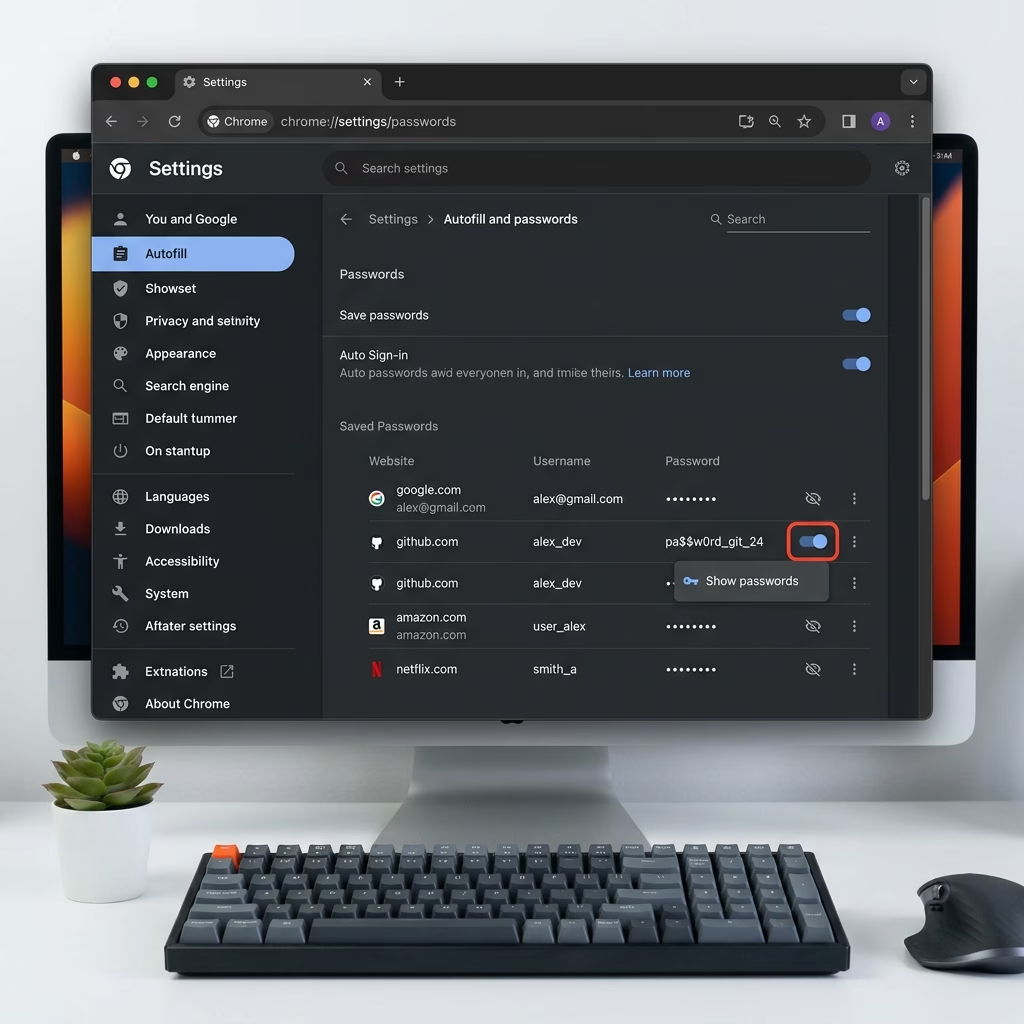
You enable or disable the password saving feature in Microsoft Edge on Windows 11 to control whether the browser prompts you to save login credentials. This setting dictates if Microsoft…
You can enable or disable autofill passwords and passkeys in Microsoft Edge on Windows 11 by adjusting browser settings. Password autofill in Edge saves your login credentials, like usernames and…
This tutorial shows you how to turn the guest browsing feature on or off in Microsoft Edge. This works for all users on Windows 10 and Windows 11. What is…
This tutorial will show you how to delete saved website passwords in Microsoft Edge for your account in Windows 11. Why Delete Saved Passwords? The Microsoft Edge web browser included…
This article explains how to enable or disable the Picture-in-Picture feature in Microsoft Edge, the default browser for Windows 11. Users can adjust settings via the browser or through the Windows Registry. Picture-in-Picture allows videos to be viewed while browsing other tabs, enhancing productivity.